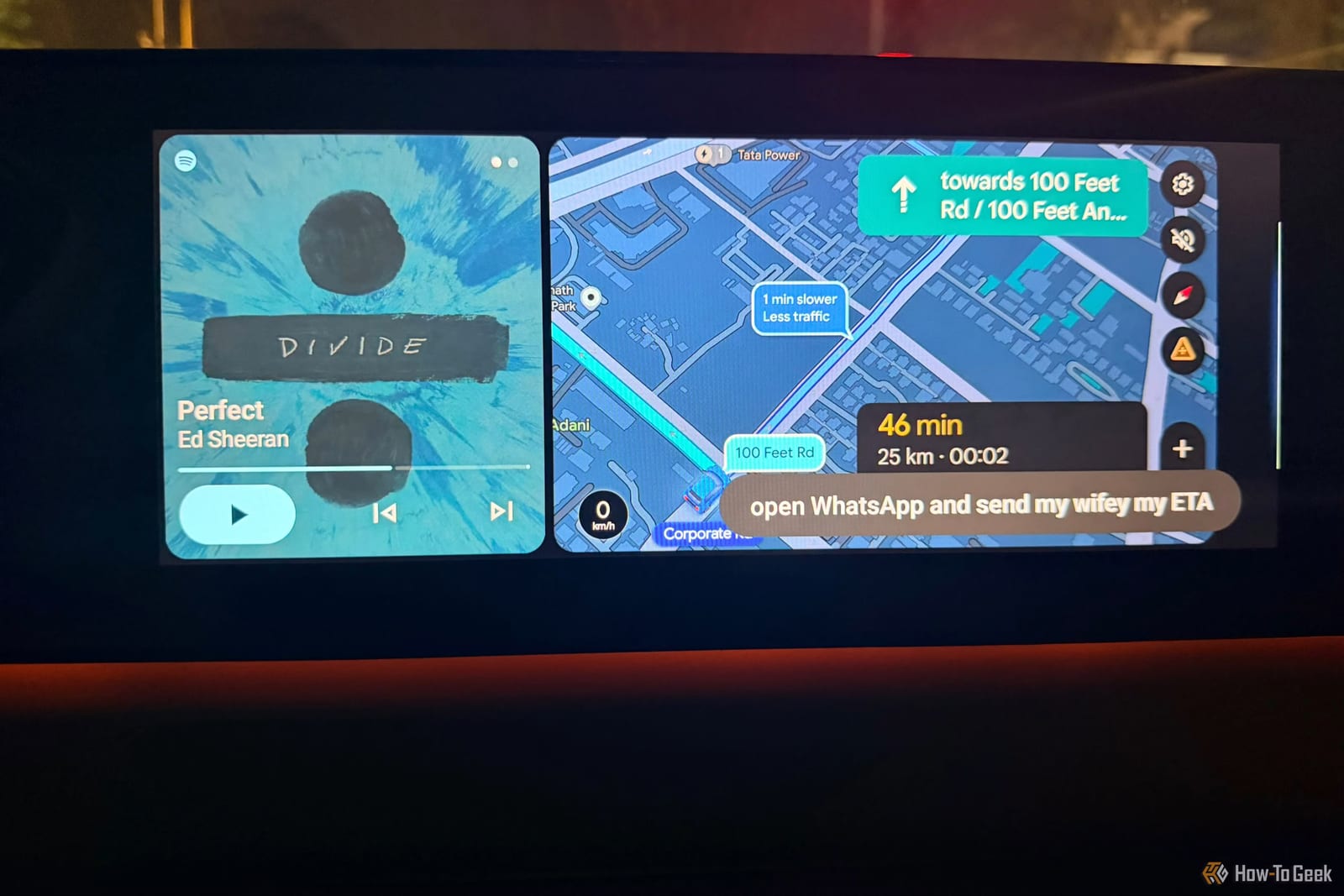
Google has added a Personal Intelligence update to Gemini, and it lets the assistant in Android Auto use information from Gmail, Calendar and Photos. Google announced it on October 20, 2026. The pitch is simple: ask once while driving, instead of unlocking the phone to hunt for an appointment time or a hotel address.
What changed
Android Auto is the system that puts phone features on a car screen. It already handles navigation, calls and music. Pulling details out of a Google account has been harder. Personal Intelligence lets Gemini use context from connected Google apps, rather than fetching information from one app at a time.
What it can do
The reviewer at How-To Geek points to a few examples of requests that combine apps:
- Ask for a flight gate and any delay. Gemini pulls the booking from Gmail and checks the latest flight information.
- Ask Gemini to find a car wash from a photo taken last week in Google Photos, then navigate there.
- Ask for an indoor restaurant along the route that fits usual preferences, such as vegetarian, if that shows up in connected information.
How to turn it on
Personal Intelligence is off by default. To use it, open Gemini, tap the profile picture, select Personal Intelligence, then open Connected Apps. From there, pick the Google apps to link, such as Gmail, Calendar and Photos. Connecting everything is not required.
What to watch for
The rollout is gradual, and access depends on account and region, so the feature may not show up in a car right away. The material does not say which regions get it first or when it will reach everyone.
Because personal email, photos and calendar entries are involved, it makes sense to connect only what is needed and to review those permissions. Gemini can also get things wrong. Appointment times and directions are worth a second look before relying on them.
The takeawayPersonal Intelligence is off by default, so connect only the Google apps you need and double-check times and directions Gemini gives you.