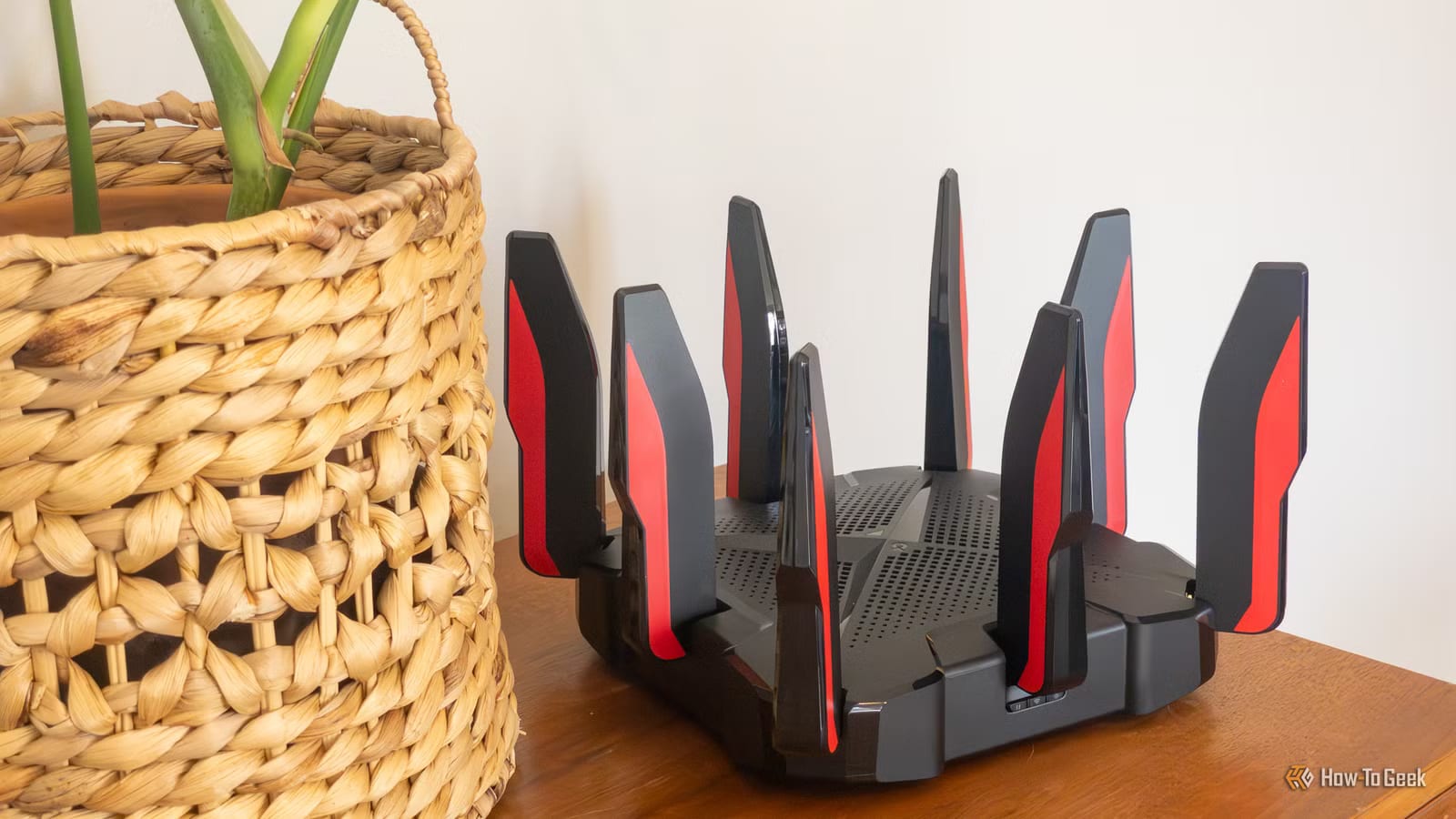
A bedroom with Wi-Fi that kept freezing video calls got fixed with a router that was sitting in a drawer. In a How-To Geek piece published Nov. 11, 2026, writer Arol Wright describes skipping a mesh system, which is a set of devices sold to spread Wi-Fi around a home. Instead, the old router became a second Wi-Fi source, connected by cable.
Why some rooms go dead
Wi-Fi gets weaker with distance, and what sits in between matters. Drywall has a modest effect. Brick and concrete can cut the signal a lot. Metal can block or reflect it. Most routers sit where the internet line enters the house, often at one end, which leaves far rooms behind several walls. A stronger router would not change that. A second transmitter closer to the room would.
Why a cable beats repeater mode
Many old routers offer a repeater mode, which grabs the signal and sends it out again with no cable needed. The catch is that it often uses the same radio for both jobs, which can cut speed by roughly half. Placing it inside the dead zone also defeats the purpose. The better option is a wired access point: an Ethernet cable links the old router to the main one, and it broadcasts its own Wi-Fi where it is needed.
If running a cable is not practical, powerline adapters or MoCA adapters, which use existing coaxial wiring, can work. Results depend heavily on the home's wiring.
How to set it up
Setup takes a few minutes. After a factory reset, log in to the old router's admin page and look for an access point mode. If there is none, set it up by hand:
- Turn off the old router's DHCP server, the feature that hands out addresses to devices.
- Give it an unused address on the main router's network, outside the range the main router hands out.
- Plug the cable into a LAN port on the old router, not the WAN port, to avoid double NAT.
- Use the same network name, password and security settings as the main router.
Using the WAN port can turn the old router into a separate network. That can interfere with device discovery, casting and some games. Check the maker's instructions, because some models need extra changes.
Update it first
Reusing a router saves money, but security comes first. Even as a plain access point, outdated firmware, the router's built-in software, can leave its wireless services and its management page open to attack. Update the firmware before putting an old router back on the network.
What to expect
Devices decide for themselves when to switch between the two Wi-Fi sources, so handoffs may be less smooth than on a true mesh system. For the 2.4 GHz band, the guide suggests 20 MHz channel widths and different channels for each device, chosen from 1, 6 and 11, to reduce interference. Top speed also depends on the Ethernet ports and equipment involved.
The takeawayIf a spare router and a cable run are available, update its firmware, turn off DHCP, use a LAN port, and it may fix a weak Wi-Fi corner for free.