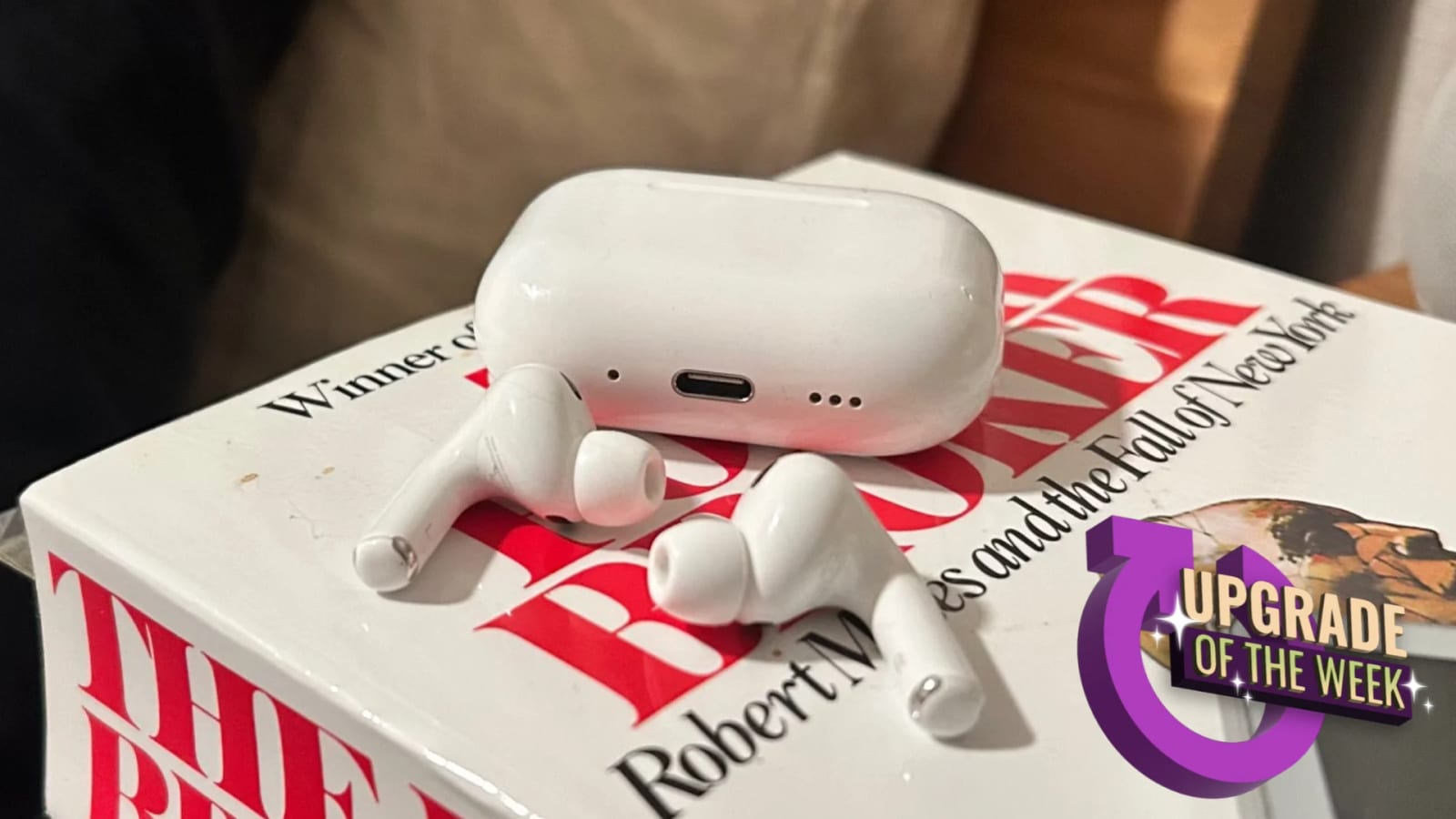
Some AirPods can now pause your podcast after you fall asleep. A Lifehacker writer who listens to podcasts at bedtime says the setting fixed a long-running annoyance: waking up hours later with the episode finished and the spot where sleep hit long gone.
How it works
The setting is called Pause Media When Falling Asleep. Apple says the earbuds use a built-in motion sensor, called an accelerometer, to track your movement or lack of it. When they decide you are drifting off, they pause the audio. The writer says the pause came within a minute or two of the last part remembered, and never happened by mistake during active listening.
Which AirPods and how to turn it on
- Supported: AirPods Pro 3, AirPods Pro 2, AirPods 4 and AirPods 5.
- Open the Settings app on your iPhone and go to your AirPods.
- Tap Audio & Routing, then scroll down to find the setting.
The AirPods Pro 3 launched alongside iOS 26 in fall 2025 at $249, and the article lists them at $199 on Amazon. Similar sleep pausing usually shows up in dedicated sleep earbuds, which often add sleep tracking. The writer skips that, since an Apple Watch already covers it.
What is not clear
The writer admits not knowing how the earbuds tell sleep from simply lying still. Apple's explanation, movement or the lack of it, is all the article offers. This is also one person's experience, not a test across many users.
The takeawayIf you own AirPods Pro 3, Pro 2, AirPods 4 or AirPods 5, check Audio & Routing in your AirPods settings for the sleep pause option.