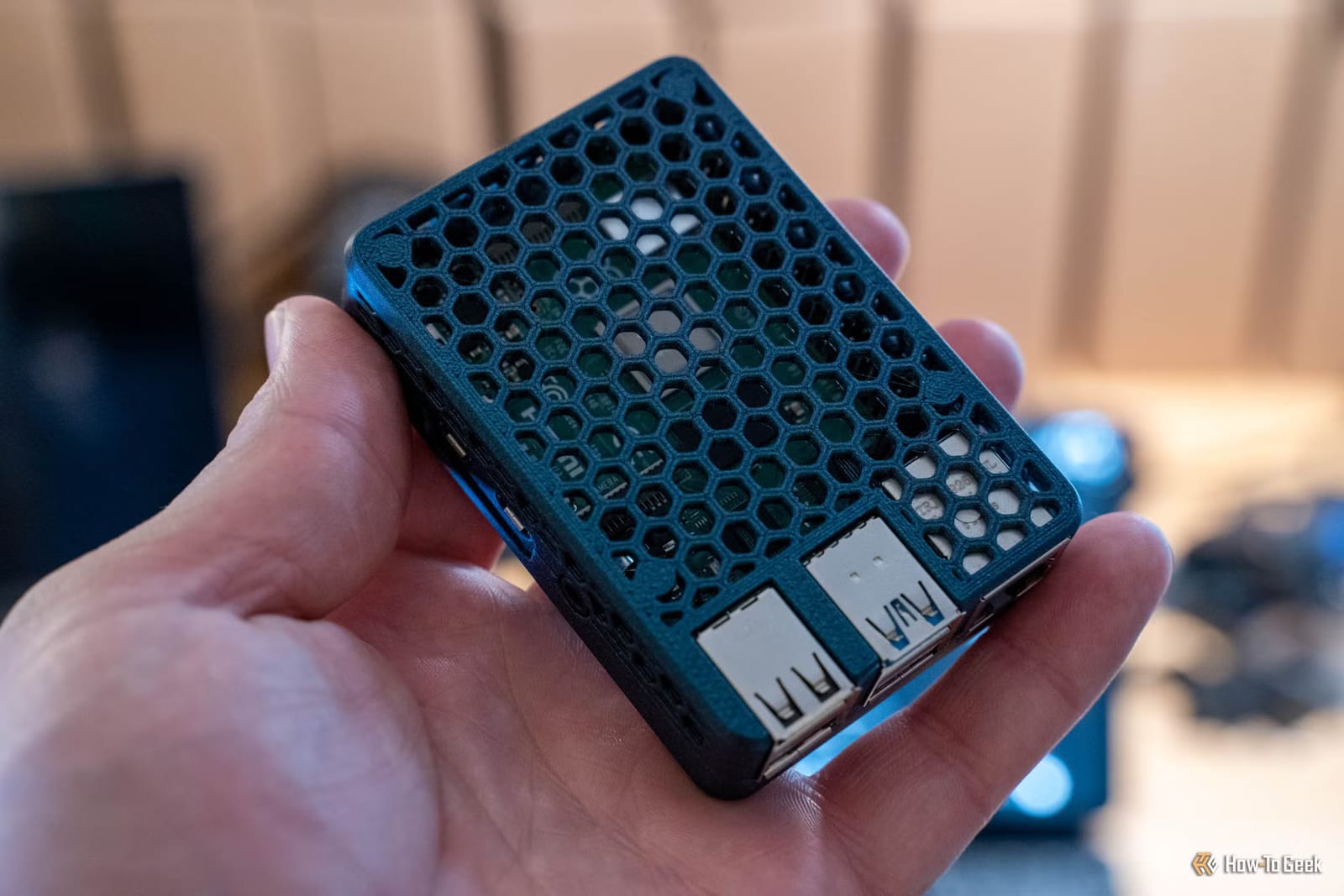
Patrick Campanale of How-To Geek has set up a tiny home computer that works like a private search assistant for his notes. It is a Raspberry Pi 5, a small, low-cost computer. It runs an AI model locally, so there is no subscription and no cloud AI involved. He says it has already helped him find notes he could not locate on his own.
What he built
Campanale writes everything in Obsidian, a note app that stores files on your own device in plain text. Plain text means almost anything can read the files, including an AI. He wanted to search those notes from any device, so he set up the Pi to hold a copy and answer questions about it.
How it works
Notes sync between his devices through an open source plugin called LiveSync, pointed at his own hardware instead of a third-party service. On the Pi, a database tool called CouchDB keeps the synced notes in an encrypted form. A second piece then turns them into readable Markdown files, a simple text format. The AI model browses those files.
The model is Qwen3 4B Instruct 2507. It runs through tools such as Ollama or llama.cpp, with Open WebUI providing a chat window. He can write on an iPad, Chromebook, laptop, desktop or phone. As long as the notes reach the Pi, he can search them there.
What it can and cannot do
Campanale is plain about the limits. He says the model is not frontier-grade, meaning not on par with the best AI available, and is not even a great model. It is good at processing text and surfacing information. He would not trust it with many household tasks or coding projects, but for simple note and document search he calls it quite capable.
Only the Pi 5 can run this at a decent speed, he says. Older Pis can technically run a local model, but slowly and with limits. An optional add-on called the AI HAT+ 2 can help.
What to know before trying
The setup was not quick. Getting Open WebUI to search the notes took him a good few hours. Small models are not the smartest, and making this one follow its tool instructions took work. He posted his code on GitHub to spare others the same trouble.
- He says it should be fairly one-shot once you have the code.
- He still advises testing it a few times to confirm it works as you want.
- Offsite backups are separate. His go to Google Drive as encrypted files through Duplicati.
For anyone wary of privacy risks or monthly fees, the project shows that useful AI can run at home. It rewards patience more than it offers a quick fix.
The takeawayA Raspberry Pi 5 can run a small private AI that searches your notes, but expect a few hours of setup and some testing.