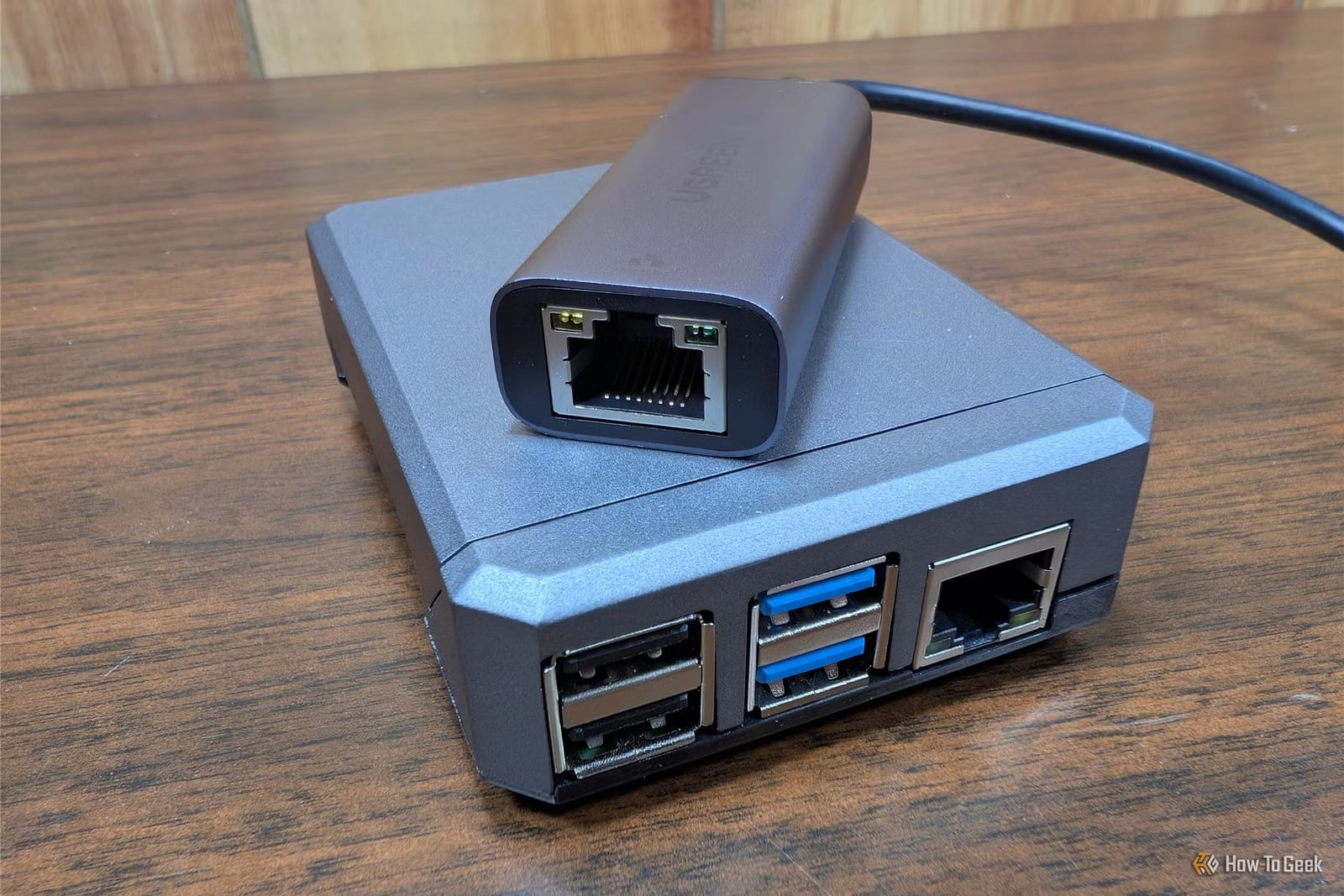
Hotel Wi-Fi is hard to trust, and one writer has a fix. Nick Lewis of How-To Geek turned a Raspberry Pi, a small hobby computer, into a travel router. Phones, laptops and game consoles connect to it, and it handles the security for all of them at once.
Why bother
Lewis says Wi-Fi networks are generally more secure than they used to be, but he still runs into poorly secured ones more often than he would like. HTTPS, the lock symbol in your browser, protects sensitive information on many sites. A VPN goes further. It is a service that scrambles all of your internet traffic, not just the parts that are usually protected. He says it probably is not strictly necessary, but he likes the peace of mind.
Ordinary travel routers are simple, with limited processing power. Lewis says that if you want more than the basic features, you are probably out of luck.
What it can do
A Raspberry Pi 4 or Pi 5 has far more room to grow. Lewis runs several things on his:
- A WireGuard VPN client that sends all connected devices' traffic back to his home network.
- Pi-hole, an ad blocker that cuts visual clutter, especially in mobile apps.
- A basic file server that also works as a media server for his car.
- A Minecraft server, which he calls useless but hilarious.
He says a Pi 4 makes an admirable little game server if you stick to the base game and keep the player count low. The Pi 5 is a big step up.
How setup works
The setup uses RaspAP, a free system image, plus a microSD card and a USB Wi-Fi adapter. The steps are short:
- Write the RaspAP image to the boot drive with the Raspberry Pi Imager.
- Set the OS customization options, or you cannot log in remotely later.
- Plug in the Wi-Fi adapter and the drive, then power on.
- Join the Wi-Fi network named RaspAP and open http://raspberrypi.local.
The RaspAP web page lets you configure everything. It is also where you tell the Pi which Wi-Fi network to join when you travel. Lewis says Pi 5 owners should use an NVMe SSD instead of a microSD card, because it is faster and more reliable.
What to know first
The Pi is not a one-trick device. The travel router needs only the microSD card and the adapter, so the Pi can go back to other projects at home. The password Lewis lists for the RaspAP network is ChangeMe, which is worth replacing. The article calls the Raspberry Pi 5 recommended for tech-savvy users, so this is a weekend project, not a plug-and-play product.
The takeawayA Raspberry Pi with the free RaspAP image can put every travel gadget behind one VPN, if you are comfortable with a bit of tinkering.