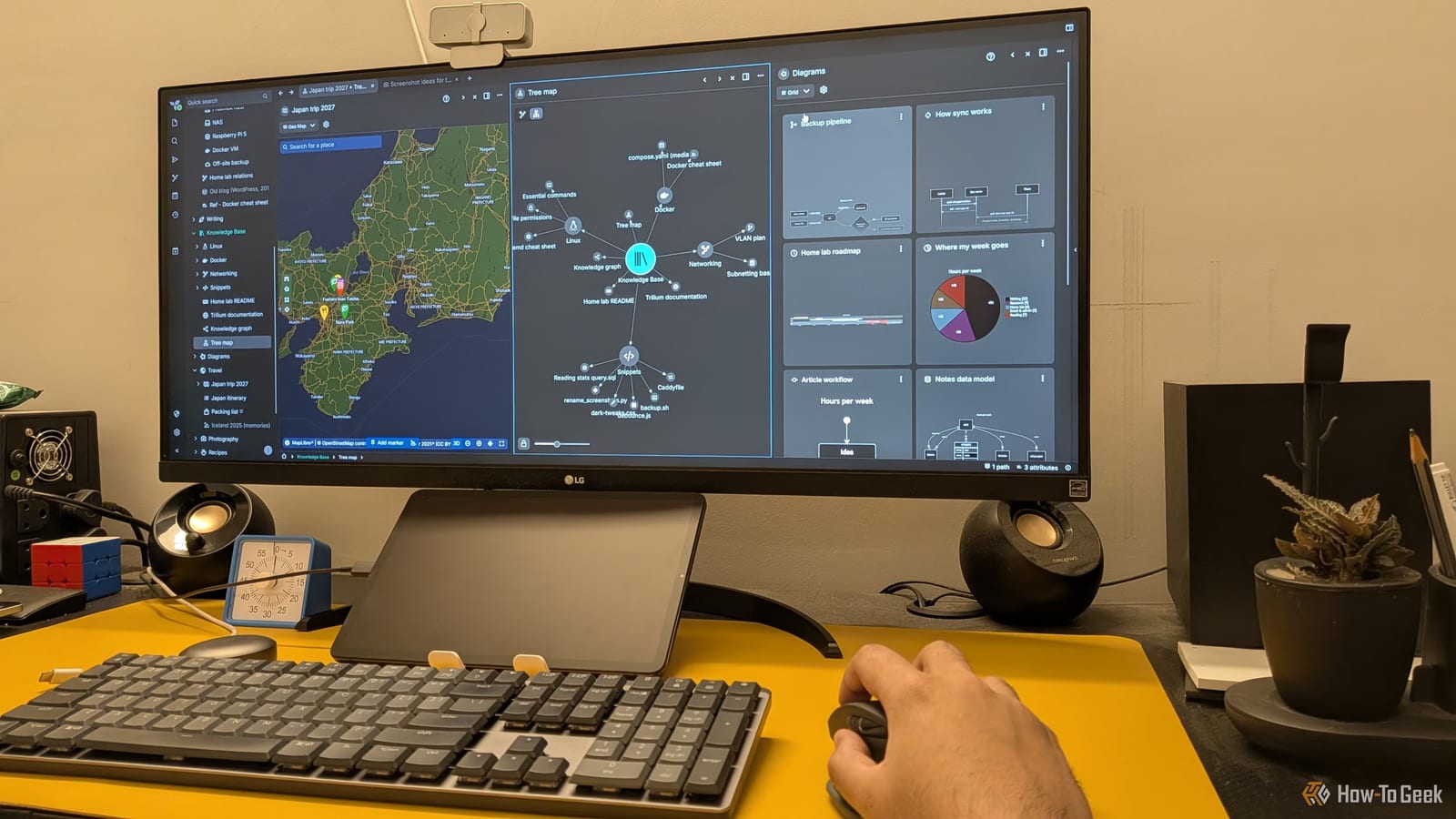
A tech writer at How-To Geek has dropped Obsidian, a popular note-taking app, for a free rival called Trilium Notes. The main reason was syncing. Obsidian charges $4 a month to keep notes in step across phone and computer. Trilium can do it for nothing, if you are willing to run a small server yourself.
Why the switch
The writer, Dibakar Ghosh, first tried a free tool called Syncthing to sync Obsidian notes. It went badly. Notes failed to sync properly and a lot of important data was lost. That pushed the search for a safer home with sync built in.
How Trilium syncs
Trilium is free and open source, meaning its code is public. A desktop version runs on Windows, macOS and Linux. On its own, the desktop app keeps notes only on that computer. To sync, you set up a Trilium server, which acts as a central hub. The writer runs it with Docker, a tool for packaging software, on a home lab.
Once the server is running, you can open a web version of Trilium in any browser on your home network. By default, the address is your server's IP address followed by :8080. Your notes stay on your own machine, not with a outside company. To reach the server from anywhere, the writer suggests Tailscale, a mesh VPN, which is a private network link between your devices.
What else is different
Trilium looks like Obsidian at first, with notes on the left and an editor in the middle. It also supports daily notes, links between notes and a graph view. The writer says it goes further in several ways:
- Notes can be drawings, diagrams, code, or spreadsheets with formulas (the spreadsheet is in beta).
- Notes nest inside other notes instead of folders. Three levels is the suggested limit.
- Collections show sub-notes as a Kanban board, calendar, map, presentation, list or table.
- Features are built in, so no plugins are needed.
Who it suits
The writer admits the pile of built-in features can feel like a lot. Someone who likes Obsidian's minimal look may find Trilium overcomplicated. Someone who installs a dozen Obsidian plugins may like it more.
Moving over looks simple. Trilium can import from Notion, Google Keep, OneNote, Evernote and Obsidian. In the writer's test, an Obsidian vault came across fairly well, with folders turned into parent notes.
What is not clear
The source does not say whether Trilium has a dedicated phone app, or how much setup time the server takes for a beginner. Running your own server is real work and is not for everyone.
The takeawayIf you pay for note syncing and can handle some setup, Trilium Notes is a free option that keeps your notes on your own server.