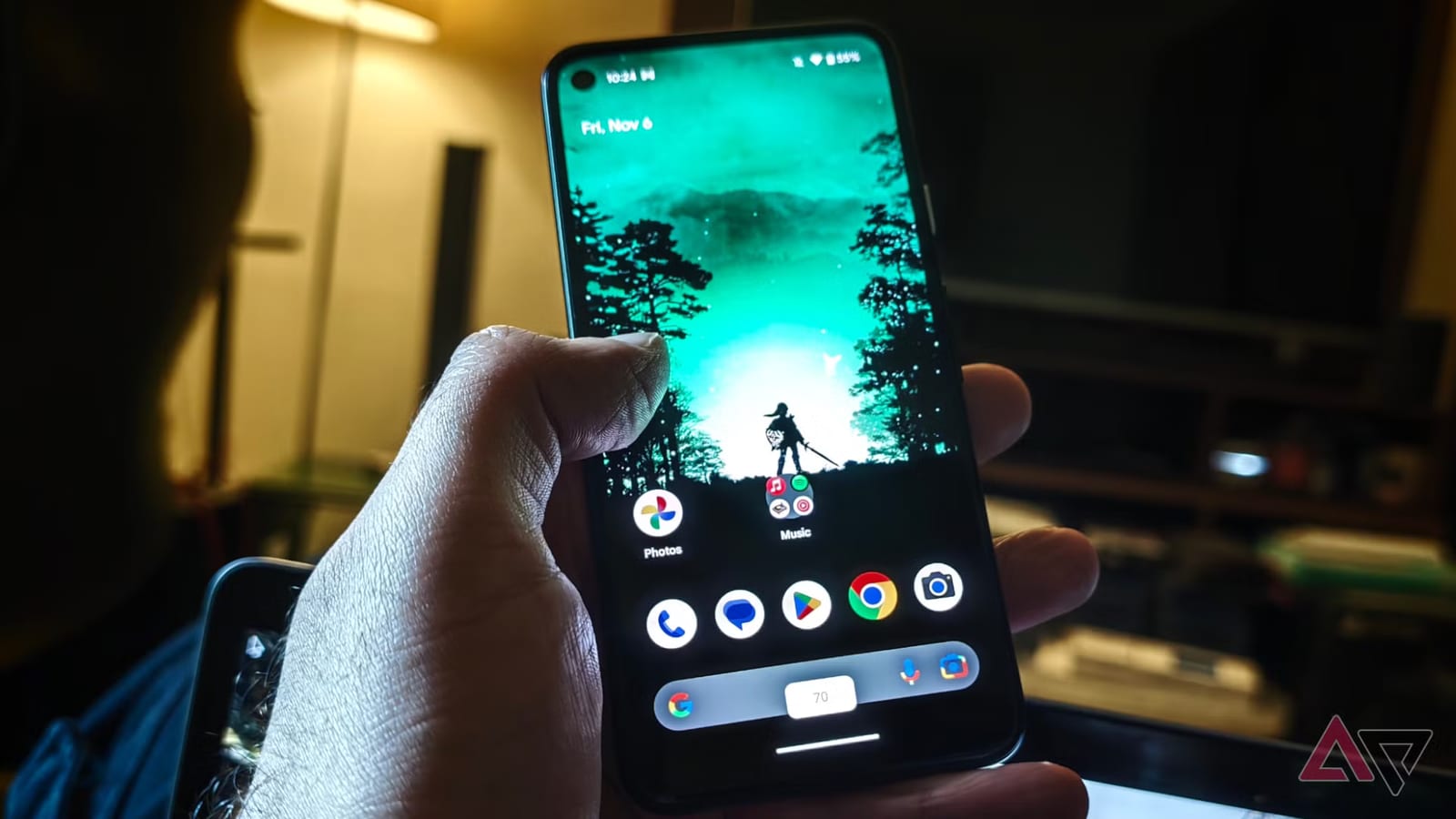
A free app called Edge Seek lets you change volume and screen brightness by swiping along the edges of your Android phone. A reviewer at Android Police says it made one-handed use much easier than the built-in controls. He also says it can dim the screen below the lowest level the phone normally allows.
What it does
Edge Seek is open source, which means its code is public and free to use. You install it from GitHub, a site where developers share software, not from an app store. Once it is running, you set up zones along the screen edges. Swipe up or down in a zone to raise or lower volume or brightness as you go.
You can split the edge into upper, middle and lower sections. You can also change how wide each zone is, make the edge indicators easier to see, and reset brightness quickly. Long-press, double-tap and directional swipe gestures can trigger other actions, such as opening the status bar or quick settings.
Why the reviewer liked it
The reviewer, Akshay Bhalla, says standard Android makes you use buttons for volume and a swipe-down menu for brightness. That can take two hands and pull you away from what you were doing. He says he would open the notification shade to dim the screen, then get sidetracked by an email or chat alert.
- Brightness changes without opening the notification shade.
- Volume drops fast if a video resumes loudly after you unlock the phone.
- The Dimmer setting lets the screen go below the system minimum, which helps with reading in a dark room.
He also says his phone seemed to last longer because he dimmed the screen more often. He did not measure how much battery it saved, so treat that as an impression, not a result.
The catch
There is a learning curve. Where the zones work best depends on your habits and your hand. Early on, you may set off a slider by accident. The reviewer says large hands make this more likely unless you practice.
His approach was to start with wide zones and clear indicators to build muscle memory. Once the gestures felt natural, he hid the indicators and made the zones narrower.
What it means for you
If you often use your phone with one hand, or read in bed with the lights off, this is a low-cost way to try something different. It is a review from one person, so how well it suits you may vary. The article does not say which phones it supports beyond the reviewer's own, so check that before you install.
The takeawayEdge Seek is a free way to try edge-swipe volume and brightness controls on Android, but expect some accidental touches while you learn it.