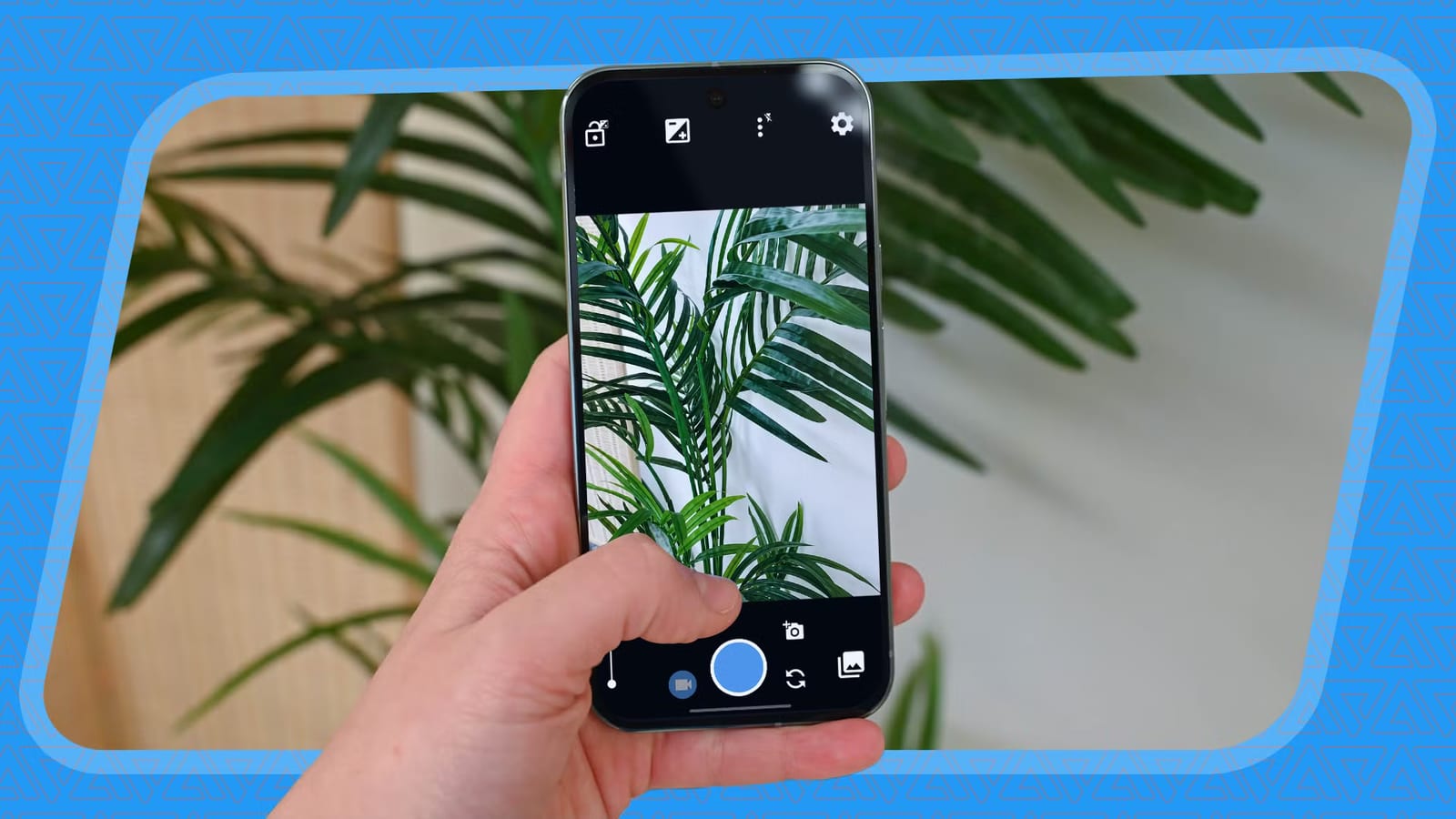
A writer at Android Police says a free app called Open Camera gives him cleaner phone photos than the stock camera apps on Samsung and Google phones. He says the results are good enough that he rarely needs to edit them afterward. The app is open source, which means its code is public, and it has no ads.
What makes it different
The writer's complaint is about the camera apps that come with Galaxy and Pixel phones. He says they lean heavily on over-processing and computational photography, which is software that reworks a shot after you press the button. In his view, that leads to over-sharpened and heavily saturated photos.
Open Camera takes a lighter approach. He says it produces clean photos and videos without AI enhancements or excessive processing. The app also has no tracking and no cloud features.
The one setting to change
The best features are switched off at first. Camera2 API is a part of Android that gives apps deeper control over the camera. It is not on by default.
- Open the app and go to Settings, then Camera API.
- Select Camera2 API.
- This unlocks manual modes and RAW support.
RAW is a photo format that skips the usual JPEG processing. With Camera2 API on, you can shoot in RAW and avoid that step.
What you get
The viewfinder, the live view on your screen, lets you adjust and lock exposure. You can also switch focus from automatic to fully manual. Settings such as white balance and timers sit in a single menu near the viewfinder. There is no need to switch into a separate Pro mode like on Galaxy and Pixel phones.
The writer also points to Dynamic Range Optimization, or DRO. It brightens shadows and highlights from a single frame. He says this avoids the halo effect often seen in HDR photos. You can turn it on under Photo Mode in the viewfinder settings.
Other options include Auto-level, which uses the phone's built-in gyroscope to keep shots straight. You can also choose what the viewfinder shows, such as a histogram or compass direction. Grid choices go beyond the usual 3x3, with golden ratio and triangular layouts.
What to keep in mind
The app looks dated, and the writer says it seems not to have had an interface update in over a decade. He argues the automatic settings work well out of the box, so you do not have to adjust everything by hand. This is one writer's opinion, based on using the app on every phone he has owned in recent years. Photo taste differs, so the only way to know is to try it against your own camera app.
The takeawayIf your Android photos look overdone, try Open Camera and switch on Camera2 API in its settings to unlock manual controls and RAW.