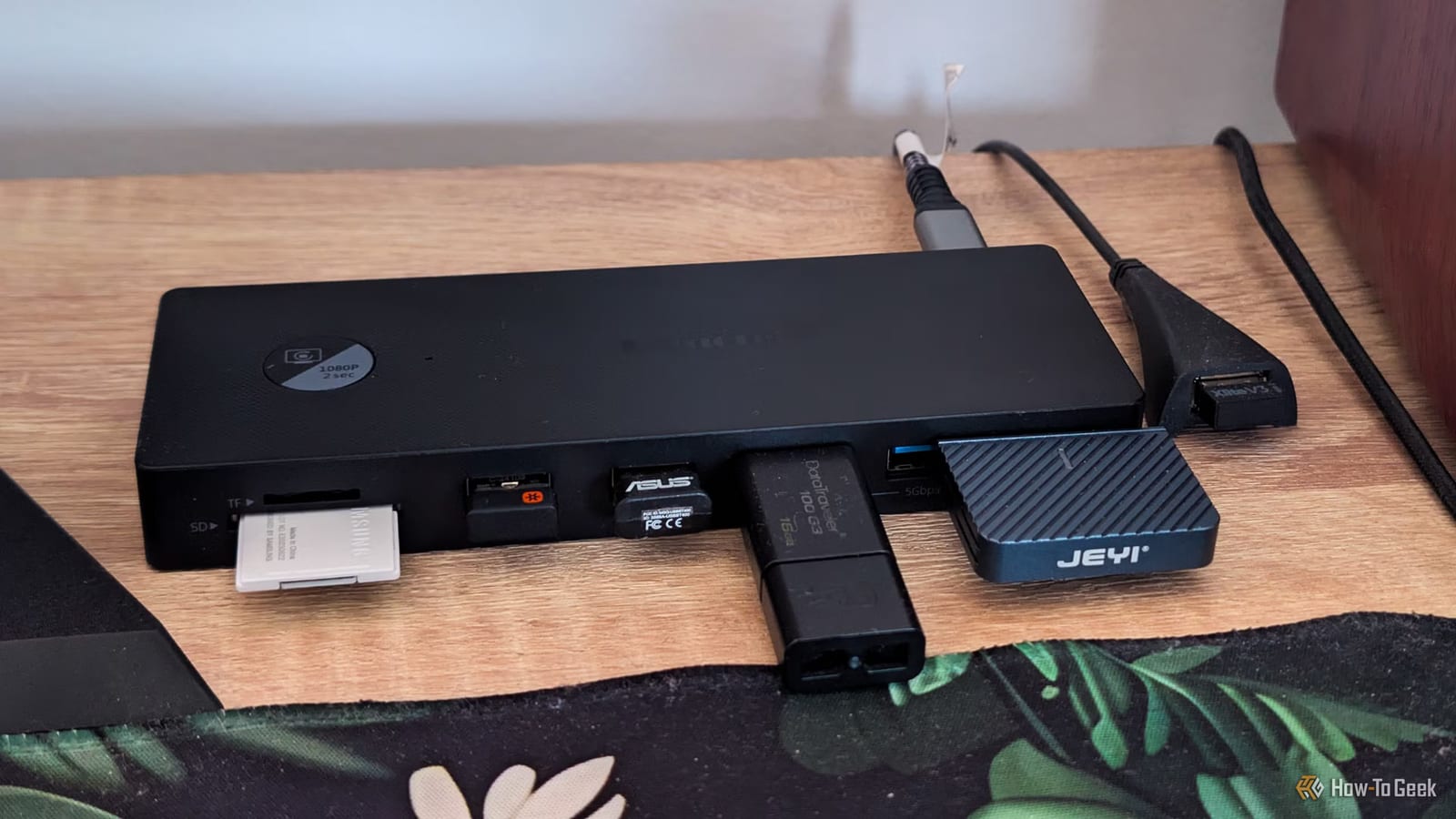
A desktop PC owner ran out of USB ports and fixed it with a $30 dock that plugs into a single USB-C port. The dock turned that one port into five USB ports plus an SD card reader. Nothing inside the computer had to be opened. The writer at How-To Geek called it one of the best upgrades made in years.
How the ports ran out
The PC was built in late 2020 with six USB ports on the motherboard and two on the front of the case. The monitor added a small two-port hub, so nine ports felt like plenty. Six years later, a second mouse, controller and keyboard had arrived, plus a portable USB-C SSD and an SD card reader. Then the case's front USB-C port died. Something always had to stay unplugged.
Why a dock instead of a card
The usual fix is a PCIe USB card, which sits inside the computer and adds ports at the back of the case. The writer wanted ports within arm's reach and a card reader close at hand. A USB-C dock could sit under the monitor. The motherboard had a 10Gbps USB-C port to feed it. The dock needed several front-facing ports, a cable of at least 3.3 feet, and no separate power adapter.
What the $30 dock offers
- Four USB-A ports and one USB-C port, all on the front
- A front SD and microSD card reader
- A removable USB-C cable, so a longer one can be used
- Three video ports, an Ethernet port and a 3.5mm audio jack
The dock was bought on Temu. It has a power port but works without it. After connecting it with a USB4 cable, the SSD worked right away. The writer now has two free USB-A ports on the dock, plus the USB-C port for the SSD.
What to check first
If extra ports are all you need, the writer suggests a plain USB hub. Hubs are cheap and come in USB-A and USB-C versions. A dock makes more sense if you also want an SD card reader.
One catch matters. Most USB-C ports on desktop motherboards carry data only, so the dock's video ports probably will not work. They may work if the board has Thunderbolt, USB4, or a USB-C port with DisplayPort Alt Mode turned on. Even then, the picture usually comes from the processor's built-in graphics, not the graphics card.
The takeawayBefore buying a dock for a desktop, check whether its USB-C port carries video. If you only need ports, a cheap USB hub may do.