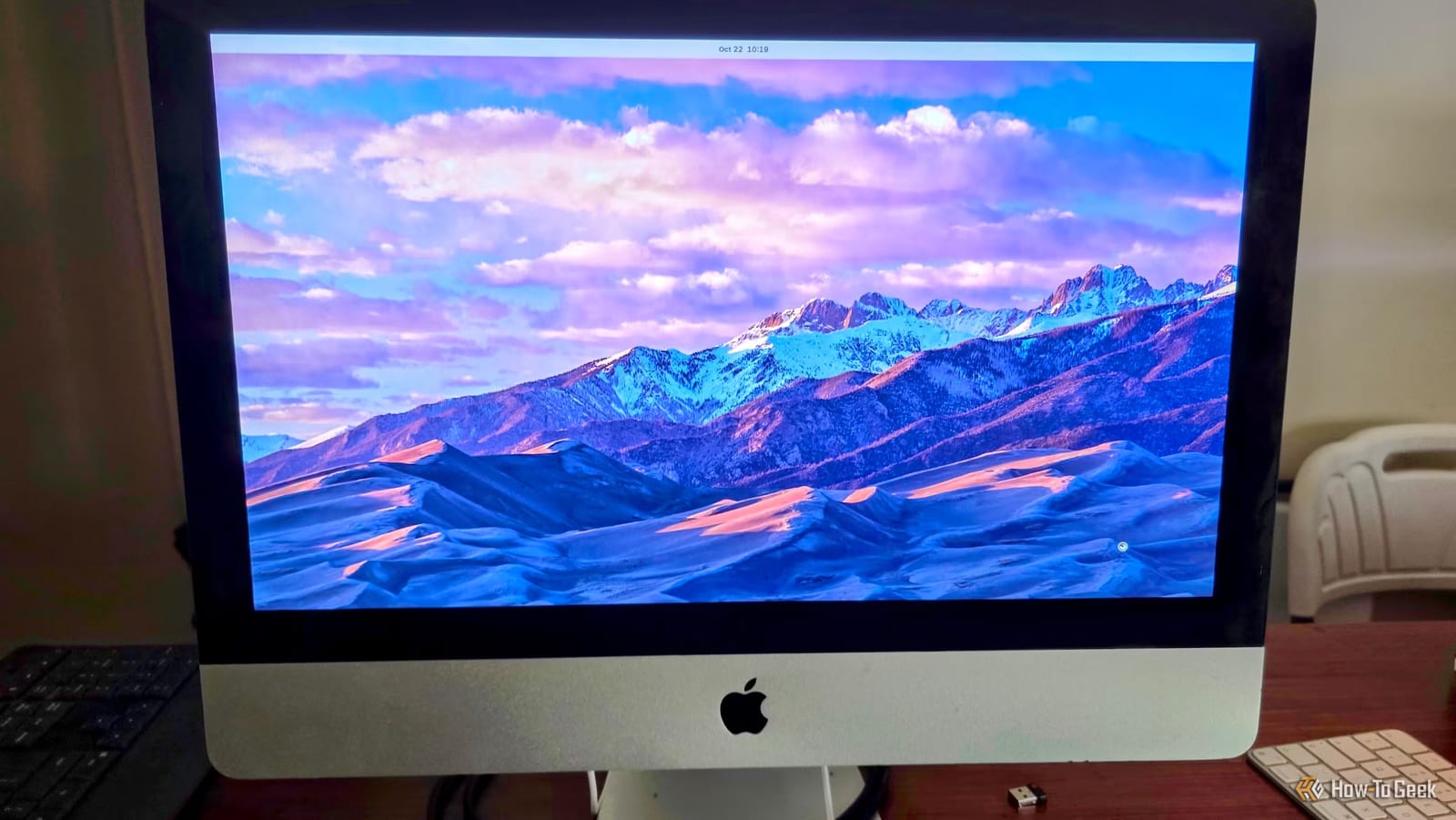
A mid-2011 iMac that cost $100 is a working everyday computer again. Writer Sydney Butler of How-To Geek replaced its outdated Apple software with Zorin OS, a free Linux system that looks a bit like macOS. Web browsing, simple office tasks and DVD playback all work.
Why an old iMac in the first place
The iMac was a side effect of a family project. Butler's wife had old digital videotapes to copy, and the camera could only send full-quality video over FireWire, an older cable type. FireWire cards and adapters for a current computer would have cost a fortune. A whole used iMac from 2011, the last year of iMacs with FireWire, was cheaper.
The machine is a 21.5-inch model with a quad-core chip, 8GB of memory, Radeon graphics and a 1TB hard drive. The screen and speakers are in good shape. Only the disc drive was broken.
The problem with the old software
The newest version of macOS this iMac can run is no longer supported by Apple. It cannot install the latest browsers and gets no security updates. Windows was an option through Boot Camp, but old Windows versions are a security headache. That left Linux, a free alternative operating system.
How the switch worked
The process was simple. Rufus, a tool for making startup drives, put Zorin OS on a USB stick. Holding the Option (Alt) key while turning on the iMac brings up startup choices. From there, the USB drive was selected and the usual installation steps followed.
Sound, Bluetooth, graphics and network all worked right away. One fix was needed. The browser showed graphical glitches under a display system called Wayland, and switching to an older one called Xorg (X11) cleared them up. DVDs played through a plug-in USB DVD drive.
What this could mean for other old Macs
Butler sees a lot of old Intel Macs sitting around and suggests uses such as shared family browsing computers or self-hosting, which means running your own services at home. If installation takes about five minutes, scrapping them looks like a waste. Butler even coined a name for the result: a Lackintosh, a Mac running Linux.
This is one person's experience with one model. Nothing in the report says every old Mac will work as smoothly, so results on other models are not known.
The takeawayBefore throwing out an old computer that can no longer update, a free Linux install may give it a safe, modern browser and more years of everyday use.