Zoho Writer can now print the right number of labels for each order. Map a quantity column from your data, and an order of 10 units of Item A produces 10 labels. Zoho added four features to Label Automation, and this is the one most likely to save time for anyone who ships daily.
What changed
Label Automation lets you design a label once and fill it from your data. The four new features cover layout, quantity, artwork and grouping.
- Custom label sizes, paper size and orientation, with a live preview before printing.
- One label per unit, based on a quantity column you map.
- Your own artwork as the label background.
- Several line items from one order grouped on a single label.
How it works
Open a label template in Writer. Pick a ready-made design or set your own size. Zoho's example is two jar sizes, 2 inches by 1 inch and 3.5 inches by 2 inches. Add merge fields, which are placeholders that fill in from your data, plus barcodes or QR codes if you need them. Connect your data and select Generate.
For extra copies, the print settings can produce them without you editing each record. That replaces the old routine of duplicating spreadsheet rows to match quantities.
Artwork and grouped labels
You can use your own artwork as the label background and place merge fields over it. Product names, sizes and batch details then fill in on their own. To change the look later, you swap the background instead of rebuilding the template. Zoho says artwork can come from your computer, a URL, Zoho WorkDrive, your library, Google Photos, Flickr or a web search.
The grouping feature handles orders with several items. Zoho's example is an order of faucets and pipes for a restaurant kitchen sink, each with its own item code and quantity. Writer can bring those lines together under the parent order on one box-content label. A packer can then check what is in the box without piecing together separate records.
Who it is for
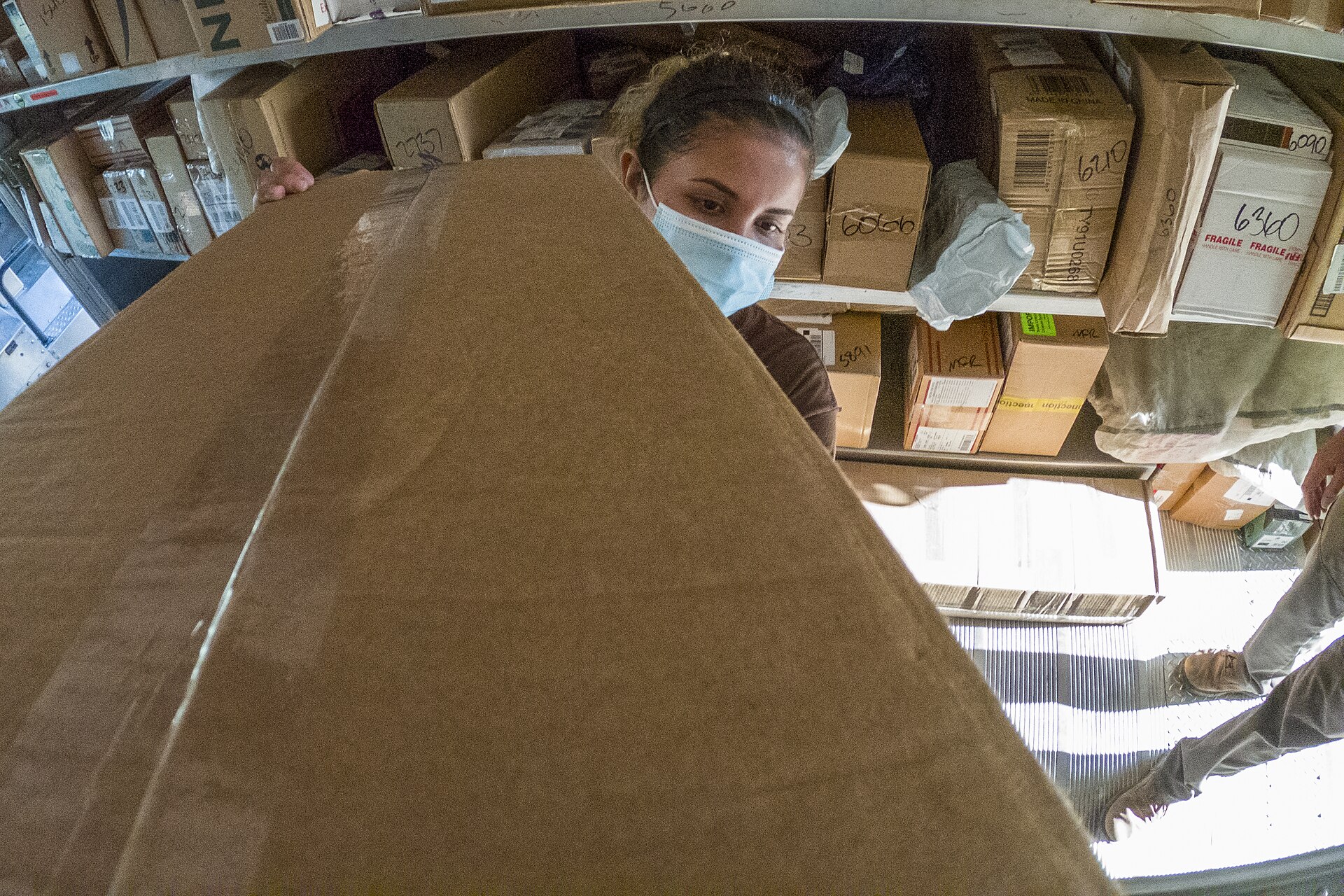
This is aimed at anyone who prints labels in volume: shipping labels, product stickers, mailing labels or asset tags. Small sellers who fix spreadsheets by hand before each print run are the clearest fit.
What is not known yet
The announcement does not mention pricing, which Zoho plans include the features, or when each one reaches every account. Anyone interested should check their own Writer account or Zoho's site for availability.
The takeawayIf you hand-edit spreadsheets before printing labels, Zoho Writer's quantity mapping and grouping may remove that step, but check availability and pricing first.