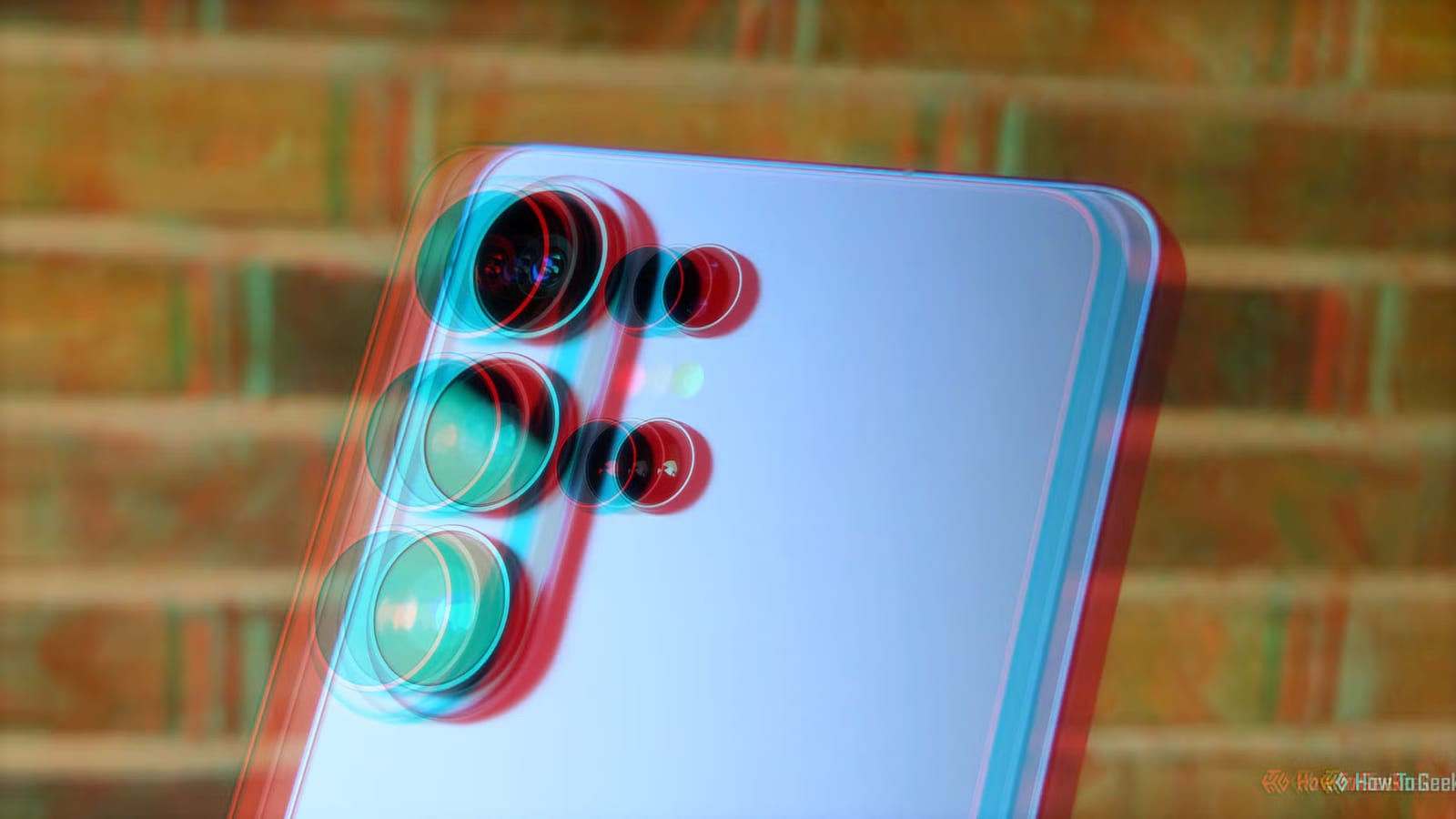
Some Samsung Galaxy phones can record 3D video using two of their back cameras. The setting is hidden, and the clips are made for Samsung's own headset. A How-To Geek writer with a Galaxy S25 Ultra found a way to watch them on a Meta Quest 3 instead.
How to turn it on
Open the Camera Assistant app, which is part of Samsung's Good Lock suite. Switch on the option for spatial photos and videos. Then go back to the normal camera app. A small icon that looks like a VR headset appears at the top. Tap it, and the phone uses two rear cameras, with one cropped to match the other. Shoot as usual and the clip is saved in 3D.
The catch
The phone saves 3D clips in a format called MV-HEVC. Samsung's headset and the Apple Vision Pro can use it directly. Most other headsets cannot play it without conversion. One shortcut is an app called ImmerGallery on the Meta Quest Store, which costs $29.99. The writer chose not to pay.
The free route
The free option is FFmpeg, a popular media conversion tool. It turns the clip into a standard side-by-side 3D file, which many video player apps can show. FFmpeg normally runs from typed commands, though third-party versions with regular windows and buttons exist. The guide uses Windows, but FFmpeg also works on Linux and macOS.
- Install FFmpeg, then copy the phone clip to a folder on the computer.
- Run the conversion command from the guide, swapping in your file names.
- Long videos can take quite some time to convert.
- Computers with a compatible NVIDIA graphics chip can speed it up, but it is not required.
Watching it on the headset
The writer copied the converted file to a USB-C flash drive, then moved it to the Quest's internal media folder. A free app from the Meta Store, Finally VR Video Player, played it. A video of the writer's cat showed up as a 3D scene. The writer also advises backing up the original clips to a computer folder.
What is not clear
The guide does not list which Galaxy models support the feature. It was tested on one phone, the S25 Ultra. Anyone with a different Galaxy should check for the toggle in Camera Assistant before planning around it.
The takeawayIf your Galaxy has the Camera Assistant toggle and you own a Quest, you can shoot 3D video now and convert it free with FFmpeg.