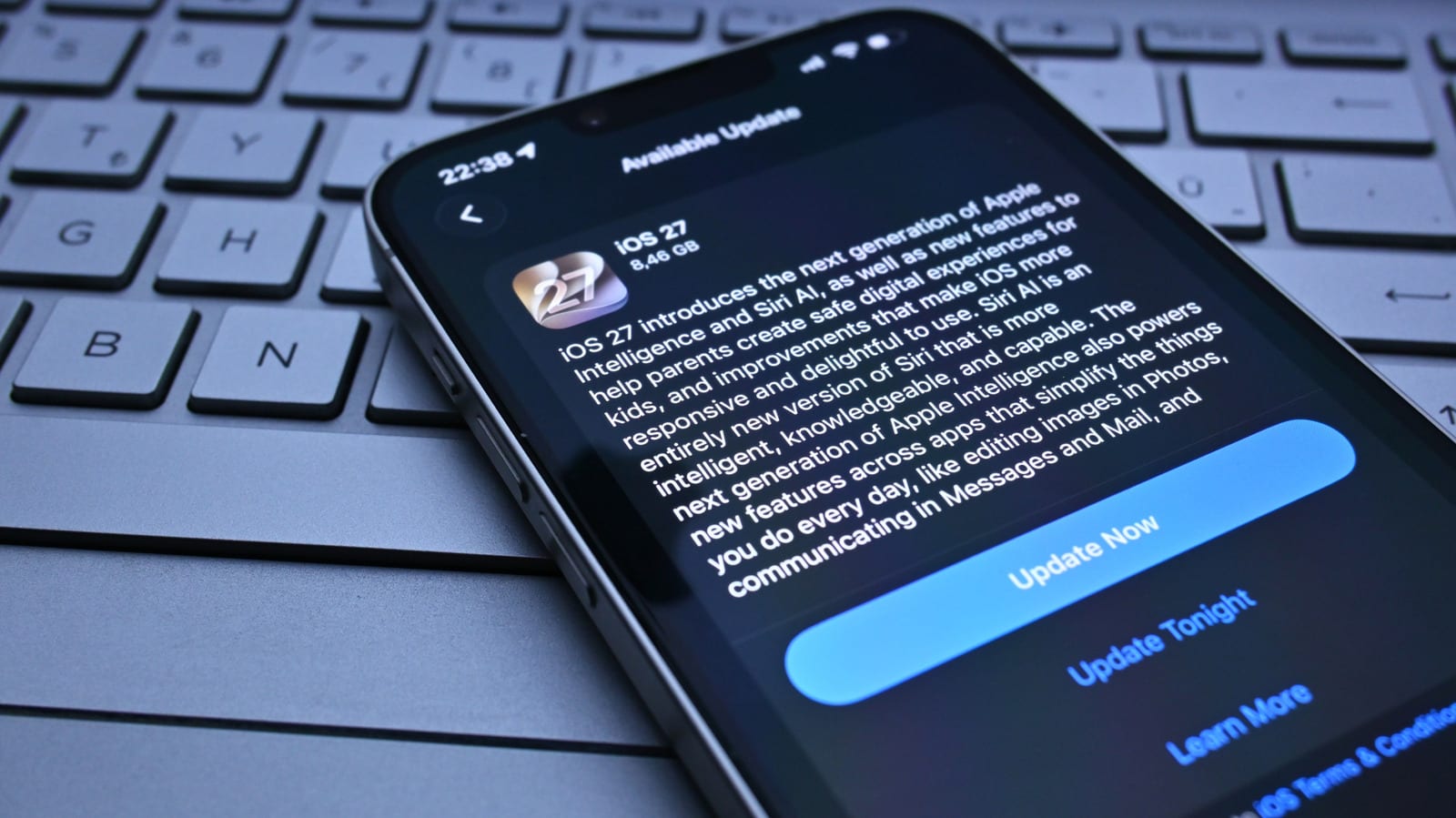
If your phone feels sluggish, a bit warm and drains faster right after a software update, there is a good chance nothing is broken. Engadget reports that these side effects are usually temporary. They can happen on both iPhones and Android phones, and most of the time they fade on their own.
What is going on
After an iOS or Android update, the system runs a lot of background work to get everything in order. On the iPhone, Apple says Spotlight, its search feature, reindexes all your data after an update. That can take hours or even days, depending on how much you have stored. Android also reindexes, which helps the phone confirm that everything is in place and nothing was lost.
This work uses a lot of the phone's processing power, including its main chip and graphics chip. That leaves less for your apps and screen animations. Once indexing finishes, the phone should go back to normal.
Why older phones feel it more
Older phones tend to be hit harder. Newer devices have more powerful and efficient chips, so the difference may go unnoticed. Major updates are also generally built around the latest hardware. Older hardware may struggle with new features and more complex animations, even after optimization.
In that case, there is not much a user can do. Not every update will cause trouble, but some do. The article points to iOS 7 on the iPhone 4 as a well-remembered example of poor performance.
What to do
The best first step is to wait. Keep the phone plugged in and on Wi-Fi. Apple says part of the indexing only completes when the iPhone is charging and not in use. Sony says indexing on Android usually takes no more than two days. If it is still slow after a while, try these:
- Restart the phone.
- Update your apps in the App Store or Google Play, since older versions may not suit the new software.
- Free up storage, a common cause of slow phones.
- Check battery health in settings.
The battery check matters because some phones slow their processor to prevent sudden shutdowns when the battery is in poor shape. Replacing the battery can then give the phone new life.
If it is still slow
A factory reset is a last resort. Downgrading the software is another option, but it is more complicated and not every phone allows it. If the phone is still slow after all that, the hardware may simply be struggling with the new software. Contacting the maker can help in case it is a known issue. Still, the article notes the device is probably near the end of its life.
The takeawayAfter an update, give your phone a day or two plugged in on Wi-Fi before blaming the update or shopping for a new one.