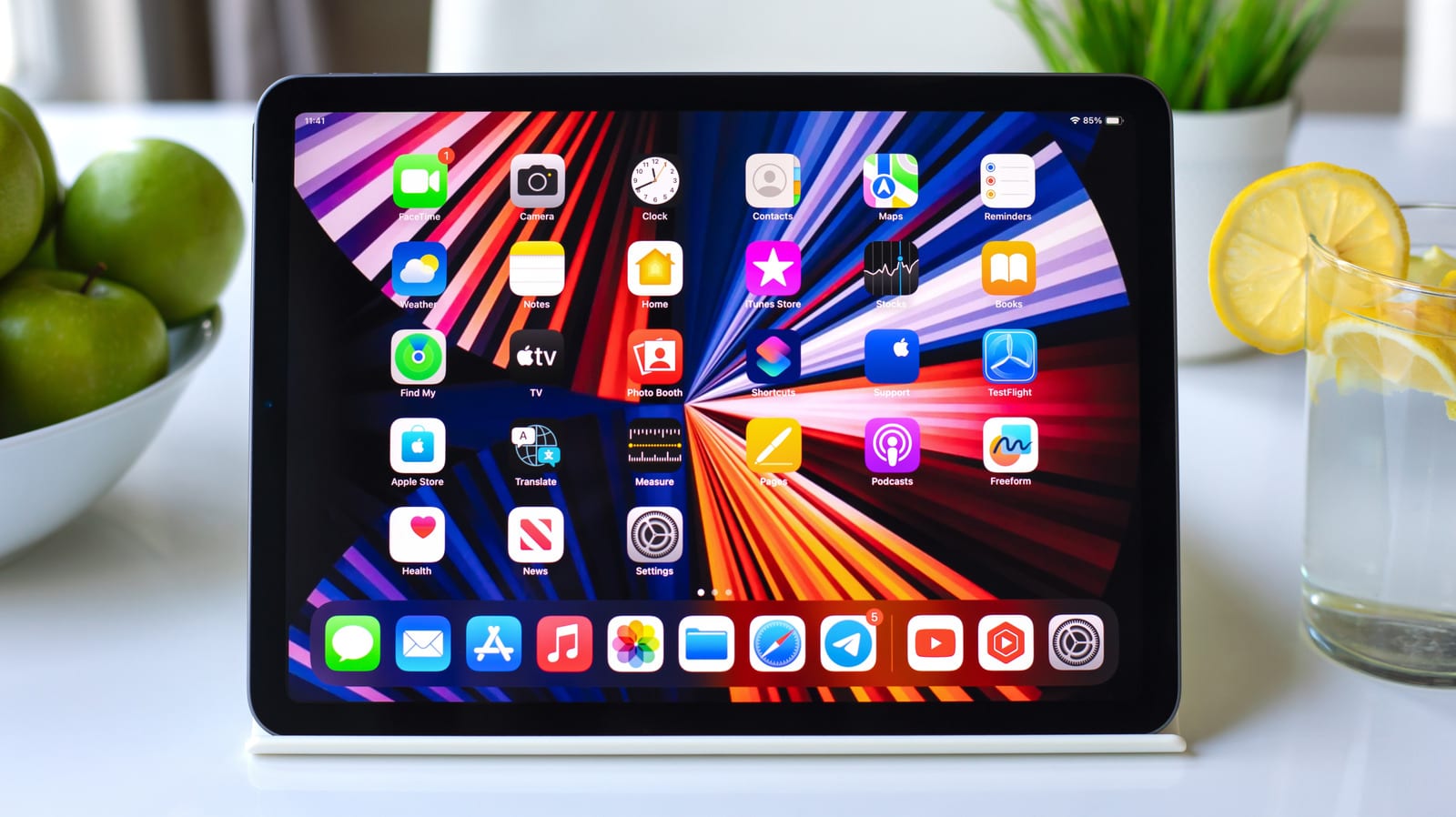
Most iPad owners stick with a Weather, Calendar or Photos widget. Engadget says many of the most useful ones go unnoticed. They can track a package, switch off a lamp or show where your keys were last seen, all without opening an app. The list covers 10 widgets. Here are five of the standouts.
How to add a widget
Touch and hold an empty spot on the Home Screen, tap Edit, then tap Add Widget. Many apps offer several sizes. Pick one and place it where you want it. With iPadOS 27, Apple also added extra-large widgets to Today View, which gives them more room on the bigger screen.
There is a shortcut too. Touch and hold an app icon, then pick a widget size from the menu. Not every app supports this.
Packages and smart home
Parcel shows upcoming deliveries without opening the app. It supports up to 300 delivery services, including UPS, USPS, FedEx, DHL and Amazon Logistics. A map widget shows where a package is. Connect your Amazon account and orders are added automatically. For other orders, you can scan a shipping label barcode instead of typing a tracking number.
Apple's Home widget is interactive, so it can act without opening the app. It can switch lights on and off, and lock or unlock garage doors if you have a HomeKit-compatible controller. You choose which accessories and scenes appear. It handles simple on and off tasks only. Brightness, color and thermostat settings still need the app.
Weather and lost keys
Not Boring Weather has a playful 3D look. It can show temperature, conditions, precipitation, UV index and wind, and it also covers severe weather alerts. Its App Store privacy label says the developer collects no data from the app.
The Find My widget shows your Apple devices, AirTags, third-party Find My items and trusted people. Each appears with a last known location. Find My can locate devices even when they are offline or powered off, using nearby Apple devices that share location anonymously and securely.
Focus sounds
Endel makes AI-powered soundscapes for focus, relaxing or sleep. Its widgets start a soundscape in one tap from the Home Screen. All soundscapes work offline, which helps on a flight. The free version has four: Focus, Sleep, Relax and Move.
What it costs
- Parcel free: tracks three deliveries at a time, with no push notifications. Premium is $6.99 a year.
- Not Boring Weather: free to use, but the real-time widget needs a $14.99 a year membership.
- Endel free: four soundscapes, with each session capped at 10 minutes. You can restart as often as you like.
- Home and Find My are Apple's own widgets. The article gives no price for them.
The takeawaySpend a few minutes on the Add Widget menu and try one or two of these. Check the price first, because some of the best features need a subscription.