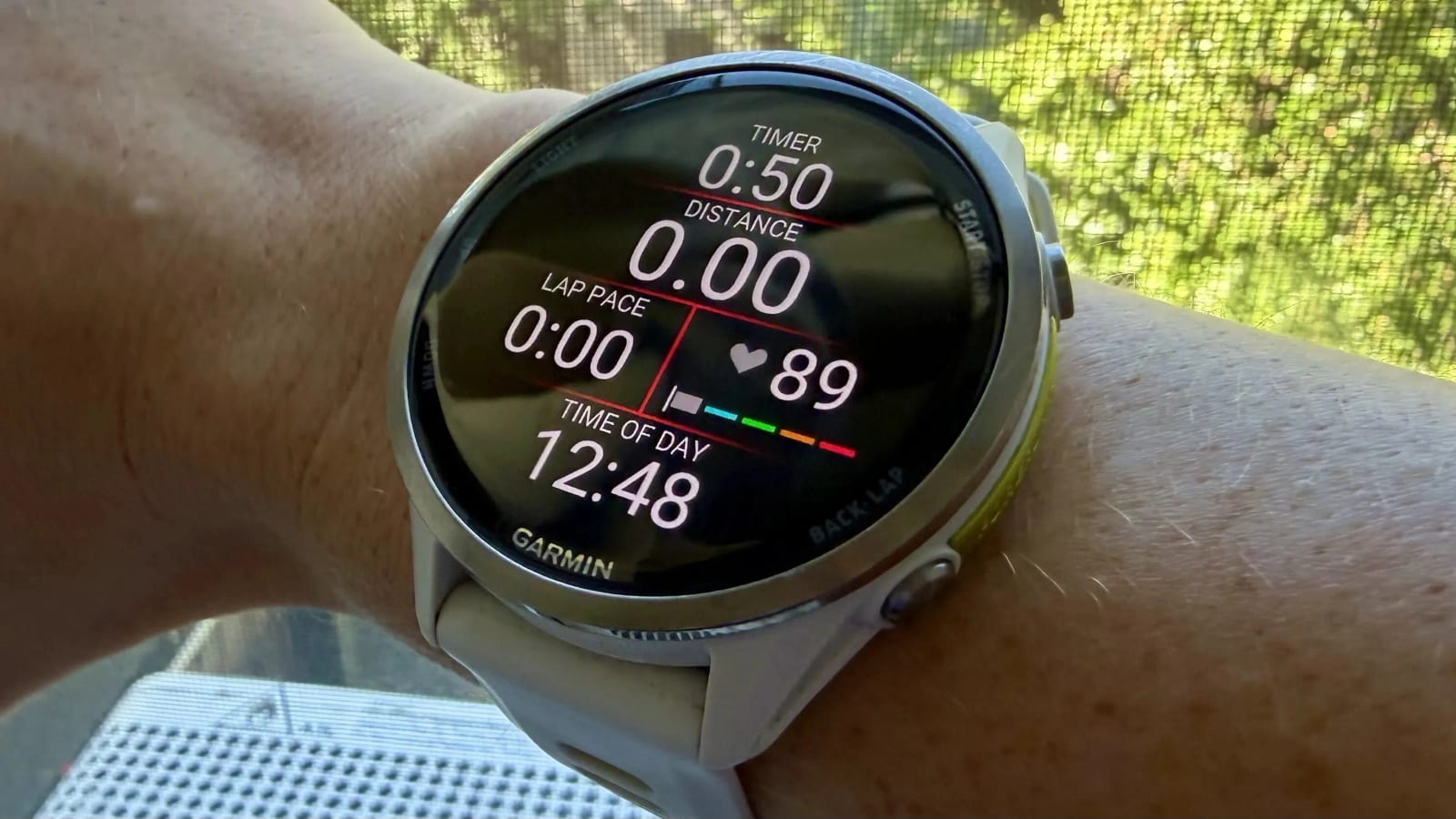
If you train with a Garmin watch, the heart rate zones it gave you may be wrong. Lifehacker reports that many watches start with a guess based on your age, and a bad guess shifts every zone. The fix should take less than 10 minutes.
Where the zones come from
During setup, the watch asks for your age, weight and a few other details. It then builds zones, often from an estimated maximum heart rate. The usual formula is some version of 220 minus your age. That gives one number for everyone of the same age, even though real maximum heart rates vary from person to person.
Say the watch assumes a max of 180 and yours is really 195. Every zone is off. Your "Zone 2," the easy, conversational-pace effort many runners aim for, might be too gentle to matter. Or it might be a moderate-to-hard effort that wears you down while you think you are taking it easy.
Three ways to set zones
- Percent of max heart rate: the simplest option, but only as good as your max number.
- Percent of heart rate reserve: uses your max and your resting heart rate, so both need to be current.
- Percent of lactate threshold heart rate: tied to the effort where your body makes lactate faster than it clears it. Many coaches favor it.
No chest strap needed
Lactate threshold used to require a compatible chest strap and a hard, guided test run. On newer models, Garmin now estimates it from the wrist sensor during regular outdoor runs. The feature is typically on by default. It generally needs a baseline VO2 max estimate and a run or trail run recorded with heart rate. Which watches have it varies by model, so check yours. You can also turn auto-detection off and type in your own number in the heart rate zone settings.
Why zones go stale
Even carefully set zones drift. Lifehacker lists several reasons:
- You get fitter, so resting heart rate and threshold can shift.
- Your maximum heart rate tends to decline gradually with age.
- You change sports. Garmin allows separate zones for running, cycling and swimming.
- You switched watches or imported old data.
- Your resting heart rate has changed.
Zones set too high can leave you short of the training effect you think you are getting. They can also make hard sessions look easier than they were. Zones set too low can push easy runs into the gray zone, too hard to recover from and too easy to build much fitness. Garmin's training status, recovery time and load features also lean on heart rate data, so bad zones can skew them.
What to do
First, choose whether you want zones based on max heart rate, heart rate reserve or lactate threshold. Then check the numbers in your watch's heart rate zone settings and update them. The part of the article describing the exact steps was not available, so follow the on-watch menus or Garmin's own guide for your model.
The takeawayCheck your Garmin's heart rate zones now and every so often, since an age-based guess can make easy days too hard or too soft.