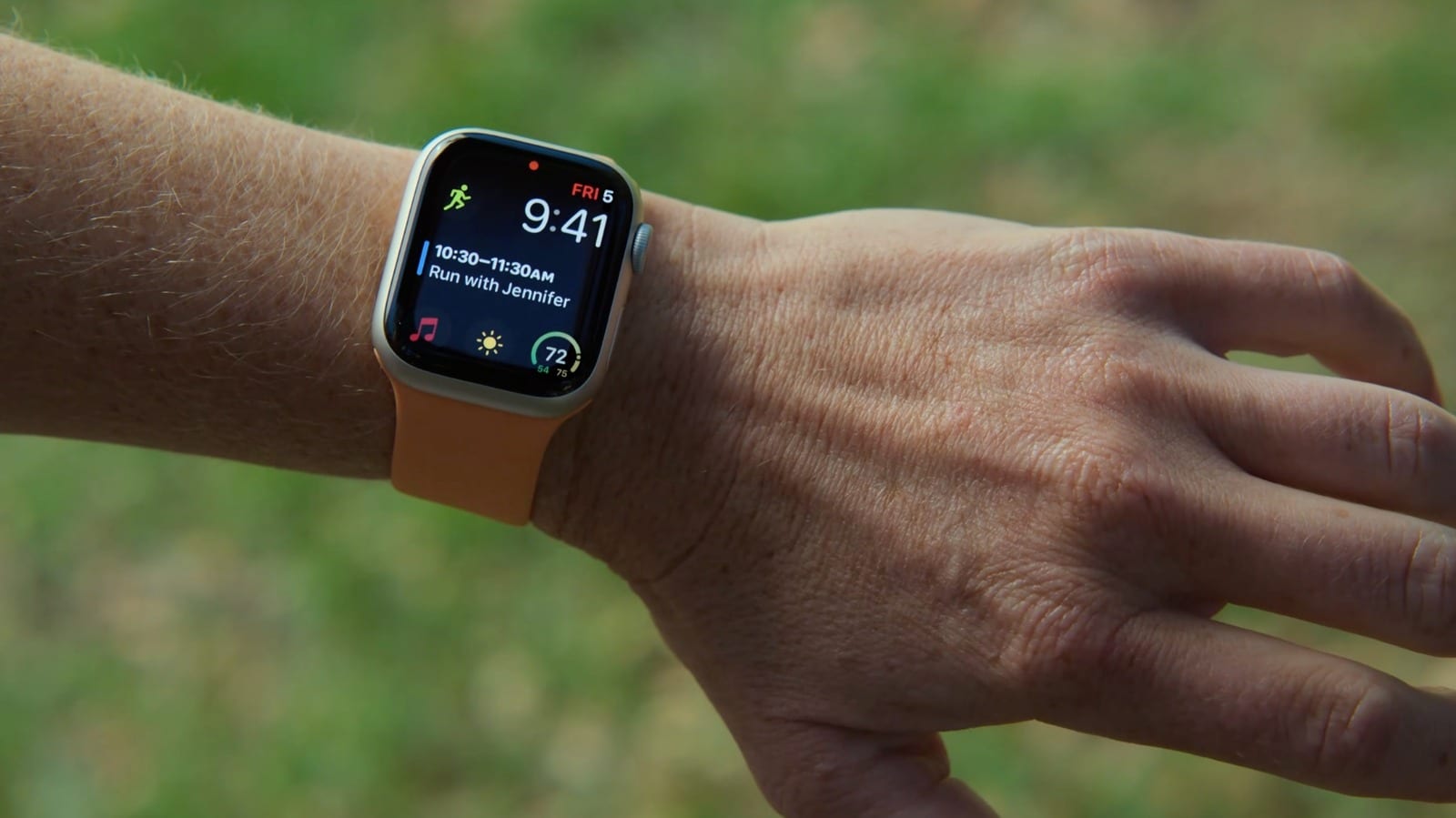
Your Apple Watch can be controlled with small hand and finger moves, without touching the screen. The feature is called AssistiveTouch. Apple built it to help people with motor disabilities, but Engadget notes it can help anyone whose hands are busy. It comes built in on a watch running the latest version of watchOS, and no extra hardware is needed.
How it works
The watch combines data from its built-in sensors: the gyroscope, the accelerometer and the optical heart rate sensor. Together they pick up even subtle movements of your arm, hand and fingers. With the feature on, you can tap buttons, scroll through the screen and even use Apple Pay without touching the display.
How to turn it on
- Open the Settings app on the watch and go to Accessibility.
- Tap AssistiveTouch and flip the toggle on.
- Switch on Hand Gestures.
- Tap the blue Try it out text for a guided practice with animations.
Once it is on, a highlight appears around items on the screen. Four default gestures handle navigation, and the highlight shows which item your next gesture will tap. You can change the action for each gesture. For example, a single finger tap can touch the screen and a double tap can open the Notification Center. There is also Motion Pointer, which puts a cursor on the screen that you steer by moving your arm.
When it helps
The clearest use is accessibility. People who cannot comfortably move their fingers to tap the small screen may find gestures easier. For everyone else, it can save a fumble when your hands are full or when you are wearing gloves.
The trade-off
Turning on AssistiveTouch switches off Apple's universal double tap gesture. Without AssistiveTouch, double tap is how you would answer calls or scroll through your widgets. If you use double tap often, weigh that before you switch over.
Other settings worth a look
If AssistiveTouch is not for you, the Accessibility menu has other options. You can turn on Auto-Answer Calls, or Show Audio Transcriptions for HomePod announcements or Workout Buddy. Reduce Transparency increases contrast, and Text Size makes on-screen text larger or smaller. Apple Watch Ultra owners can also set different actions for the Action Button.
The takeawayAssistiveTouch can help when your hands are busy, but it turns off double tap, so check that trade-off before you switch it on.