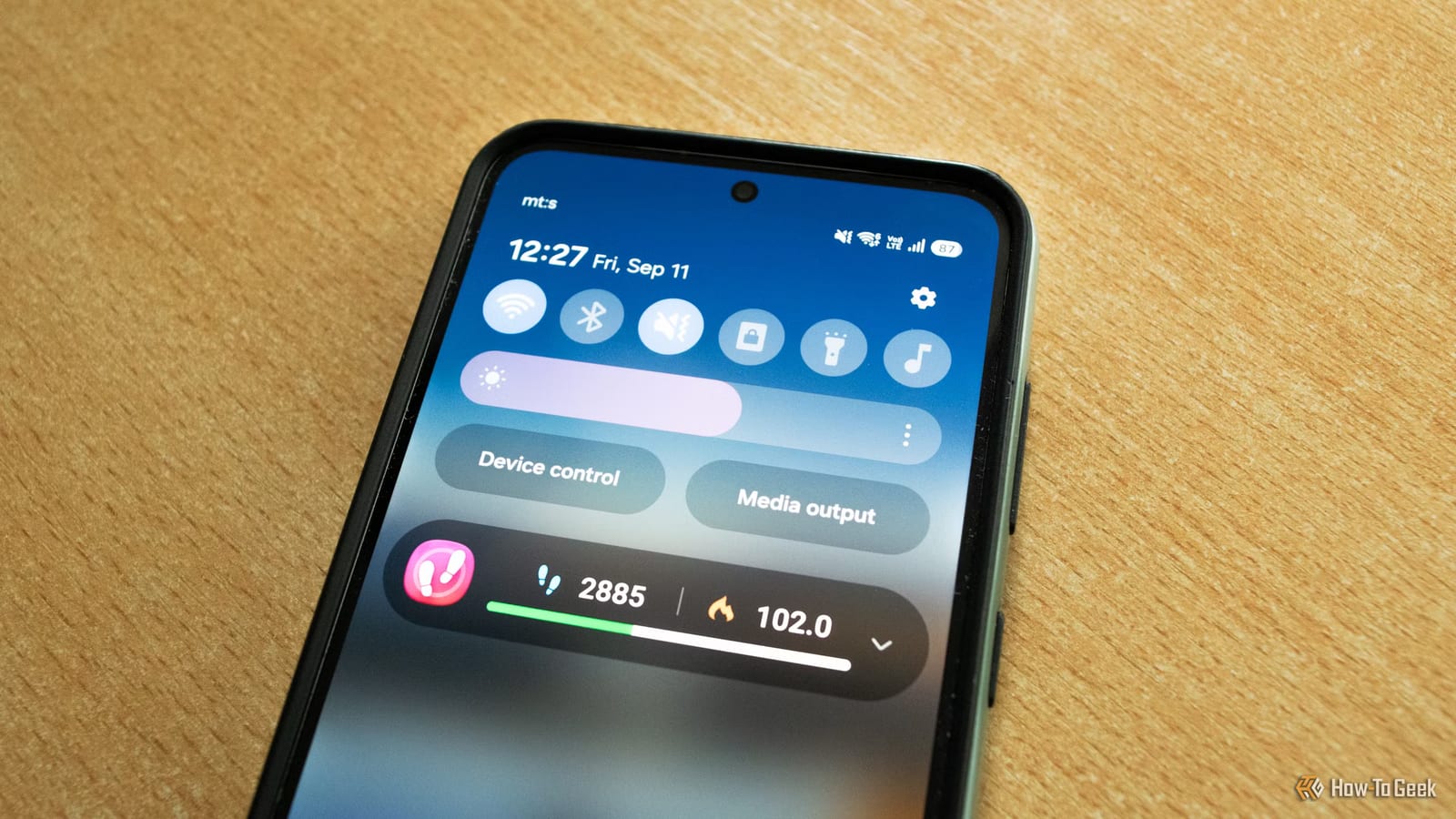
The brightness slider on an Android phone does not show the full range your screen can produce. Many phones go brighter than the slider's maximum in direct sunlight, even with auto brightness turned off. Some can also dim below the slider's minimum. How-To Geek writer Ismar Hrnjicevic tested this on his own phones.
What the slider hides
The slider is not even a straight line. Google changed it in Android 9 (Pie) to use a scale that better matches how human eyes see light. Going from 50% to 60% does not add the same real brightness as going from 10% to 20%.
Many phones also keep a hidden brightness reserve. When the light sensor detects intense light, the phone briefly goes past the slider's maximum. The author saw this on his OnePlus 15 with auto brightness off and the slider at max. A flashlight aimed at the sensor at the top of the screen caused the same jump.
The numbers
The OnePlus 15 has a typical brightness of 800 nits. A nit is a unit for measuring screen brightness. In High Brightness Mode, the phone reaches up to 1,800 nits, which is presumably what it uses in direct sunlight.
Video and photos with bright highlights can push even higher. GSMArena measured 3,390 nits on the OnePlus 15 with a 10% white area on an otherwise black screen. OLED screens can make small areas far brighter than they can sustain across the whole panel.
Samsung and extra dim
Brands handle this differently. The author's wife has a Samsung Galaxy S23+ that boosts brightness when Adaptive brightness is on. Samsung also lets users control that hidden range by hand. Turn Adaptive brightness off and turn Extra brightness on.
At the other end, some phones offer an Extra dim feature. The OnePlus 15 can drop to just 1 nit. Some phones can go below half a nit with the slider at its lowest and Extra dim on. That can help with night reading.
Why phones hold back
Very high brightness uses a lot of power and can drain the battery fast. Many phones limit or stop boosting at a certain battery level to save power and avoid a sudden shutdown.
Heat is the bigger worry. Long stretches at high brightness make the OLED panel hot. That can slow the phone down and speed up screen wear, including a higher risk of burn-in, where a faint image stays on the screen. When the panel overheats, the phone lowers its maximum brightness.
The takeawayYour phone may already boost brightness in sunlight, and settings like Samsung's Extra brightness or Extra dim let you use the hidden range, at a cost in battery and heat.