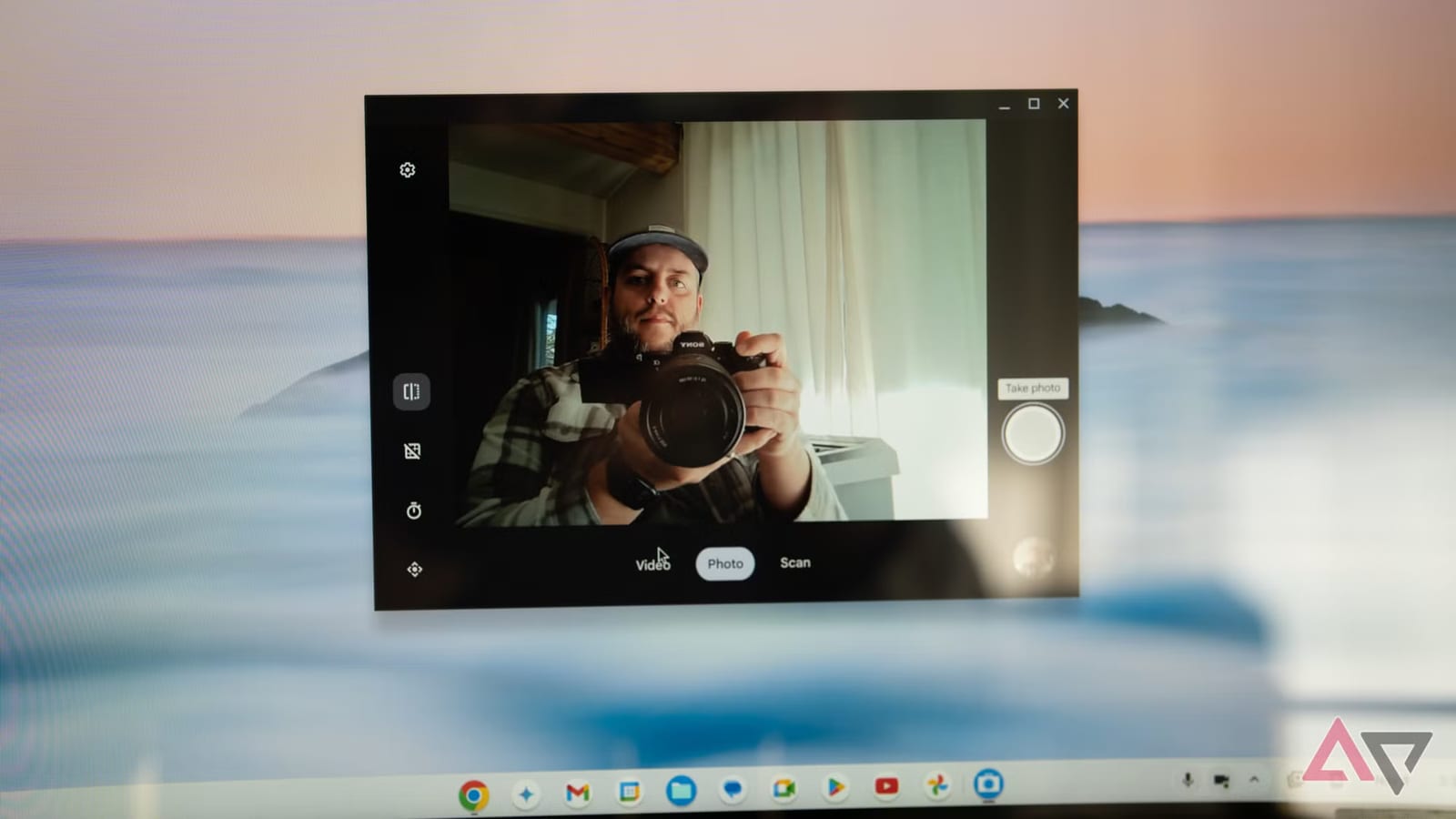
A phone you already own may be a better webcam than the one on your desk. Android Police writer Calvin Wankhede says the built-in webcam mode on Android beat his desktop webcam, and it is now his pick for all video calls. It needs no drivers and no extra software.
How it works
The feature arrived with Android 14. It is easy to miss because it only appears when you connect the phone to a computer. Plug in a cable, tap the USB notice on the phone, and choose Webcam.
- You can switch between the front and back cameras.
- The phone also sends audio from its microphone to the computer.
- The ultrawide and telephoto lenses can be used too. Ultrawide may help with group calls or large rooms.
Why it can look better
Wankhede says his desktop webcam struggled with skin tone under artificial light. The image was grainy, and bright objects in the background overwhelmed it. He blames the tiny sensor, which handles bright and dark areas poorly. His phone, a three-year-old Google Pixel 8 Pro, did better. He adds that budget phone cameras have improved, so a flagship is not required.
No setup headaches
The phone shows up on the computer as a standard USB video device, so no driver is needed. Wankhede says it worked on Windows, Linux and Chrome OS. He argues the webcam market has stood still, noting that the Logitech C270 dates to 2010 and still sells well on Amazon. In his view, a webcam with picture quality like a phone's costs at least $100.
What it lacks
The mode only works with a cable. Wankhede wants a wireless option. Apple offers one for iPhones and Macs on the same Apple account, using Wi-Fi. On Android, he tried an app called DroidCam, which works over Wi-Fi. It needs a companion program on a Windows or Linux computer and offers more settings, such as exposure and white balance. Its 1080p and 4K options need a paid Pro license. The default 480p was enough for him.
What to do
If your webcam looks poor, try this before buying anything. Wankhede has two old Android phones in a drawer and says an idle one would work, so a daily phone is not needed. One exception: he would keep a dedicated webcam for Windows Hello face login, which uses infrared sensors and works even in the dark.
The takeawayIf your webcam looks bad on calls, plug in an Android phone, tap the USB notice, choose Webcam, and compare before spending $100.