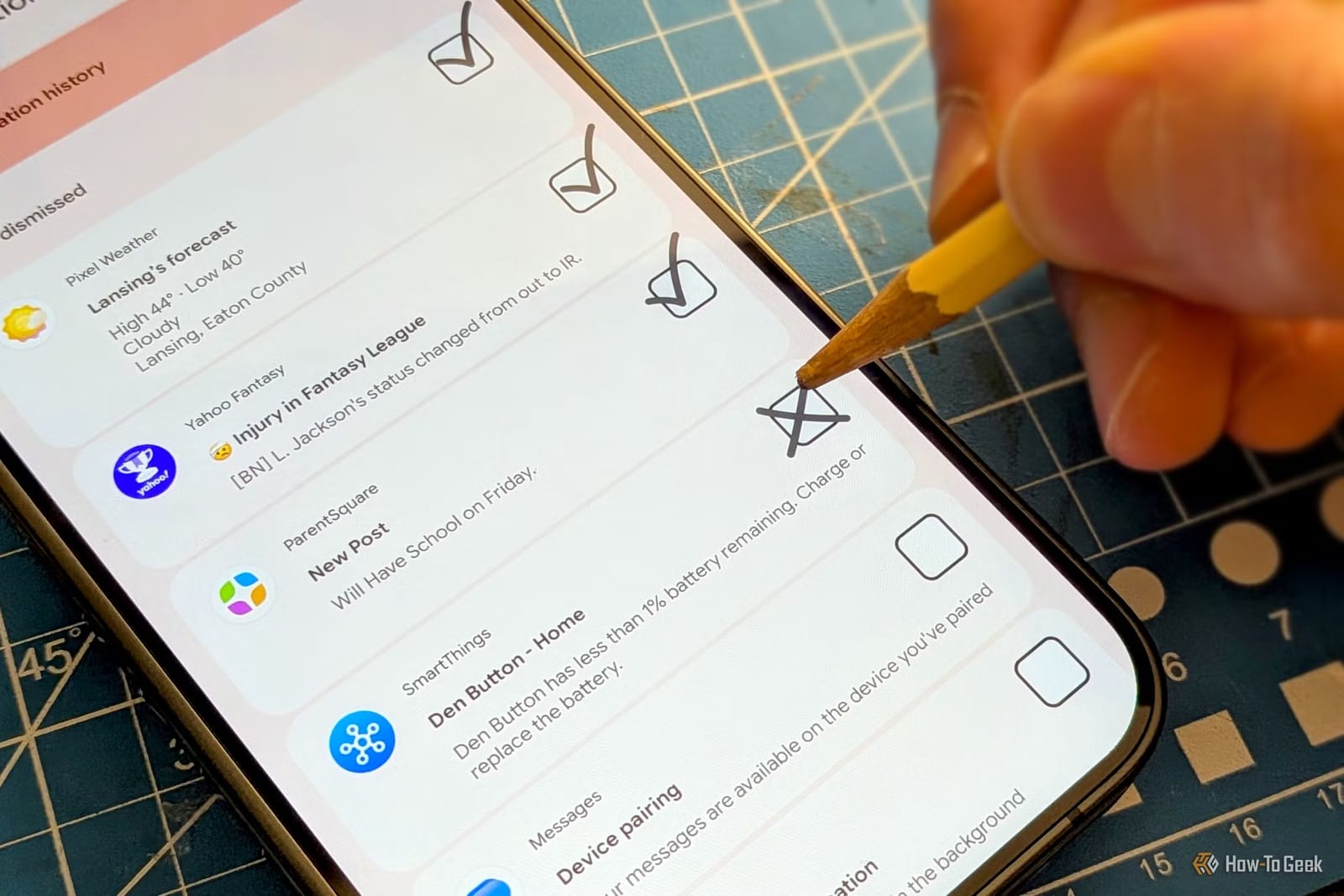
Android phones have a built-in log that shows exactly which apps buzz you the most. It is called Notification History, and it is turned off by default. How-To Geek writer Joe Fedewa uses it to take inventory of his alerts, then switches off the ones that are not worth the interruption.
How to turn it on
Notification History is usually found somewhere in Settings > Notifications. The exact spot depends on the phone. Once it is on, it needs time to fill up. It generally keeps a log of the last 24 hours of notifications. Its usual job is helping you find an alert you swiped away by accident.
Spot the biggest offenders
After a day of data, scroll down to the "Last 24 hours" section. Notifications are grouped by app, so you can see how often each one bothered you. You can expand an app to check whether its alerts were worth it. Fedewa says the total can be a shock. A few alerts never feel like much, but they add up.
A second place is worth a look. On the main "App Notifications" page, Android lists apps that sent alerts recently. You can sort that list by "Most Frequent." It does not show the details of each alert, but it gives a big-picture view.
Decide what stays
Fedewa compares this to cleaning out a messy garage. For each alert, he asks: would I be upset if I missed this? If yes, it stays. His examples are:
- Messages from real people
- Calendar events
- Doorbell camera alerts
He tries to be aggressive with the "no" answers. If you will open the app anyway, an extra alert to pull you in is not needed.
Turn off only part of an app
Android does not force an all-or-nothing choice. Tap a notification that is older than a couple of hours and you land on the settings for its category. One app may have separate categories, such as "Promotions" and "Subscriptions." You can turn off one and keep the others. On Samsung phones, this has to be enabled first.
For alerts in the middle, Fedewa sets the category to "Silent." The alert still appears in the notification shade, but it makes no sound and does not vibrate. That suits things you want to see eventually but not right now.
Make it a habit
This is not a one-time fix. Apps keep finding new ways to ask for attention. New apps also often ask for notification permission before you know what they will send. Fedewa opens Notification History once or twice a month. It takes a few minutes, and he does not try to fix everything in one sitting.
The takeawayTurn on Notification History, check it once or twice a month, and switch off or silence alerts you would not miss.