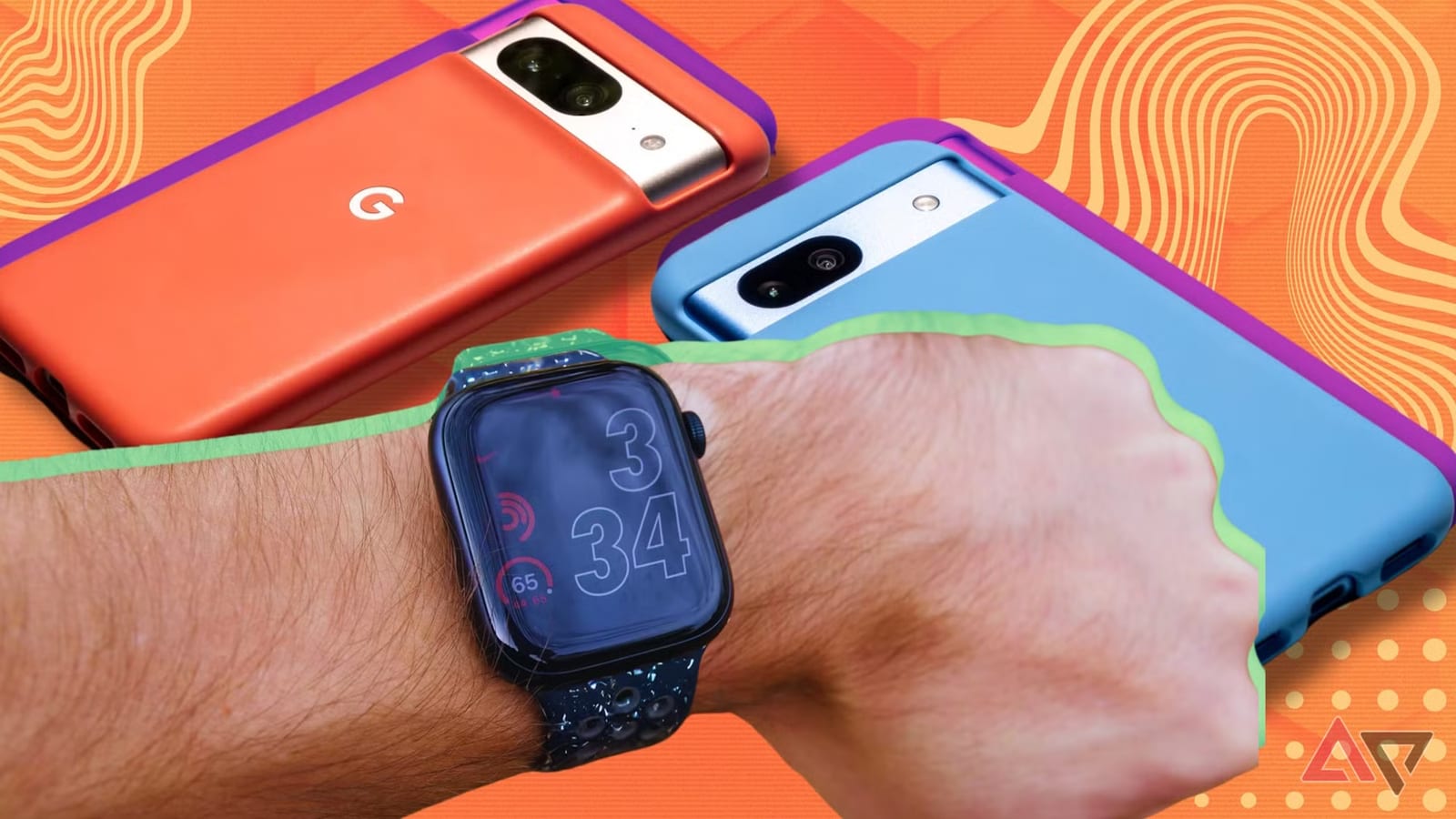
An Apple Watch can be used with an Android phone, but it takes a workaround. Android Police published a guide on how to do it. The watch must have cellular support, and you still need an iPhone to activate and update it. Apple built the watch for the iPhone, so expect a reduced experience.
What you need
- An iPhone compatible with your watch. Newer watches pair with an iPhone 11 or later.
- A cellular Apple Watch. Models without cellular do not work this way.
- A SIM card of the same size in both phones. Most use nano SIM, but some Android phones use micro.
How it works
You pair the watch with the iPhone first. Then you turn off both devices and move your SIM card back to the Android phone. Newer iPhones in the U.S. use an eSIM, a built-in digital SIM that can be moved through settings or your carrier. After that, the watch can take calls and send messages, even though your number lives on the Android phone.
The catches
The watch and the Android phone are not truly connected. Only basic functions work. If calls or messages fail, you need to re-pair with the iPhone and update. Third-party apps can fill some gaps but may carry security risks. Future watchOS updates could add more limits. The full list of missing features was not available in the material provided.
The takeawayBefore buying an Apple Watch for an Android phone, make sure you can borrow an iPhone and are comfortable with SIM swaps and missing features.