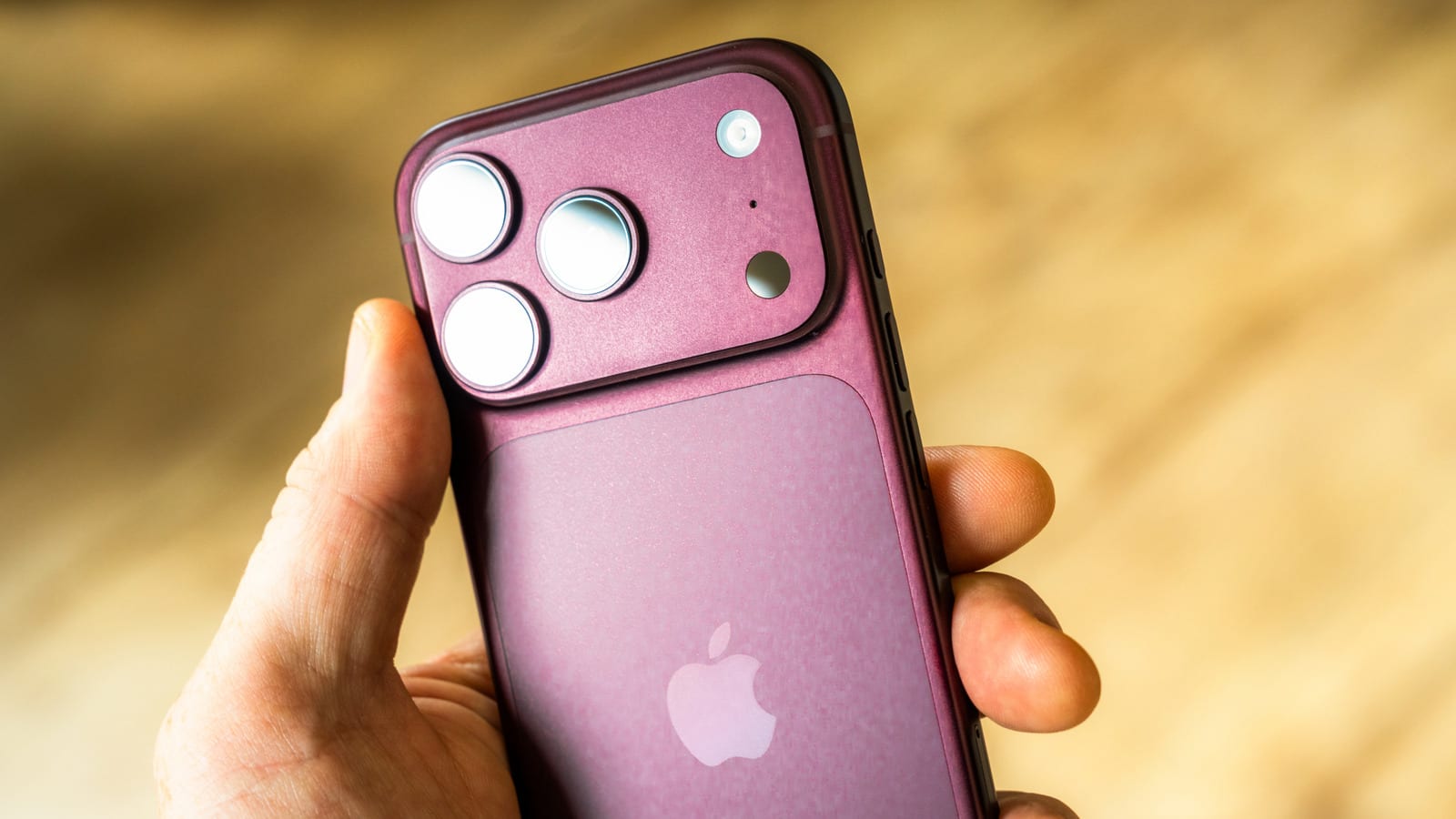
If your iPhone rings and you can't find a Decline button, nothing is broken. A locked iPhone shows only a "slide to answer" control. An unlocked iPhone shows both Answer and Decline. That is how the phone works by default, and you did not turn anything off by accident.
Why the button comes and goes
When the phone is unlocked, Accept and Decline appear either in a small banner or across the whole screen. That depends on your Incoming Calls setting. Both choices are there either way. The behavior can be adjusted in Settings.
Decline or silence without the button
You do not need an on-screen button. Press the side button twice quickly to decline the call and send the caller to voicemail. Press either volume button to silence the ring without declining. Both work whether the screen is locked or not.
- Side button twice: declines and sends the caller to voicemail.
- Either volume button: silences the ring, call is not declined.
One catch: if you press the side button twice right as the phone starts ringing, the caller will probably guess you rejected the call.
Tell the caller why
A text can soften that. Tap Message on the incoming call screen to send a text instead of answering. Pick a prepared reply or choose Custom to write your own. If the call shows as a banner, tap the banner first to reveal more options, then tap Message.
You can edit the prepared replies ahead of time. Go to Settings > Apps > Phone > Respond with Text, pick a reply and change it. The article suggests short lines such as "I'm working right now" or "Please text me; I'm busy."
Deal with spam calls
The Federal Trade Commission reports more than 2.6 million Do Not Call complaints in fiscal year 2025. Blocking helps, even though some callers return from a slightly different number. To block one, find the number in Recents, tap it, scroll to the bottom and select Block Caller.
On iOS 26 and later, you can also go to Settings > Apps > Phone > Screen Unknown Callers. The options are Never, Ask Reason for Calling or Silence. Ask Reason for Calling is the safer middle choice. Silence sends every unknown call to voicemail without ringing, so you could miss a new contact or someone who lost their phone.
The takeawayPress the side button twice to decline any call, and set up quick text replies and unknown caller screening so you skip calls without missing important ones.