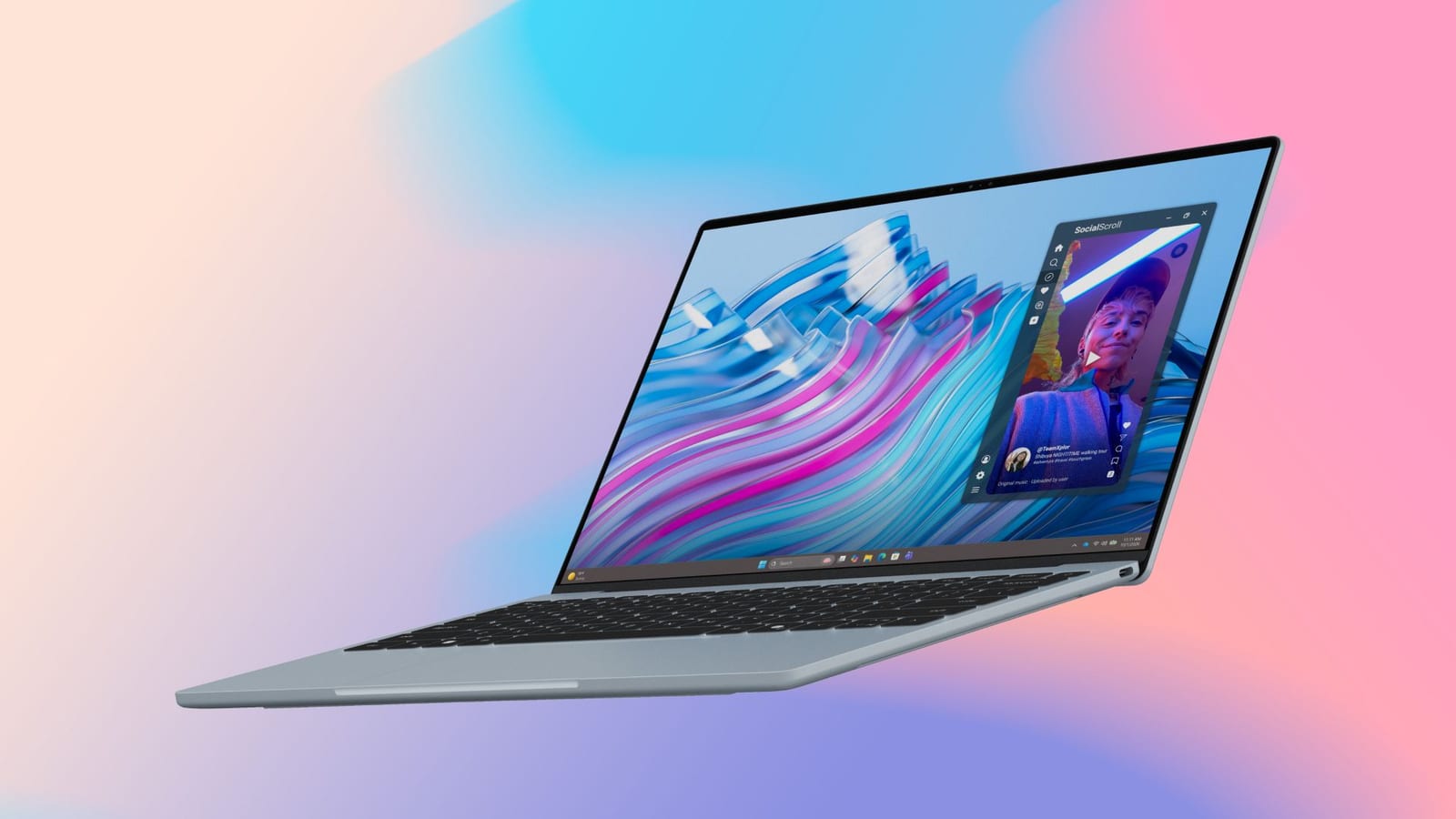
Tom's Guide has published a piece asking a simple question: do you actually need a touchscreen on your laptop? It points to the Dell XPS 13 as a good example. Dell says every XPS 13 comes with a touchscreen at no extra cost. The article lists four use cases, but its full text was not available for this report.
What Dell says
Dell says the XPS 13 has a 2.5K, 120Hz screen. In plain terms, 2.5K means a sharp picture, and 120Hz means the screen refreshes 120 times a second. Here are the other claims from the material:
- Touchscreen included on every XPS 13 at no extra cost.
- Up to 17 hours of video streaming on one charge, by Dell's claim.
- Memory up to 32GB and storage up to 1TB on Intel Core Ultra Series 3 models.
Who it is for
Touch may save time for people who work on trains, planes or tight desks. In those spots, tapping and scrolling on the screen can be easier than working around limited space.
What is not known
The material does not give a price or a ship date. It also does not spell out the four use cases. The battery figure is Dell's own claim for video streaming, so real use may differ. Before buying, try the touchscreen in a store and compare prices.
The takeawayA touchscreen may help if you work in cramped spaces, but try it in a store and compare prices before you buy.