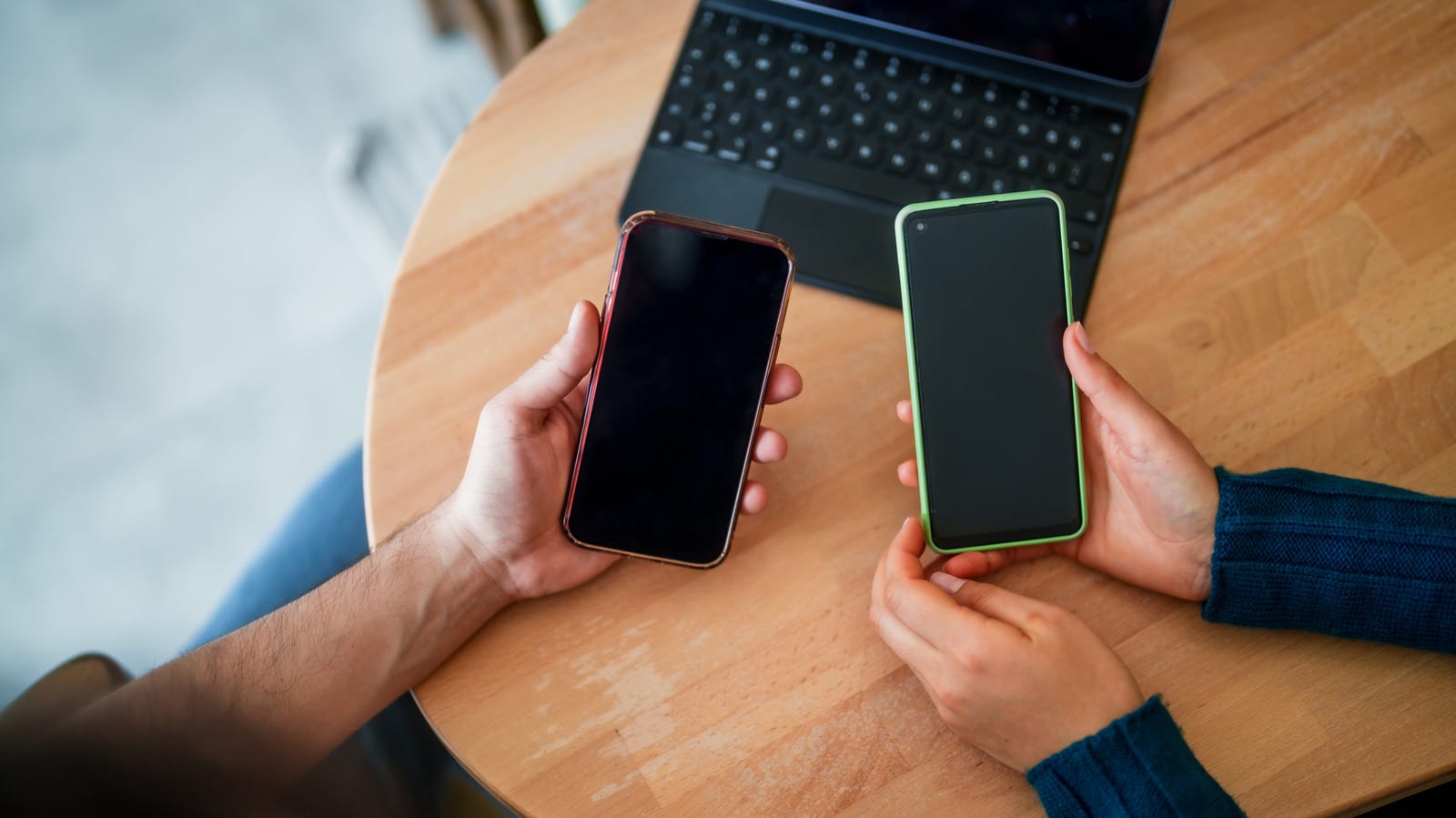
A phone screen that stops responding to touch is not always broken. Engadget outlines a series of free fixes to try before you give up, and most of them take only a few minutes. The cause can be as small as a frozen app or as serious as a drop from your pocket.
Start with the simple stuff
First, look for cracks or other damage. Visible damage points to a hardware problem, not software. If the screen looks fine, take off the screen protector, since it can hide damage or cause the trouble itself. Remove gloves, too.
- Take off the case and unplug any USB-C or Lightning accessories.
- Peel off stickers covering the screen or sensors.
- Wipe the screen with a slightly damp microfiber cloth, keeping moisture out of the phone's openings.
Force a restart
If that fails, restart the phone. A restart can clear a software glitch. Since the screen will not respond, you need a force restart, which uses the physical buttons instead.
- iPhone with Face ID: tap volume up, tap volume down, then hold the side button until the Apple logo appears. It can take over 10 seconds.
- iPhone 7 and 7 Plus: hold the side and volume down buttons together.
- iPhone 6s and earlier: hold the Home button plus the side or top button.
- Android: hold the power button for about 30 seconds. Steps vary by maker.
Dig deeper
On Android, safe mode loads only the software the phone shipped with. If the screen works there, a third-party app is the likely culprit. If not, it may be hardware or a system software fault. To enter it, force restart, then hold volume down when the logo appears. You should see "Safe mode" at the bottom left.
You can also reset your settings and turn off Developer options on Android. On iPhone, go to Settings > General > Transfer or Reset iPhone > Reset > Reset All Settings. A factory reset is the last resort. It wipes everything, so back up first, or take the phone to a service center or credible repairer.
If the screen will not respond at all
Screen mirroring lets you control the phone from a computer, but it only works if you set it up while the screen still worked. iPhone Mirroring works with a Mac on macOS Sequoia or later. Android users on Windows can use the Phone Link app. Scrcpy is a free tool for Android on Mac, Windows and Linux. A USB OTG adapter also lets you use a wired mouse.
The takeawayTry the free fixes first, and back up your data before any factory reset, because it wipes everything on the phone.