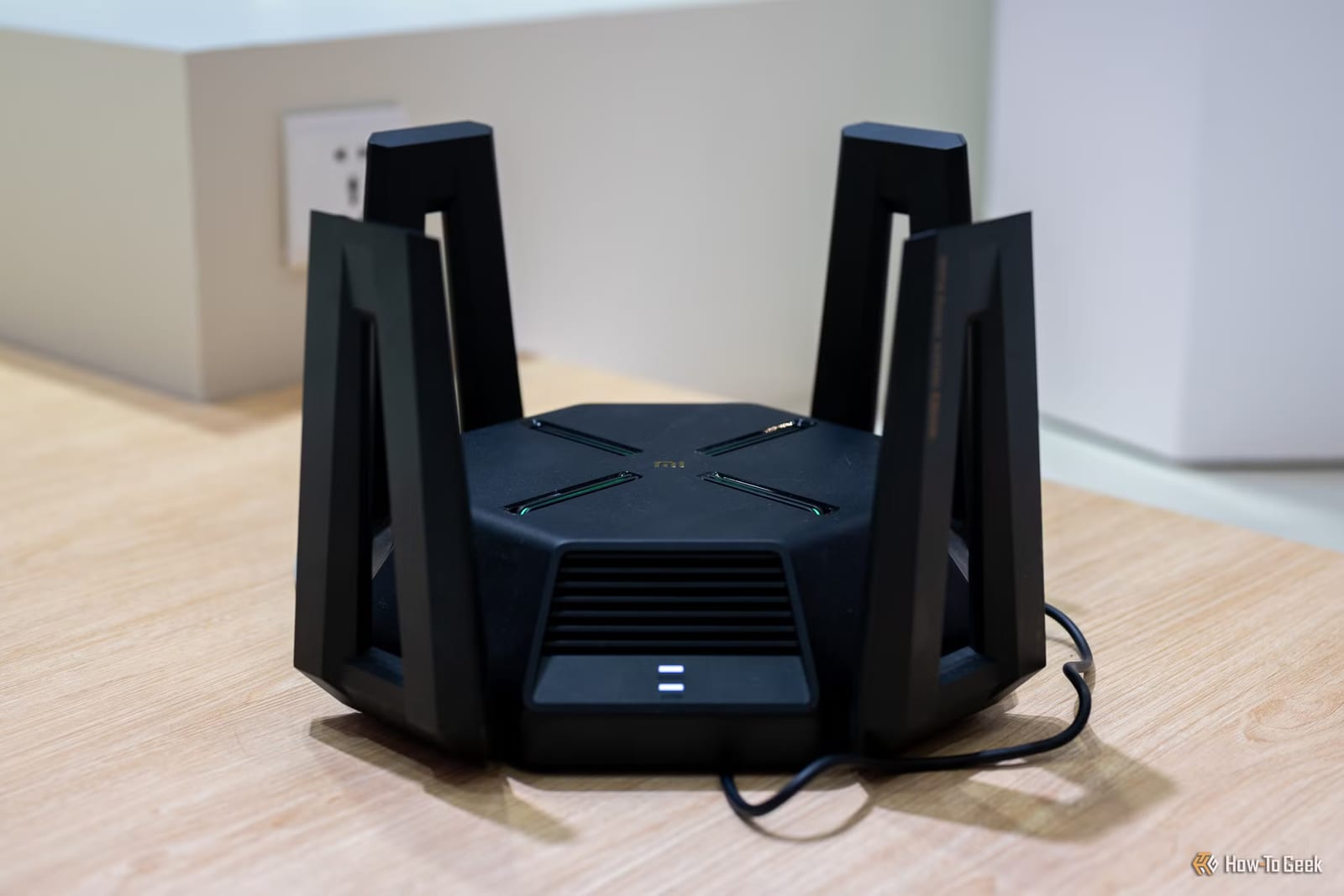
The USB port on the back of a home router can turn a spare drive into shared storage for every device in the house. It works. But a How-To Geek writer, Arol Wright, warns that it can also slow your whole network, because a router was never built to be a file server.
What the feature is
Most mid-range and high-end routers sold in the last decade have at least one USB port. Netgear calls the feature ReadySHARE, ASUS calls it AiDisk, and TP-Link calls it USB Sharing. You plug in a flash drive or external hard drive, flip a switch in the router's admin page, and the drive shows up as a shared folder on your network.
Many models also offer FTP, a common way to transfer files, and a media server so smart TVs and game consoles can browse your videos. Some allow remote access from outside your home. The appeal is clear. A dedicated NAS, a small storage device for your network, from Synology or QNAP costs a few hundred dollars before you add drives. The router option costs nothing extra.
Why the network slows down
A router's processor is built to move data between your devices and the internet. Serving files adds more work. The chip has to handle the drive's file system, the file-sharing software and the network transfer all at once. Consumer router chips are modest, even compared with a cheap laptop.
Speed is the first problem. TP-Link's own support documentation says USB performance depends on the router's CPU and can fall below direct-connection speeds. Owners on enthusiast forums report single-digit or low double-digit megabytes per second from drives that can do a hundred or more.
The second problem is worse. During a large copy, the router's processor can run near full load. Video streams buffer, game lag climbs and video calls stutter, even on devices that have nothing to do with the transfer.
Risks to your files
- The drive is a single disk with no backup, no redundancy and no health monitoring.
- A power cut during a write can corrupt the drive, and a failed drive takes everything with it.
- Turning on remote access or FTP exposes the drive to the internet through firmware that may not get regular security patches.
Router software is also updated slowly and is often abandoned after a few years. Several older models relied on SMBv1, an old file-sharing protocol Microsoft deprecated in 2014 and later stopped installing by default in Windows 10. Owners had to choose between turning a known-vulnerable setting back on or losing access to their files.
When it still makes sense
Light, occasional use is the best case. Moving a few documents between a laptop and a desktop, keeping a shared folder of household paperwork, or letting a smart TV play a small library of downloaded videos are all reasonable jobs. The closer your use stays to those, the less you will notice the downsides.
What to do
For family photos or other files you cannot replace, use a real backup instead of a drive plugged into the router. If you do use the USB port, keep remote access turned off.
The takeawayUse the router's USB port only for a few low-stakes files, keep remote access off, and back up important files somewhere else.