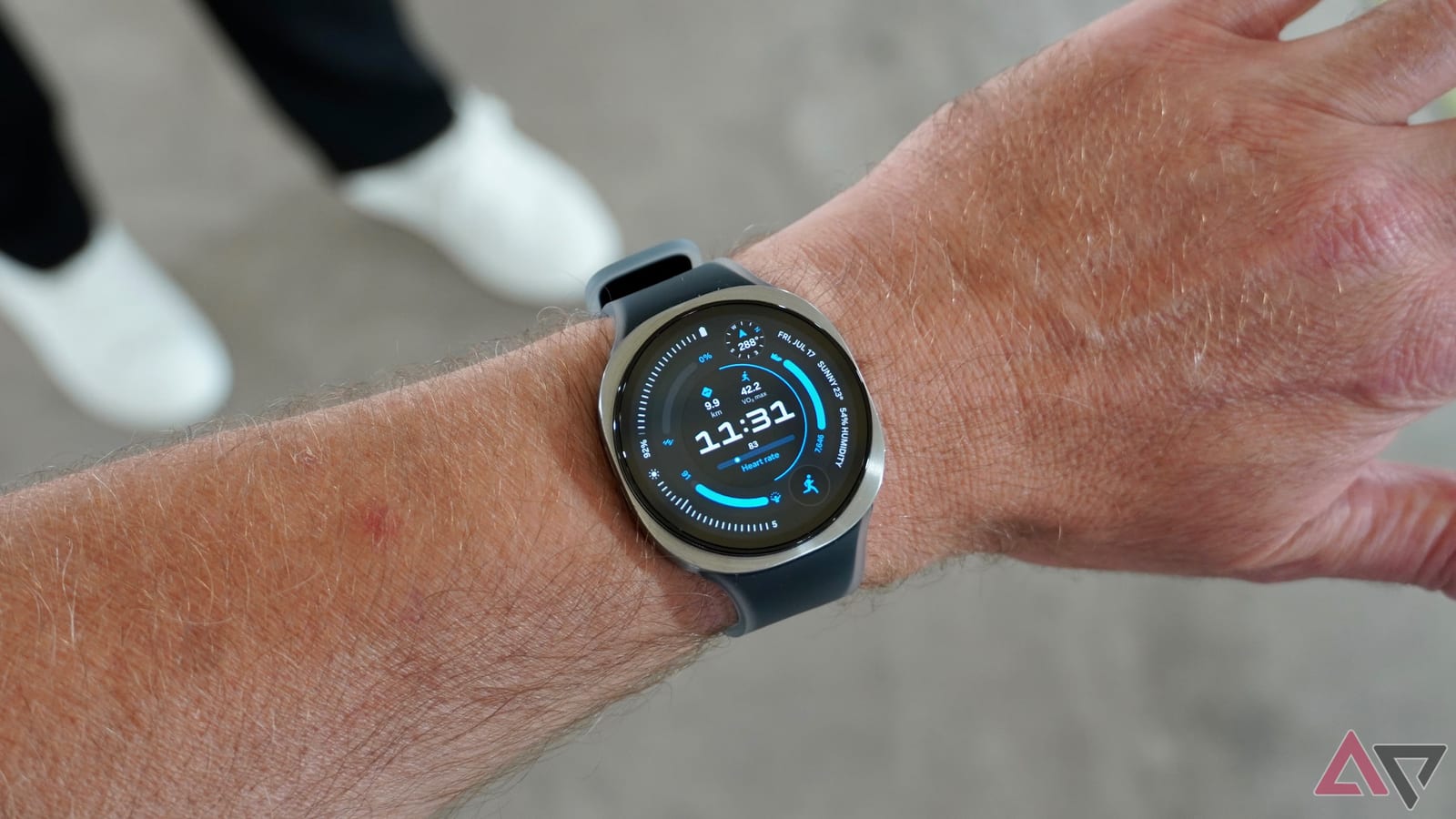
One setting may be the reason a smartwatch dies by evening. A writer at Android Police turned off Always On Display on a 40mm Galaxy Watch 9 and says the battery gained about six to eight hours. Health tracking kept working as before.
What changed
Always On Display keeps the watch face lit all day, so the time is visible without lifting your wrist. It looks like a classic watch. It also costs power. The 40mm Bluetooth model has a small 390mAh battery, and the writer was reaching for a charger by evening.
The watch's own battery menu pointed to the screen. Always On Display ranked as the top source of battery use. After switching it off, the writer made it through a busy workday and still had enough charge to track sleep overnight.
How to do it
The writer turned the feature off in the Wearable app on the phone. Two other settings keep the screen easy to check:
- Settings > Display > Always On Display in the Wearable app: switch it off.
- Raise wrist to wake: the screen lights up when you lift your wrist.
- Touch screen to wake: tap the screen when the wrist gesture does not work.
What stays the same
The usual battery advice is to turn off background monitoring, limit notifications or use Power saving mode. The writer argues that this defeats the point of owning a premium watch. Here, notifications still arrive, the watch still feels responsive, and Samsung Health tracking works as before.
The charging routine got easier too. Instead of planning set charging sessions, the writer drops the watch on its charger during a shower. That short top-up is enough to keep going.
What to keep in mind
This is one person's experience on one model, not a lab test. Results will vary with the watch size and with how much you use it. The writer also says the wrist gesture does not register every single time, though a missed attempt is easy to live with.
Still, the trade is simple. You give up a glanceable screen that is always on. In return you get hours of extra battery, and a lift of the wrist or a tap brings the display back.
The takeawayIf your Galaxy Watch runs low by evening, try turning off Always On Display and use raise wrist or tap to wake instead.