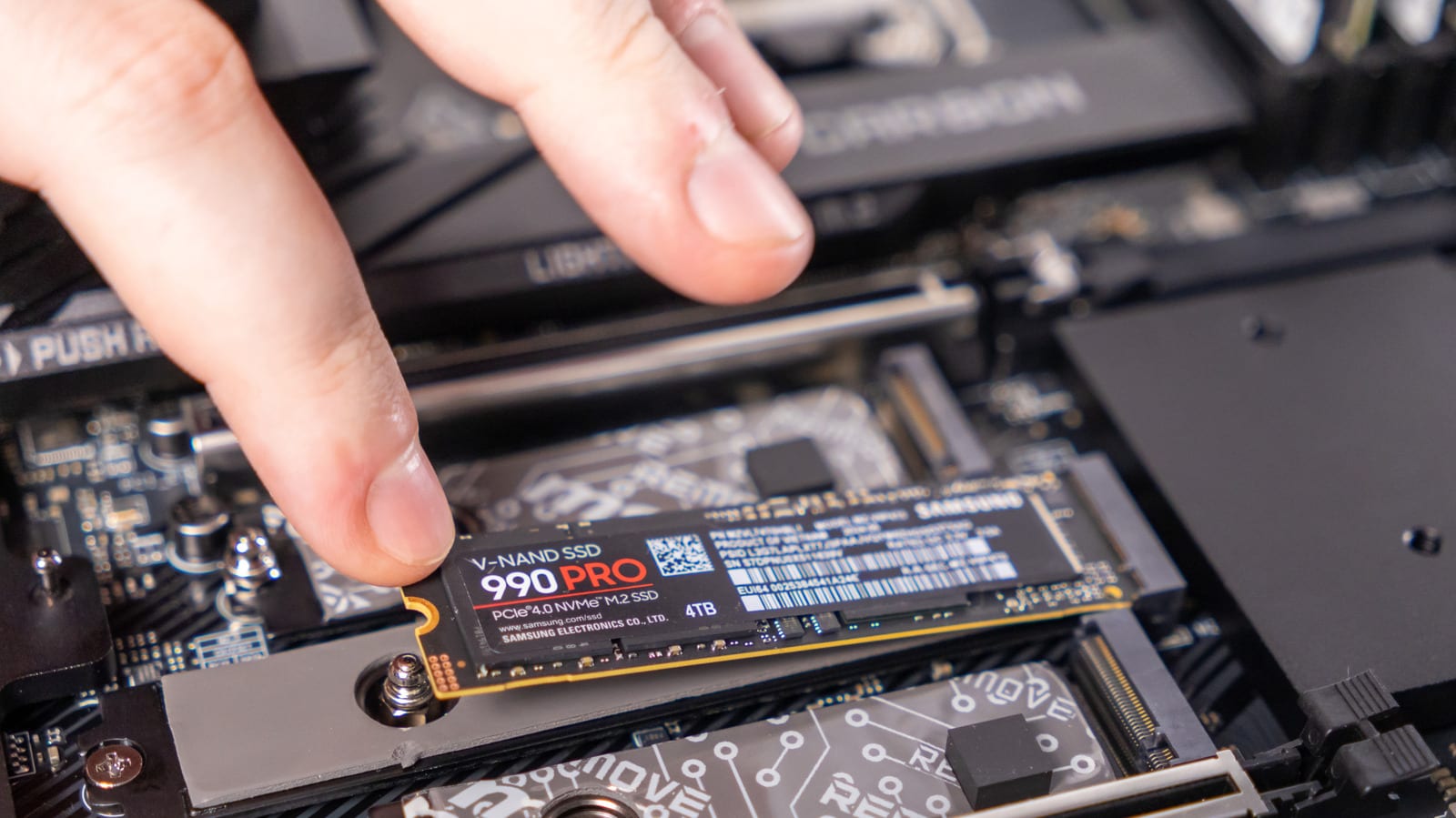
Before you toss an old laptop or recycle its drive, Engadget suggests pulling out the solid state drive (SSD, the chip-based storage inside) and turning it into an external drive. It costs only the price of a small case. The result is bulkier than a typical USB stick, but much faster at reading and writing files.
Check before you start
Not every laptop allows this. Some ultra-thin models, including Apple MacBooks, solder the storage directly onto the main board, so the drive cannot be taken out. Find out whether yours is removable before you buy anything.
What to do
- Match the case to the drive: the larger 2.5-inch SATA type or the smaller, faster M.2 NVMe type.
- Look for important files on the drive and copy them off first.
- Check the drive's health with Disk Utility on a Mac or Drive Management on Windows.
- Format the drive to wipe it, then put it in the case.
Most of these cases connect by USB-C, so the drive works like any other external storage once plugged in. If the SSD is near the end of its life, keep only files you could afford to lose on it. Bulky files, such as big games, are a good fit. Reuse also cuts down on electronic waste.
What is not clear
The article calls enclosures on Amazon fairly affordable but gives no prices or speed figures. It also does not say how worn a drive must be before it is too risky to use.
The takeawayCheck that your laptop's drive can be removed, test its health, then pair it with a matching case to get cheap, fast storage.