Act todayWhat happenedAT&T, Verizon and T-Mobile now let customers lock their numbers so criminals cannot move them to another SIM, eSIM or carrier.
Who is affectedAnyone with an AT&T, Verizon or T-Mobile phone line, especially people who use text-message codes for bank, email or crypto accounts.
What to do- 1Open your carrier app and turn on the lock: Wireless Account Lock (AT&T), SIM Protection plus Number Lock (Verizon), or SIM Protection plus Port Out Protection (T-Mobile).
- 2On T-Mobile, add Port Out Protection to every line on the account.
- 3Use a unique password and two-factor authentication on your carrier account.
- 4Move bank and email logins to an authenticator app or passkey, and unlock before upgrading your phone.
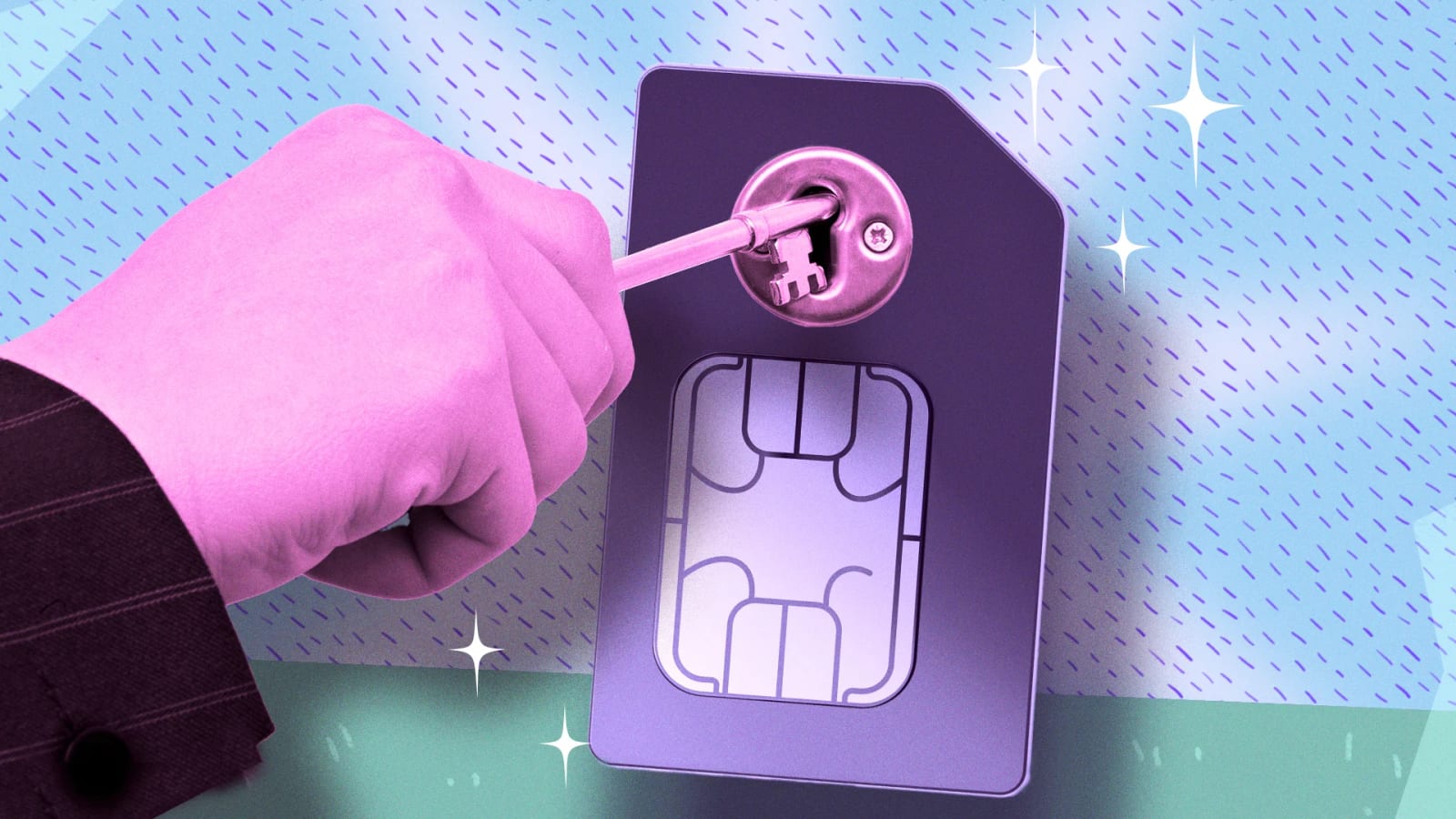
All three major U.S. carriers now offer a simple lock that stops criminals from taking over your phone number. If a thief gets your number, they also get the text message codes that your bank, email and crypto accounts send to it. Turning the lock on takes a few minutes in your carrier's app.
What changed
The attack is called a SIM swap. A criminal gathers your name, address and account details from data breaches or phishing. Then they contact your carrier, pretend to be you and ask to move your number to a SIM they control. Your calls, texts and security codes then go to them. A close cousin is port-out fraud, where your number is transferred to a different carrier.
The FBI's Internet Crime Complaint Center logged 982 SIM swap complaints and about $26 million in losses in 2024. In 2022 it was 2,026 complaints and $72.7 million. That looks like progress, but the figures only count crimes that victims reported to that one federal portal.
Why eSIMs do not solve it
An eSIM is a digital SIM that replaces the plastic card. It removed the card, not the weak link. Researchers at the firm F.A.C.C.T. found that attackers now break into a victim's carrier account with stolen or leaked login details, create a QR code and scan it on their own device. The real SIM is switched off at the same moment. No store visit or phone call is needed.
Who it affects
Anyone with an AT&T, Verizon or T-Mobile line is covered by this advice. The risk is highest for people who rely on text message codes for bank, email or crypto accounts. A lock that blocks the change outright is stronger than a PIN, because carrier reps can still override a PIN.
What to do
The steps are in the alert box above. The names differ by carrier. AT&T uses one toggle. Verizon and T-Mobile each split the job into two features, and both need to be on. On T-Mobile, authorized users can add the protections, but only the Primary Account Holder can remove them.
The locks can also block device upgrades, so unlock before buying a new phone. On Verizon, SIM changes and upgrade orders stay blocked for 15 minutes after you turn SIM Protection off.
What to watch for
A lock guards against changes made through your carrier. It does not help if someone already has your carrier login, because they may be able to switch the lock off. That is why a unique password and two-factor authentication on the carrier account matter.
The FCC's 2023 order told carriers to offer a free account lock and to notify customers of SIM change and port-out requests. Compliance deadlines were pushed back, so do not assume every carrier has fully built these features. Moving bank and email logins away from text codes is the safer long-term fix.
The takeawayTurn on your carrier's number lock today, and move key logins off text message codes.