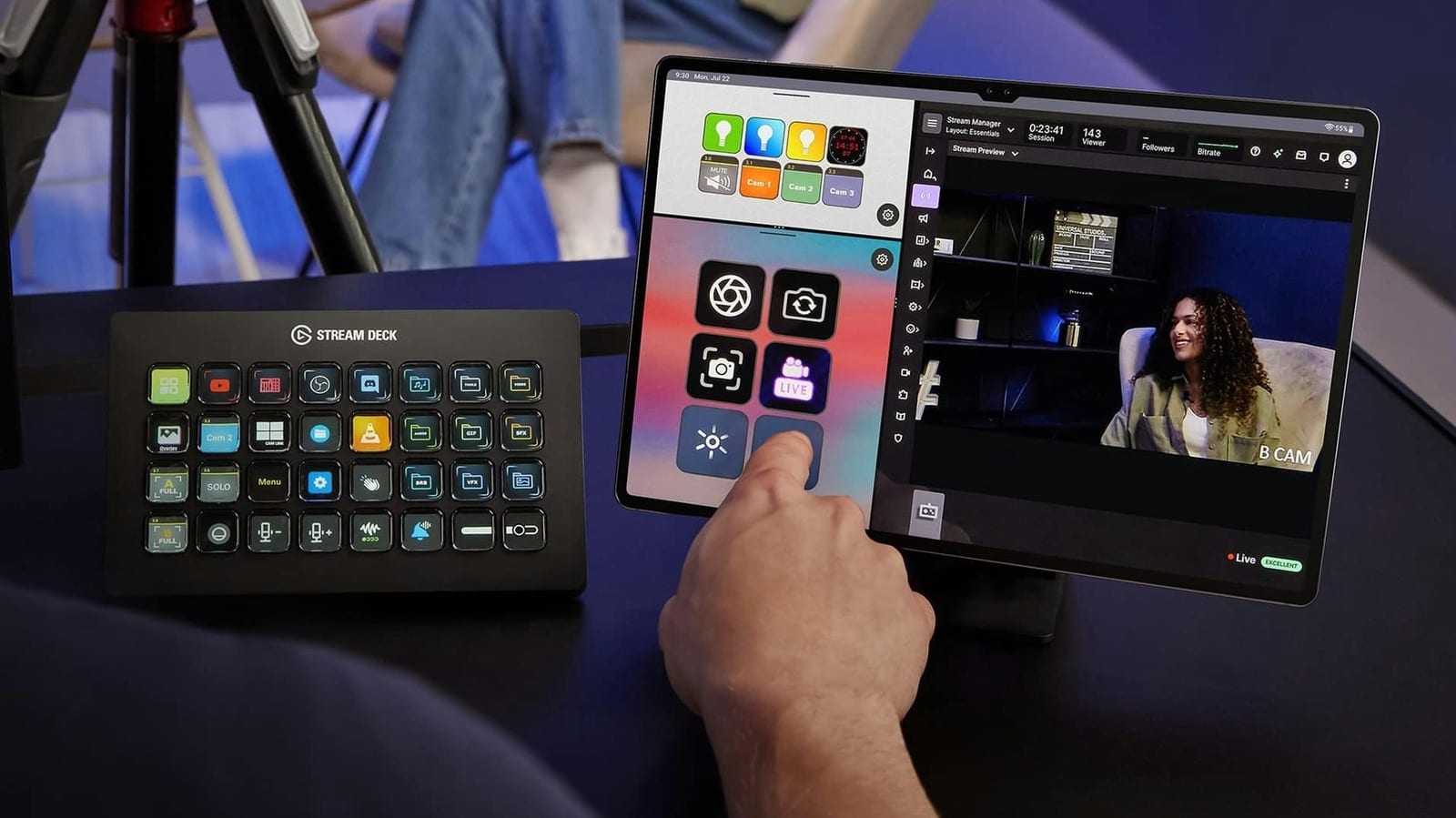
An old tablet sitting in a drawer can now do a real job for anyone who streams on Twitch or YouTube. Elgato, the maker of the Stream Deck, has a mobile app that turns a tablet into a panel of programmable buttons. No new hardware is needed. The free version works with no trial period, according to Engadget.
What it is
A Stream Deck is a physical controller with buttons that each run a task on a PC or Mac. Examples include opening an app, muting a microphone or switching cameras. The mobile app copies that idea on a touchscreen. Elgato has plugins for OBS Studio, Twitch, YouTube and Spotify. It also supports smart lights from Philips Hue, Nanoleaf and Govee.
What it costs
The free version gives you up to six buttons and unlimited access to actions. That matches the Stream Deck Mini, Elgato's smallest controller, and covers basics like starting a stream or muting your mic. Stream Deck Mobile Pro raises the limit to 64 buttons and adds grid options and custom backgrounds. On an iPad, it also allows two keypads side by side with Split View.
- Free: six buttons
- Pro: $2.99 per month or $24.99 per year
- Lifetime license: $49.99
How to set it up
The app runs on iPadOS 15 or Android 9 and later, so most tablets from the past few years should work. Your computer needs Windows 10 or macOS 10.15 or later. Install the official Stream Deck app on the computer and on the tablet. On the computer, open the device picker in the top-left corner and click Add Mobile Device. Scan the QR code it shows with the tablet app. That usually takes five minutes or less.
If it does not connect
The computer and tablet must be on the same local network. A tablet on a 4G or 5G connection will not work. If they cannot find each other, check that your computer's firewall or antivirus is not blocking the link. On Windows, you may need to switch the network profile from Public to Private. Mac and iPad users have an easier option, because those apps can pair over USB. That also gives a steadier connection and less delay when you press a button.
Tips for stream day
A few small steps keep the tablet useful during a live show.
- Use an inexpensive stand so the buttons stay in view.
- Keep the tablet plugged in so the battery does not die mid-stream.
- Keep the screen awake. On an iPad, set Auto-Lock to Never under Settings > Display & Brightness.
- Android tablets have a similar option in display settings.
Six buttons can feel like wasted space on a large screen. The lifetime license may be worth a look for people who stream often.
The takeawayIf you stream and have a spare iPad or Android tablet, try the free Stream Deck mobile app before buying a controller.