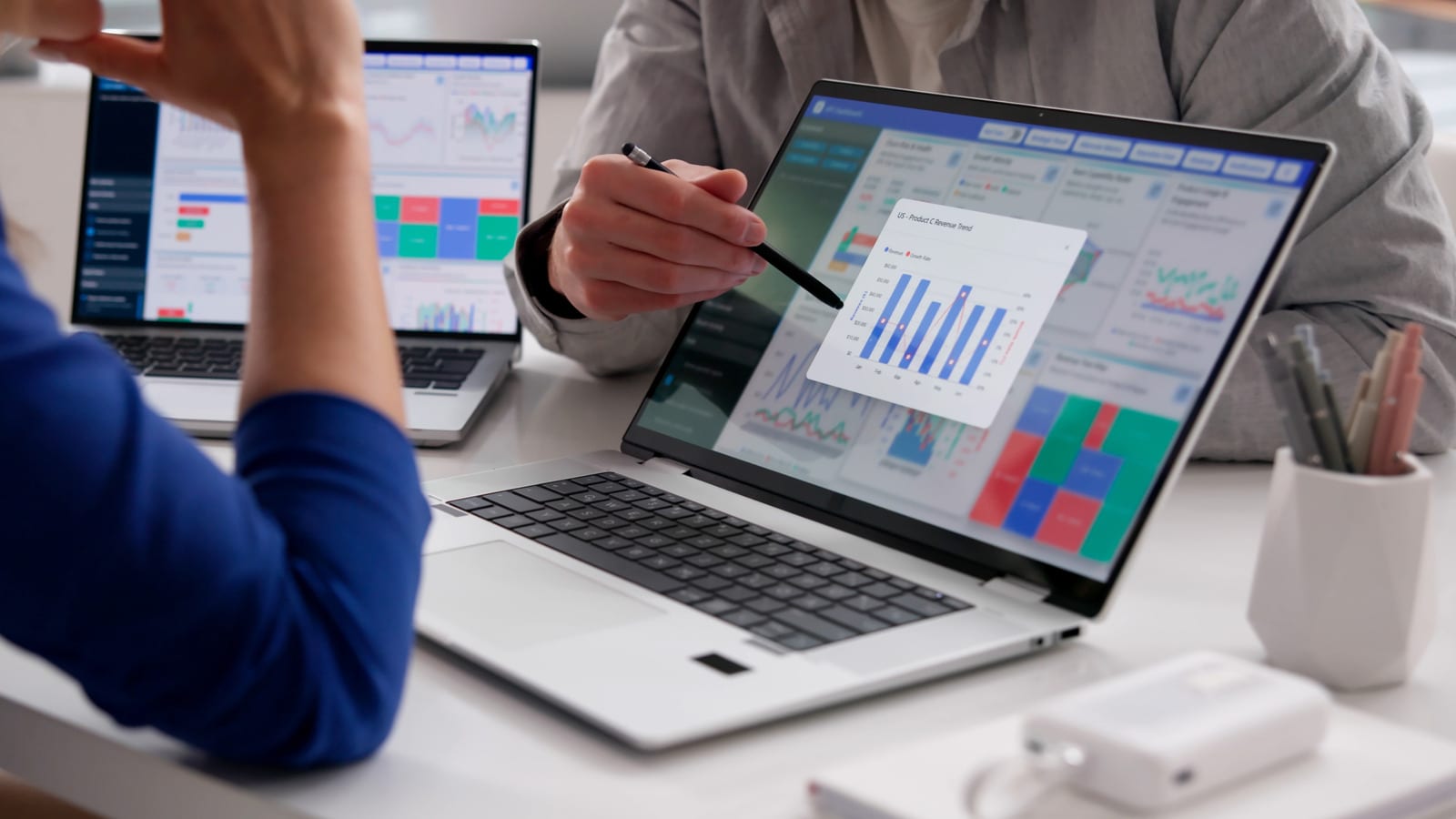
An old laptop sitting in a drawer can become a second screen for the laptop you use every day. Windows and Mac both have built-in ways to do it over Wi-Fi. Mixed setups and wired links need a little extra gear. One common guess does not work: plugging in an HDMI cable by itself will not do it.
Why a second screen helps
There are two ways to use one. Mirroring shows the same desktop on both screens, which suits presentations. Extending gives you one wider desktop, so you can see more browser tabs at once and move between tasks more easily. Either way, you skip buying a new monitor.
Two Windows laptops
If both laptops run Windows 10 or 11, the tools are already built in. They use a technology called Miracast, which links devices over Wi-Fi. Setup starts on the spare laptop.
- On the spare laptop, open Settings, then System, then Projecting to this PC.
- Choose Optional features, then View features, and add Wireless Display.
- Return to the same page, set it to Available everywhere, and open the Wireless Display app.
- On the main laptop, press the Windows key + K, pick the spare laptop and enter the PIN.
- Allow keyboard and mouse input, then choose to duplicate or extend. Windows key + P switches modes.
Both machines need Wi-Fi, and there may be some lag. That is fine for presentations or lots of tabs, but not ideal for gaming.
Two Macs
Macs can use AirPlay, but only if the spare MacBook is from 2018 or later. On the spare one, open System Settings, then General, then AirDrop & Continuity. Turn on AirPlay Receiver and set Allow AirPlay for to Current User. Both Macs must be signed into the same Apple ID. On the main Mac, open System Settings, then Displays, click the plus sign and choose the spare. Expect a slight delay.
Mixed or Linux machines
A Windows PC paired with a Mac, or any setup involving Linux, needs software. One option is Deskreen, a free, open-source tool that works over Wi-Fi. Put both computers on the same network and install Deskreen on the main one. It shows a QR code and a web address. Open that on the spare laptop's browser to connect.
Deskreen mirrors by default. To extend the desktop, the main computer needs a cheap virtual display adaptor, sometimes called a dummy plug, in its HDMI port.
The wired option
Most laptop HDMI ports only send video out, so a plain cable between two laptops will not work. The fix is an HDMI-to-USB video capture card. Plug the main laptop's HDMI cable into the card, then plug the card's USB end into the spare laptop. The card acts like a webcam, so you view the feed in the camera app or in OBS Studio, a free app for Windows, Mac and Linux.
The same trick lets you play a PlayStation or Nintendo Switch on the laptop without a TV. Lag is usually lower than over Wi-Fi, though a small amount may remain.
The takeawayCheck which operating systems your two laptops run, then pick the built-in wireless option or add a capture card for a wired link.