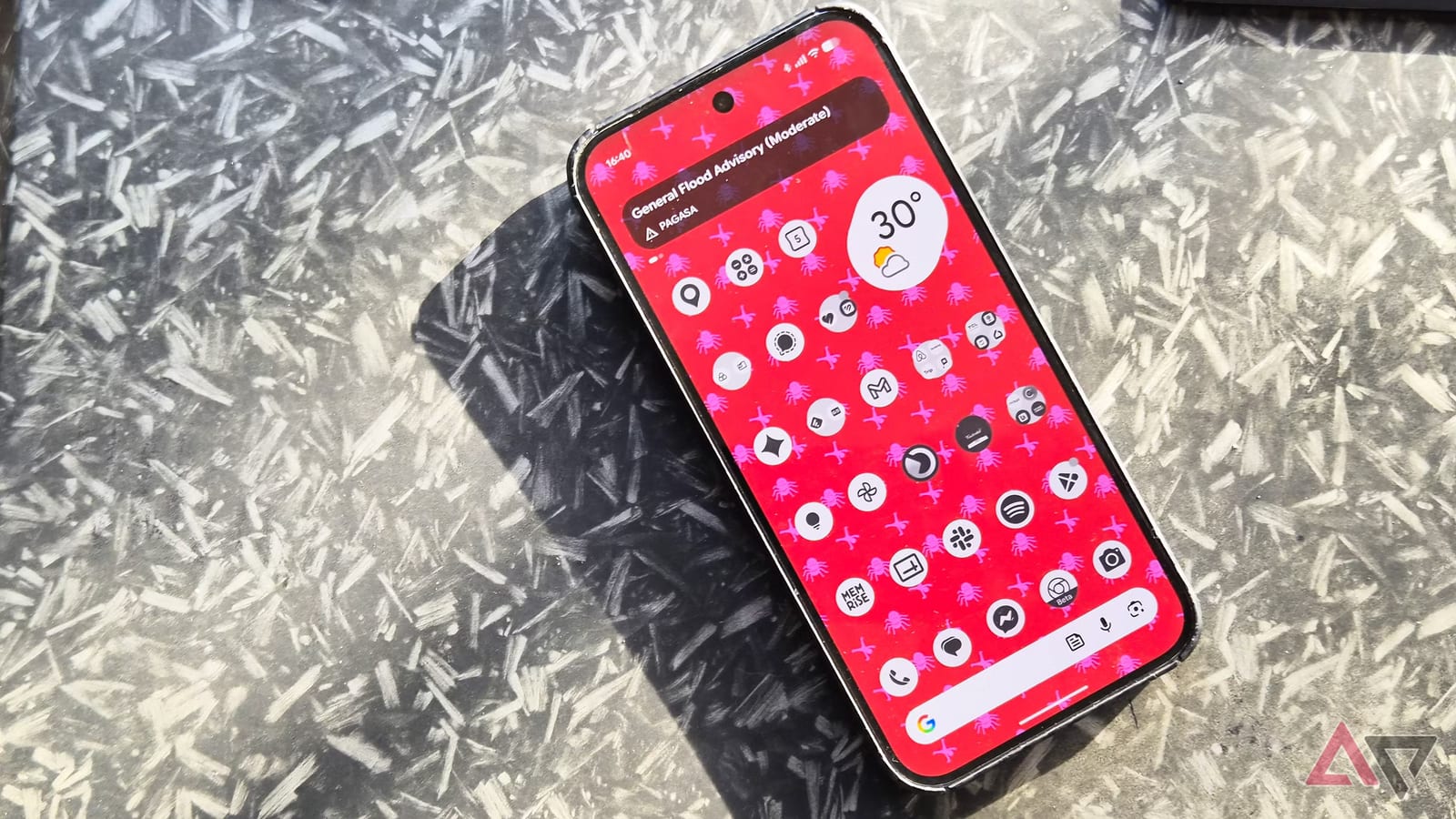
Pixel phones are fast and clean, but they offer little room to customize. An Android Police writer says three apps filled the gaps: Smart Launcher, Essentials and Material Capsule. All three can be tried for free. None needs a jailbreak or a new phone brand.
What Pixel owners are missing
The writer lists three weekly frustrations. The app drawer is one long list with no sorting. Settings tend to apply to every app, with few per-app options. The camera cutout, the small hole for the front camera, just sits there.
Other brands do more. Samsung has Good Lock, a tweaking kit for menus, looks and behavior. It also has Edge Lighting, which makes the screen edge glow for a notification, and an Edge panel for app shortcuts. Xiaomi has HyperIsland, which shows calls, connected devices and music near the camera.
The three apps
- Smart Launcher replaces the Pixel home screen and sorts apps into groups like Messaging, Socials, Games, Health and Utilities.
- Essentials is free and open source, and copies much of what Good Lock does.
- Material Capsule wraps the camera cutout in a pill-shaped area that shows media controls and alerts.
Smart Launcher also adds gestures and search across apps and calendar entries. Its free version only lets you remove and rearrange the existing categories. Deeper customization needs the Pro version.
Material Capsule takes its color from your wallpaper. It can light up for Bluetooth connections or volume profile changes. It also offers a card with up to six app or contact shortcuts. It is free to start, with a one-time purchase to unlock everything.
What to watch out for
All three apps ask for permission to reach private information. The writer advises installing them only if you are comfortable with that. Essentials asks for a wide range of permissions, including write access and accessibility.
Material Capsule runs as an overlay, meaning it sits on top of the phone's system. That can feel different from a built-in feature. It is worth watching battery use during the first week.
What to do
Check prices before buying, since two of the three apps have premium options. Battery use can vary by Pixel model, so add one app at a time instead of all three on the same day. The writer says the apps suit Pixel owners who like the hardware, want to manage the phone themselves, and miss Samsung or Xiaomi extras.
The takeawayTry one app at a time, read the permissions and prices first, and watch your battery for the first week.