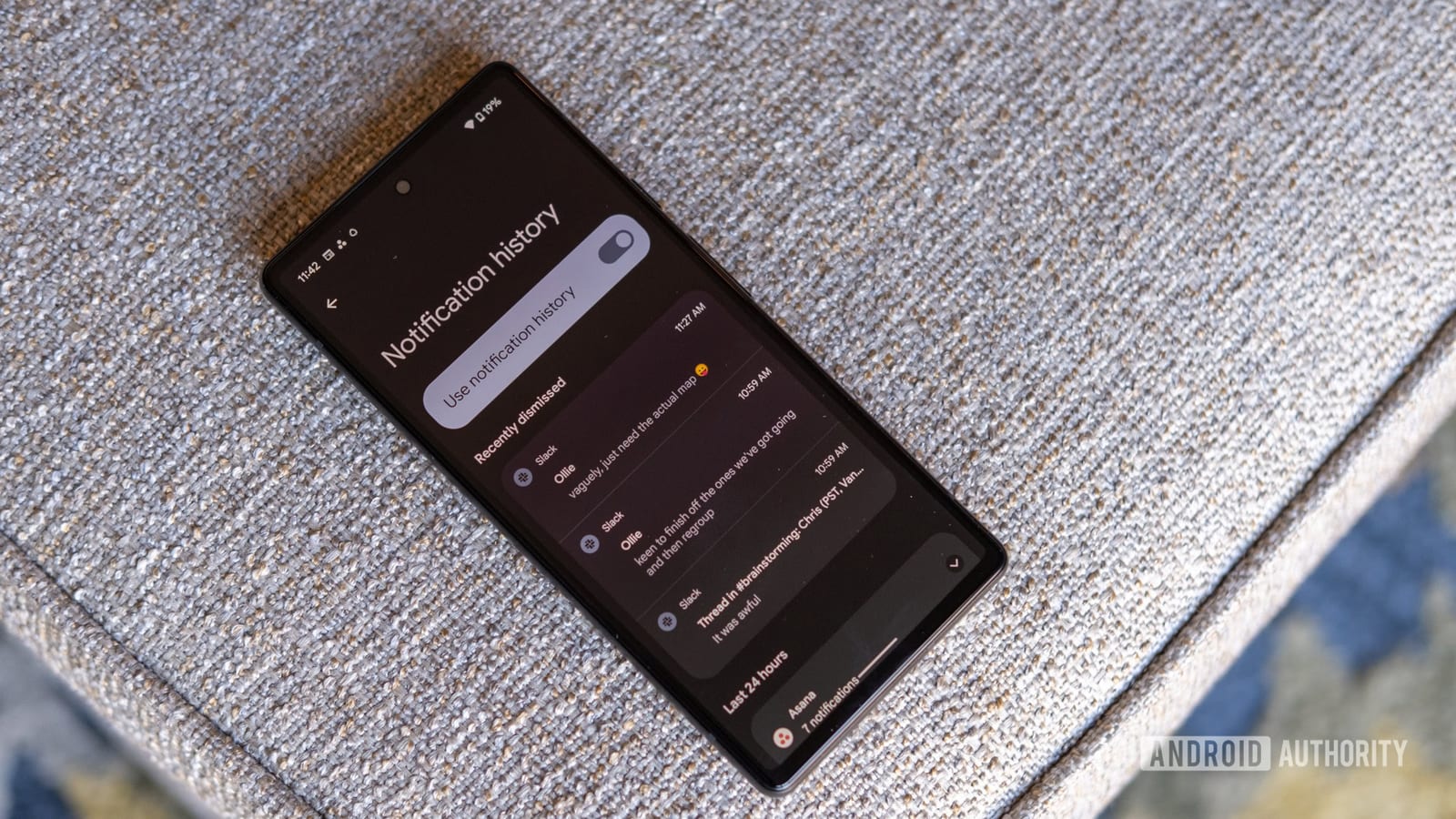
Android keeps a log of past notifications, so an alert you swiped away by accident may not be gone for good. Android Authority reports that a quicker way to reach that history exists, and that most people are not using it.
What we know
Notifications are the banners and sounds apps use to tell you about a message, a delivery or a reminder. Swiping one away clears it from view, but the history can still hold a copy. The report says a faster route to that history is available. The practical gain is time. Instead of hunting through apps for a missed message, you may get it back in seconds.
What is not clear
The full article was not available, so the exact shortcut is not described here. It is also unknown which Android versions or phone brands support it. Notification history may need to be switched on in settings before it saves anything. That means an alert that arrived while the feature was off may not show up later.
What to do
- Open your phone's settings and search for notification history.
- Check whether it is switched on.
- Turn it on if you want swiped-away alerts saved for later.
Exact menu names can differ between phones, so a settings search is the simplest way to find it.
The takeawayCheck that Android's notification history is switched on now, so an accidentally dismissed alert can be recovered later.