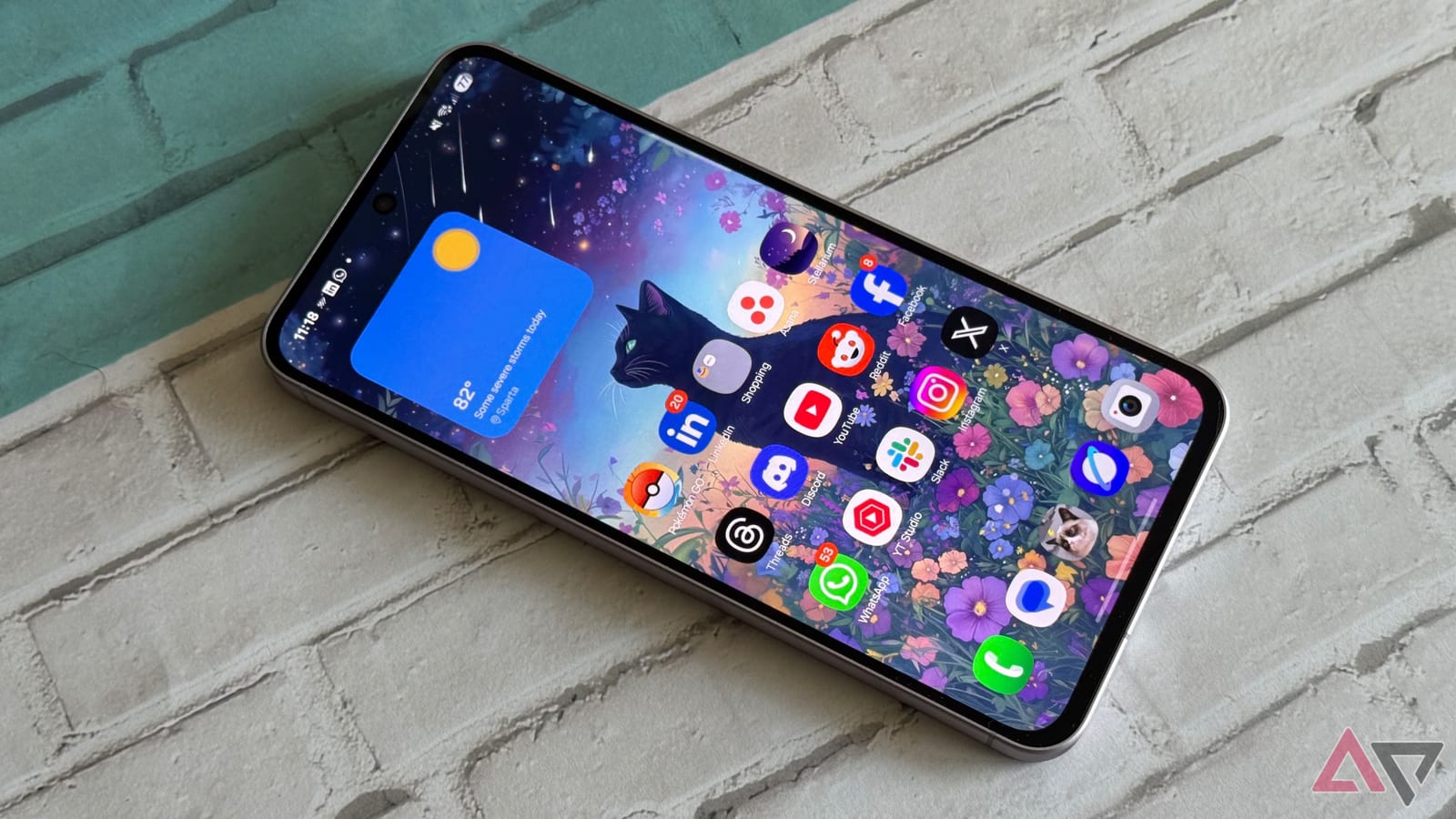
Samsung's mid-range Galaxy A56 and A57 phones can now send files directly to iPhones. The feature arrives with One UI 9, Samsung's latest phone software update. Until now, sharing between Android and Apple devices usually meant email, messaging apps or cloud services.
What changed
The feature lives in Quick Share, Samsung's built-in tool for sending files to nearby devices. It now works with AirDrop, Apple's version of the same idea. Android users can send photos or documents to iPhones, iPads and Macs. It first shipped on Galaxy S26 phones in March and appeared on Pixel 10 phones last year. The Galaxy S25 FE has it too.
Look for a toggle called Share with Apple devices in Quick Share. On some models it is on by default. On others it must be switched on first. The receiving device has to be discoverable in Quick Share on Android and in AirDrop on the Apple side, and it stays visible only for a limited time.
Speed is decent, not instant. In one test, an album of over a hundred photos, about 1 GB, took roughly three minutes to go from an iPhone to a Pixel. Results may differ by device.
What is not known yet
No other models are confirmed. Android Police suggests the Galaxy A37, Galaxy A27 or Samsung's tablets could be next, but that is a guess. Check your own phone after updating to see whether the toggle appears.
The takeawayIf you own a Galaxy A56 or A57, update to One UI 9, then check Quick Share for the Share with Apple devices toggle.