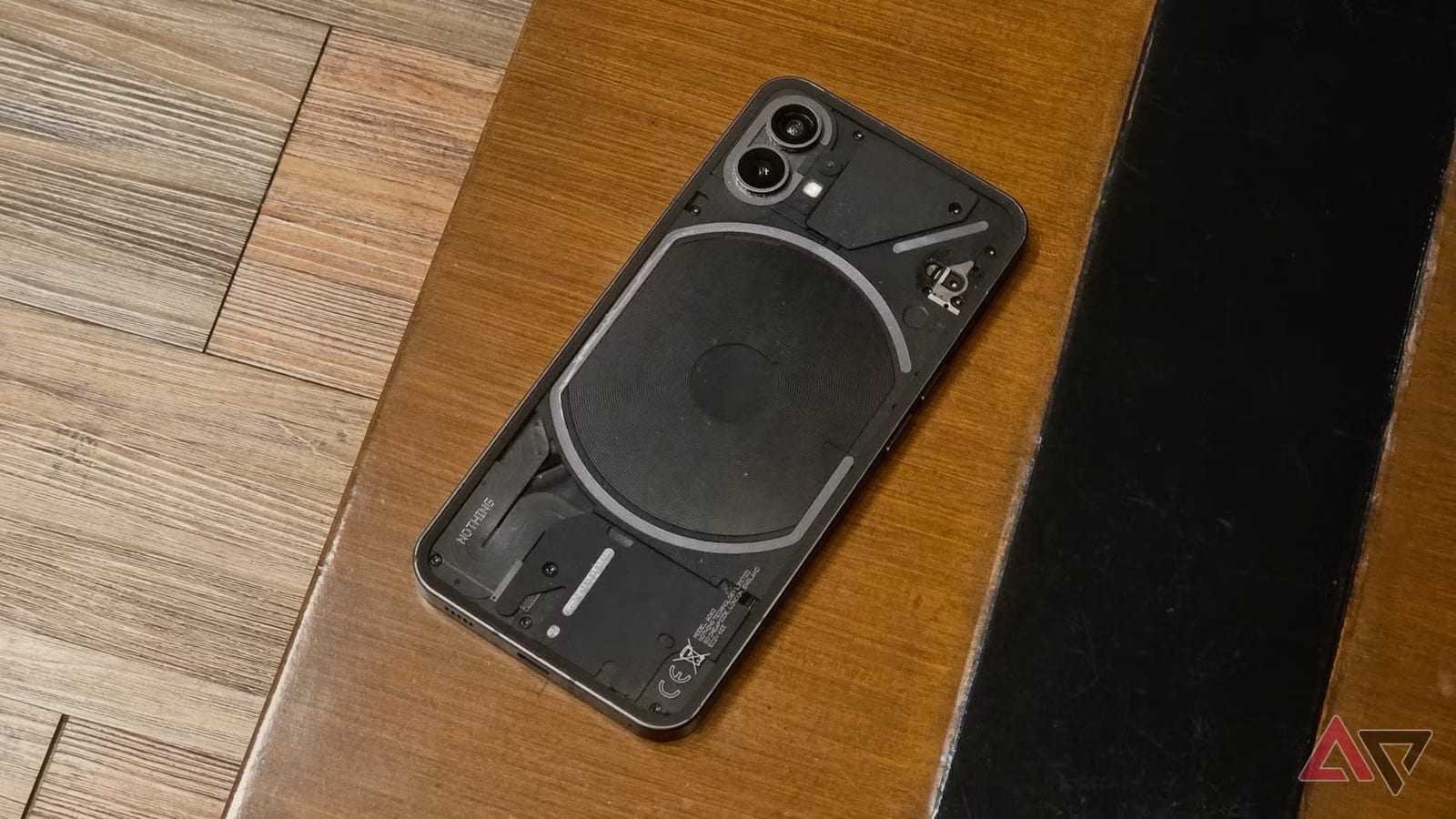
Before an old Android phone goes in the trash, it may be worth a second job. Android Police lists six ways to reuse a phone that has reached the end of its software updates, from a laptop webcam to a backup internet connection. Most need no extra spending.
Why old phones get stuck
Many Android phones stay fast for years. The limit is software support. Each phone has an end-of-life date, after which it stops getting updates. Samsung and Google offer up to seven years for most recent models. Other brands and cheaper phones may stop at five years or fewer.
Using such a phone every day carries security risks, and newer apps may stop working on it. That does not make it junk. It can still do useful work in a limited role.
Ways to reuse it
- Webcam: plug it into a laptop by USB and pick the webcam option. It works with Zoom and Google Meet.
- Camera: apps like Droid Dashcam and AlfredCamera turn it into a dashcam or security camera with a mount.
- Backup hotspot: give it its own SIM card and data plan for when home internet fails.
- Car screen: an app like Open Headunit makes it a basic Android Auto unit.
- Games: older SNES and PlayStation 1 titles run well, or stream with Xbox Cloud or GeForce Now.
The writer, Marvin Velasco, says the hotspot works well because the network name and password never change. Connecting is instant, which helps when the main connection drops during an online meeting. He also warns that a car mount must not block the driver's view.
The custom software option
Another route is a custom ROM, which is replacement phone software made by outside developers. LineageOS and GrapheneOS are two popular choices. They keep updates coming past the official end date and give a cleaner phone with more privacy control.
There is a catch. Most banking and wallet apps stop working on these systems. The phone can also lose features added by its maker. For that reason, the article suggests using such a phone as a backup or hobby device, not as the main one.
What to do
If none of this appeals, trading the phone in for a newer one is better than leaving it in a drawer. When buying, the writer recommends a phone with at least five years of Android updates. That keeps it safe longer as a main phone and delays its move to a backup role.
The takeawayGive an old Android phone a simple second job, but keep banking and payment apps on a phone that still gets updates.