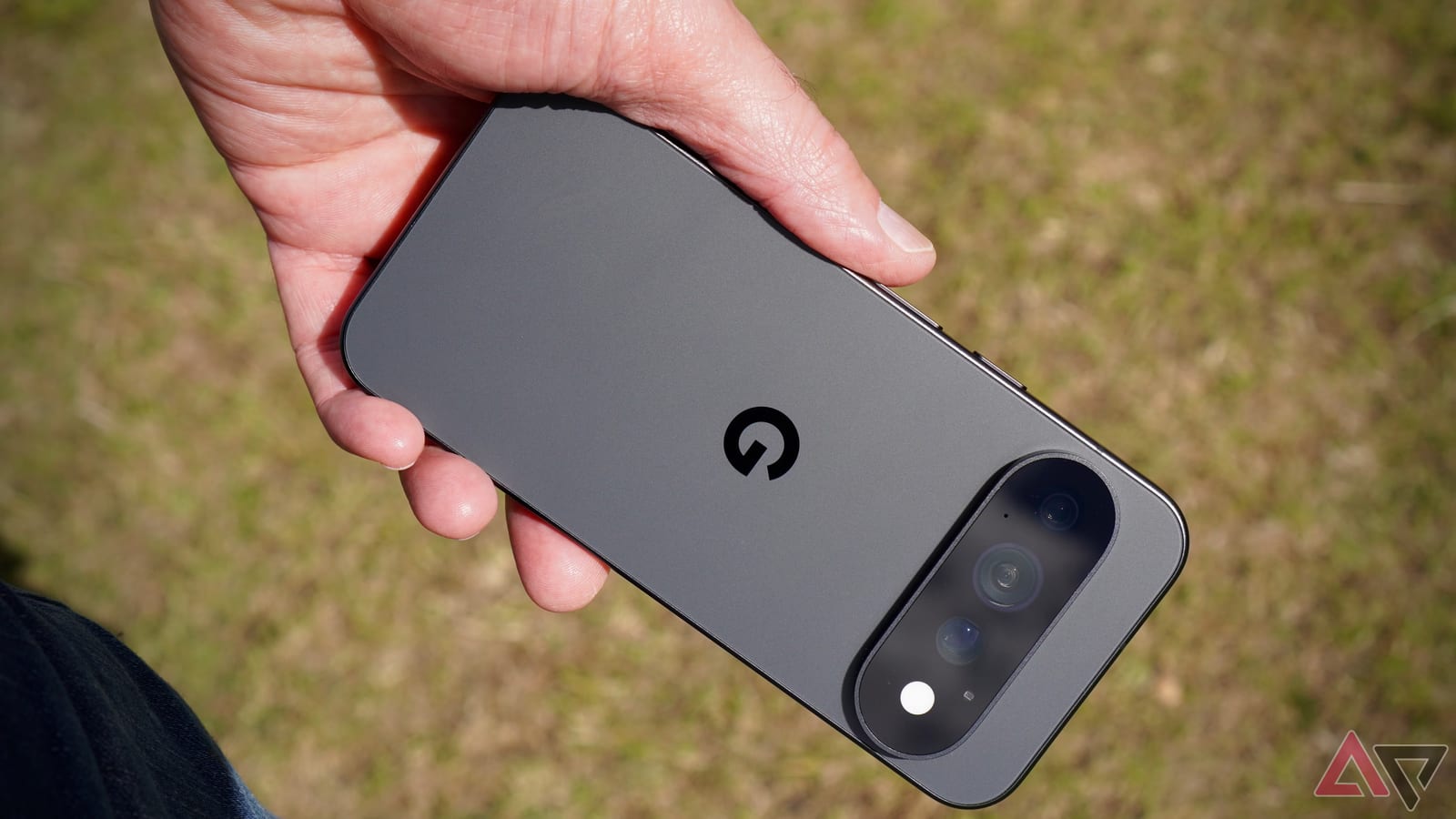
A Google Pixel phone can double as a webcam, hide private apps behind a separate PIN and tune its speakers to the room, all with settings already built in. Android Police writer Parth Shah says the default setup does not show what these phones can do, and he lists six changes that made his Pixel more useful.
Settings that protect and simplify
Private Space keeps sensitive apps out of the regular app drawer. It helps when you hand your phone to a friend or family member and do not want them opening personal files or apps. Shah uses it for financial apps and personal accounts. He can even sign in with a different Google account there.
To set it up, go to Settings > Security & privacy > Private space, confirm it is you, and follow the steps. Shah prefers a separate PIN for extra protection. When locked, the whole section can be hidden.
Google Wallet is the other simple one. In supported regions, you can add credit and debit cards, turn on NFC (the tech behind tap-to-pay), and pay without a physical wallet. A Pixel Watch can hold a supported card too, so you can pay from your wrist even without your phone nearby.
Settings that work for you
Adaptive Sound uses the microphone to detect background noise and adjusts the speakers to suit it. It does not change the volume. Turn it on under Settings > Sound & vibration > Adaptive Sound.
For video calls, the Pixel can stand in for a laptop webcam. Connect it to a Windows PC or Mac with a USB cable that supports data transfer. Open the notification panel, tap Charging this device via USB, and choose Webcam. Then pick Android Webcam as the video source in Google Meet, Zoom or Teams. Shah prefers the rear camera for better quality.
Choices and extras
Android also lets you pick a different AI assistant. Shah chose Grok over Gemini for everyday chats. Gemini still has the edge for deep links with Google apps and services. Claude and ChatGPT are also options. The setting is under Settings > Apps > Default apps > Digital assistant app.
The last tip is HiLight, a feature he describes on the Pixel 11 Pro lineup. A ring of colored LED lights around the camera flash signals calls and messages. Colors can be assigned to favorite contacts. With the Android 17 beta, it also works with Google Messages. It is under Settings > System > HiLight. WhatsApp and other third-party apps are not supported yet.
What to do
- Turn on Adaptive Sound if you watch video in rooms of different noise levels.
- Try the USB webcam setting before buying a separate webcam.
- Set up Private Space with its own PIN if others borrow your phone.
- Add your cards to Google Wallet if contactless payment is available where you live.
The takeawayBefore buying extra gear or apps, check your Pixel settings: a webcam mode, Private Space and Adaptive Sound are already built in.