New Pixel 11 phones do not come set up at their best. A ZDNet reviewer who spent a few weeks with the Pixel 11 Pro XL says several useful features are turned off or need adjusting. Six changes stand out, and each takes only a minute or two in Settings.
Sharper text on the screen
The display is held back slightly to save battery. By default it runs at 1080 x 2404. Switching to "Max resolution," which is 1344 x 2992, helps most with text and fine detail. It will not change streaming video much. Readers of articles or e-books benefit most. The setting is under Settings > Display > Screen Resolution.
Faster charging
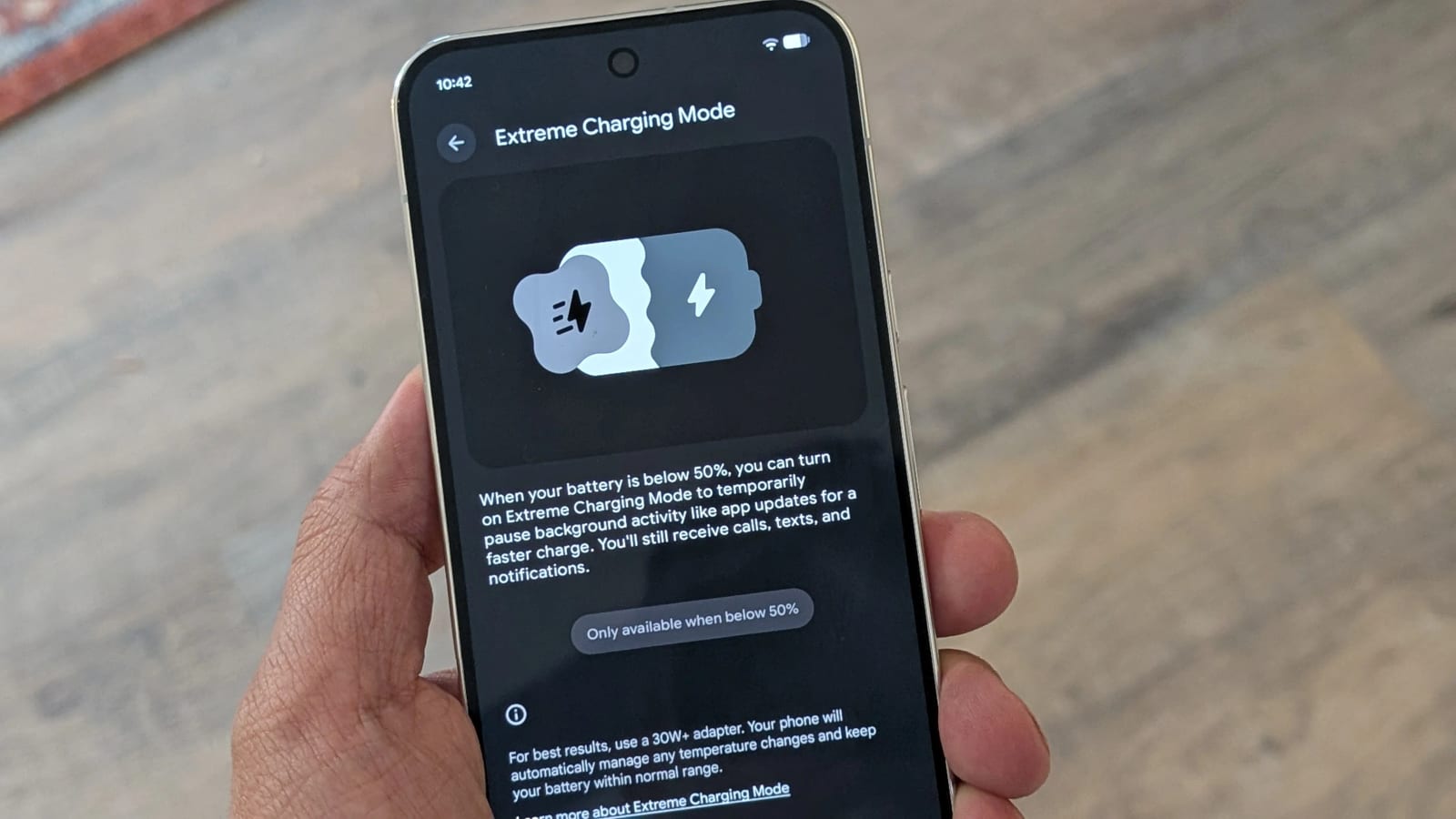
Extreme Charging Mode speeds things up by pausing background activity and non-essential apps. Google says the Pixel 11 and 11 Pro should pass 50% in 30 minutes, and the Pro XL should reach 75%. The reviewer found that estimate pretty accurate.
- It works only when the battery is at or below 50%.
- It must be turned on each time you use it.
- The first time, go to Settings > Battery & charging > Extreme Charging.
- After that, it appears in quick settings.
Fewer missed alerts
Notification History is off by default, so a swiped-away alert is gone for good. Turn it on and the phone keeps a searchable list of every alert from the last 24 hours. AI Notification Summaries turns long or stacked notifications into bullet points, using Gemini Intelligence on the phone itself. You choose which apps get summaries. Both are under Settings > Notifications.
Camera, lock screen and call lights
Camera Looks is new this year. It lets you adjust contrast, shadows, tint, sharpness and warmth before you shoot. The reviewer says Pixel photos can look over-processed, and the choice applies to every picture from then on. Find it through the settings icon in the camera app.
The "At a Glance" lock screen widgets are also off by default. Once on, they show weather, sports, flights, rideshare and delivery updates without unlocking the phone. Last, the multicolor light on the rear camera bump can show who is calling. Assign colors to contacts from the contact screen, and you can judge a call even with the phone on silent.
The takeawayRight after setup, check Display, Battery, Notifications, the camera and contact colors, since several useful Pixel 11 features are off or held back by default.