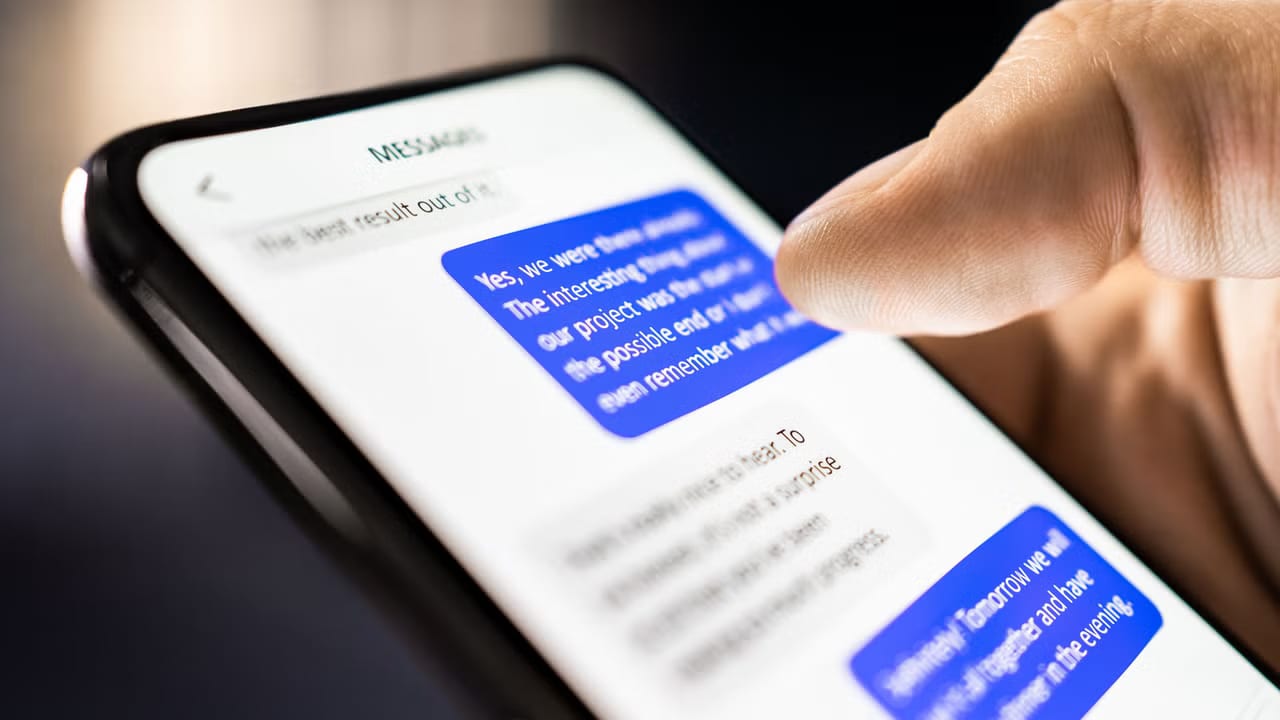
Act todayWhat happenedScammers are going beyond spam email and fake package texts, using built-in phone notifications and calendar features to reach people.
Who is affectedAnyone with a smartphone or a digital calendar, including iPhone and Android users and the business owners and families who rely on them.
What to do- 1Do not tap links in unexpected texts or calendar invites, even if they look official.
- 2Go straight to the company's official app or website to check any delivery or account claim.
- 3Delete calendar events from senders you do not know and report them as spam.
- 4Tell family members and staff about these tricks so they pause before they tap.
Scammers are finding new ways onto your phone. Beyond spam email and the familiar fake package text, they are now using the built-in notification and calendar tools that already sit on your phone to get your attention.
What changed
Most people have seen the text saying a package could not be delivered because of an incomplete address. That trick is still going around. What is new is the creativity. Scammers know an email may land in a spam folder, so they are turning to features your phone treats as trustworthy, like alerts and calendar entries. Fast Company describes three calendar and text scams now circulating.
Who it affects
Anyone with a smartphone or a digital calendar. That includes iPhone and Android users, and the families and business owners who depend on them. A message that pops up on your own device can feel more official than a stray email, which is the point.
What is not known yet
The full article was not available to us, so the details of each of the three scams are not covered here. Nothing in the material says how many people have been hit or how much money has been lost. We will not guess at either.
What to do
The alert box above lays out the steps. In short, do not tap links in unexpected texts or invites, check claims through the company's official app or website, delete unknown calendar events, and warn the people around you.
What happens next
Expect these tricks to keep changing. The package text has lasted for years, and scammers are adding new methods rather than dropping old ones. A quick pause before you tap remains the best defense.
The takeawayIf an alert or calendar invite you did not expect asks you to tap something, stop and check with the company directly instead.