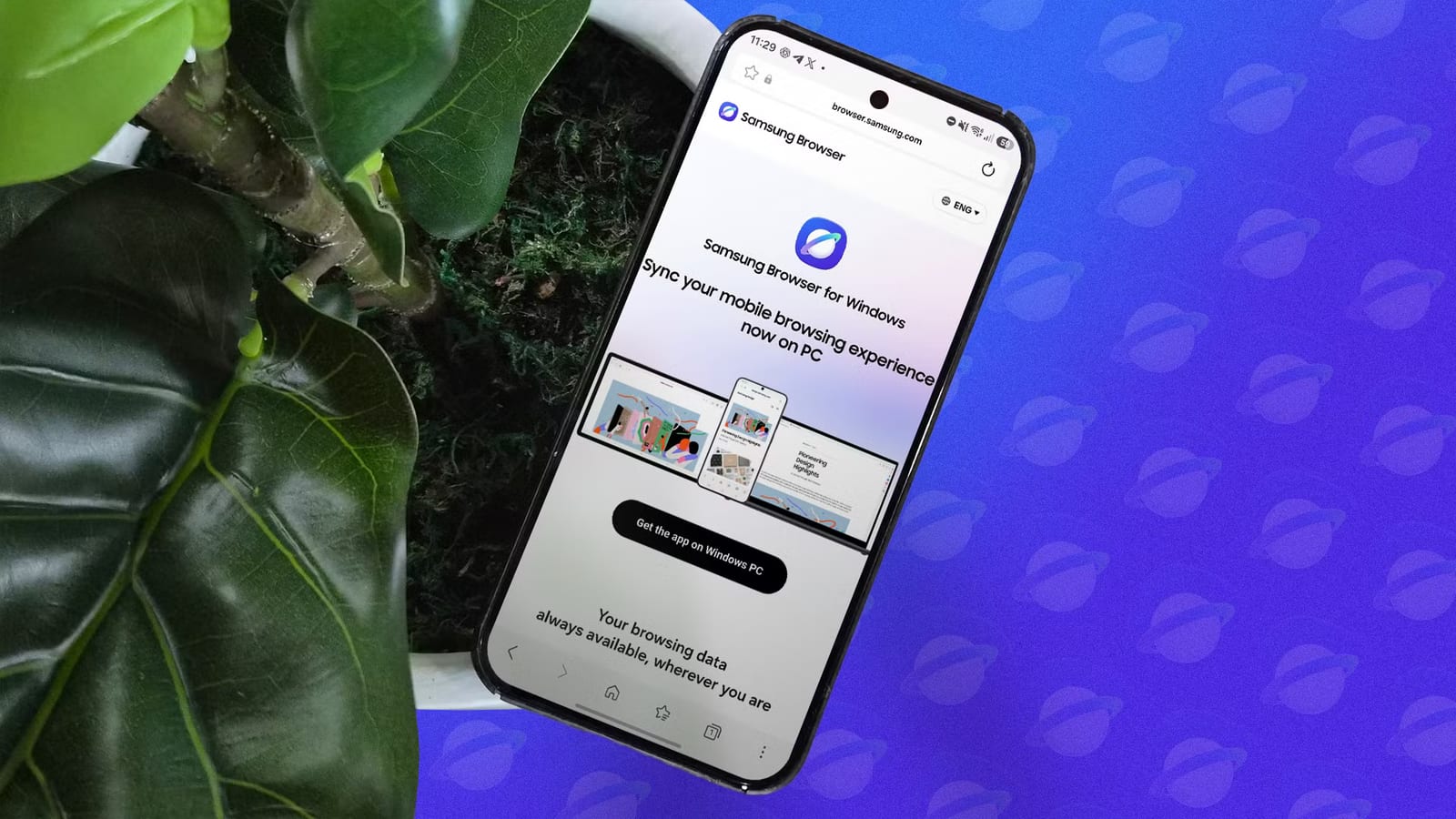
Samsung's web browser is free for any Android phone, and one writer found it faster and easier to use than Chrome or Firefox. The catch is add-ons. On phones that are not Samsung Galaxy models, the only extras on offer are six ad blockers. Android Police writer Marvin Velasco tested it on a non-Samsung phone and said it almost replaced his usual browsers.
What stood out
The browser puts its controls near the bottom of the screen by default, so a thumb can reach everything. The three-dot menu sits at the lower right. The address bar can also move to the bottom. Go to Settings, then Layout and menus, then switch on Show address bar at bottom.
Speed was the other draw. With his usual tab groups loaded, the writer found it faster than his other mobile browsers. Scrolling stayed smooth with many tabs open. Complex pages loaded images, videos and polls quickly, even on an older midrange processor.
Easy to adjust
The browser looks simple but can be reshaped. The writer made these changes:
- Showed the tab bar or bookmarks bar below web pages
- Swapped the bottom toolbar icons for history and secret mode, Samsung's name for incognito
- Removed the back button, since a side-swipe gesture does the same job
- Cut rarely used menu items such as text size, dark sites and desktop site
The catch
Full add-on support depends on the Galaxy Store, Samsung's own app store. It works only on Galaxy devices. On the writer's phone, the add-ons page showed a single category, ad blockers, and the Get More Add-ons option was grayed out.
The six ad blockers each link to Google Play, where they download as separate apps. They land in the phone's app drawer instead of tucking into the browser. A user can switch one on or leave it off, and can try different ones without reinstalling. Still, the writer called the setup half-baked next to Firefox, which offers a long list of add-ons on any Android device, and Brave, which has ad blocking built in.
Who it affects
Anyone with a non-Samsung Android phone who wants a smoother browser can try it at no cost. People who rely on add-ons beyond ad blocking will find it limiting. Galaxy owners do not face this restriction, and the writer said he would use it full time if he owned a Galaxy phone.
The article does not say whether Samsung plans to open its add-on store to other phones. It also reports one person's experience on one phone, not a broad test.
The takeawaySamsung Browser is free to try on any Android phone, but non-Galaxy users get only six ad blockers and no other add-ons.