A writer at Android Police says Samsung's Expert RAW camera app makes faces look more natural than the phone's default camera, even with every setting left on Auto. He still keeps going back to the default app. Three missing features hold him back, and video is the biggest one.
What Expert RAW is
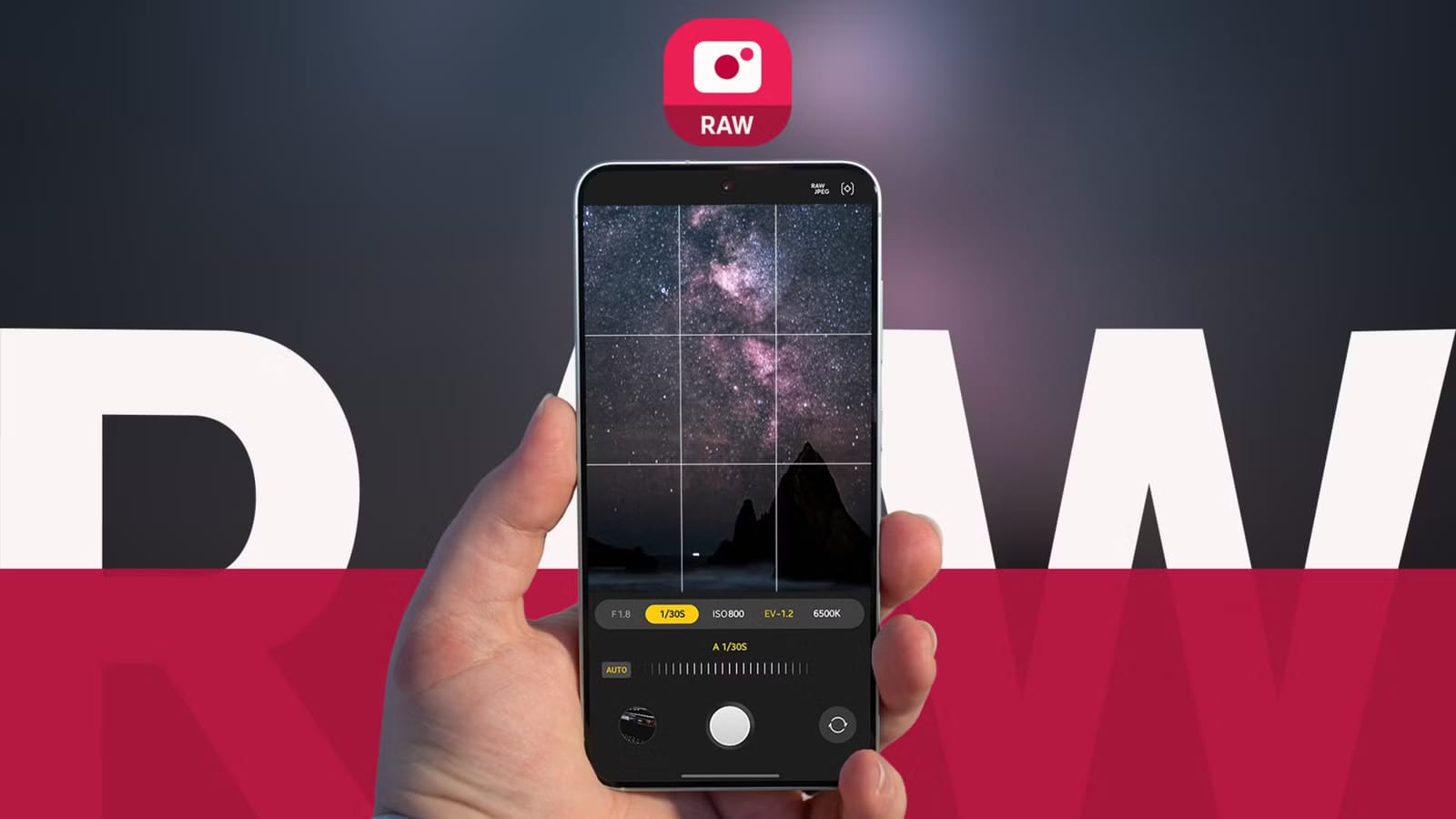
Expert RAW is a second camera app from Samsung. It is made for hobbyists and advanced users who want manual control. It lets you set ISO (how sensitive the camera is to light), shutter speed, EV (how bright the photo is) and white balance. It can also save photos as RAW files. These keep more detail in bright and dark areas and are better for editing.
Why faces look better
The writer says the default camera over-smooths his face and makes his dark skin look lighter. Expert RAW looked much more natural. In his comparisons, Expert RAW had EV at 0.0. The default app had its filters, Scene Optimizer and face effects turned off. EV is the one control in Expert RAW with no Auto mode.
The three gaps
- No automatic lens switching when you zoom, so zoomed shots can turn out blurry.
- Heavy processing that can over-sharpen well-lit, studio-style shots.
- No video recording, which the writer does far more often than photos.
On lenses, the default app picks the best one as you zoom. On a Galaxy S22+, zooming to 3x moves from the main lens to the 3x telephoto. Expert RAW stays on the lens you chose at the start. On processing, the writer says the photo in the Gallery often looks quite different from the preview. For washed-out or poorly lit scenes, that helps. For bright, studio-like shots, it hurts.
What to do
If you own a Samsung phone, try Expert RAW for portraits. Many people assume it is only for professionals, but the writer says default settings can still give decent photos. Results depend on your phone's hardware and your One UI version. He uses a Galaxy S22+ on One UI 8.
For unprocessed shots, he uses the default camera's Pro mode. In very bright places, lowering EV can help. He often sets it to -1.4 or -1.2 for studio-like shots. The article does not say whether Samsung plans to add any of the three features.
The takeawayTry Expert RAW for portraits on a Samsung phone, but switch lenses yourself and use the default camera for video.