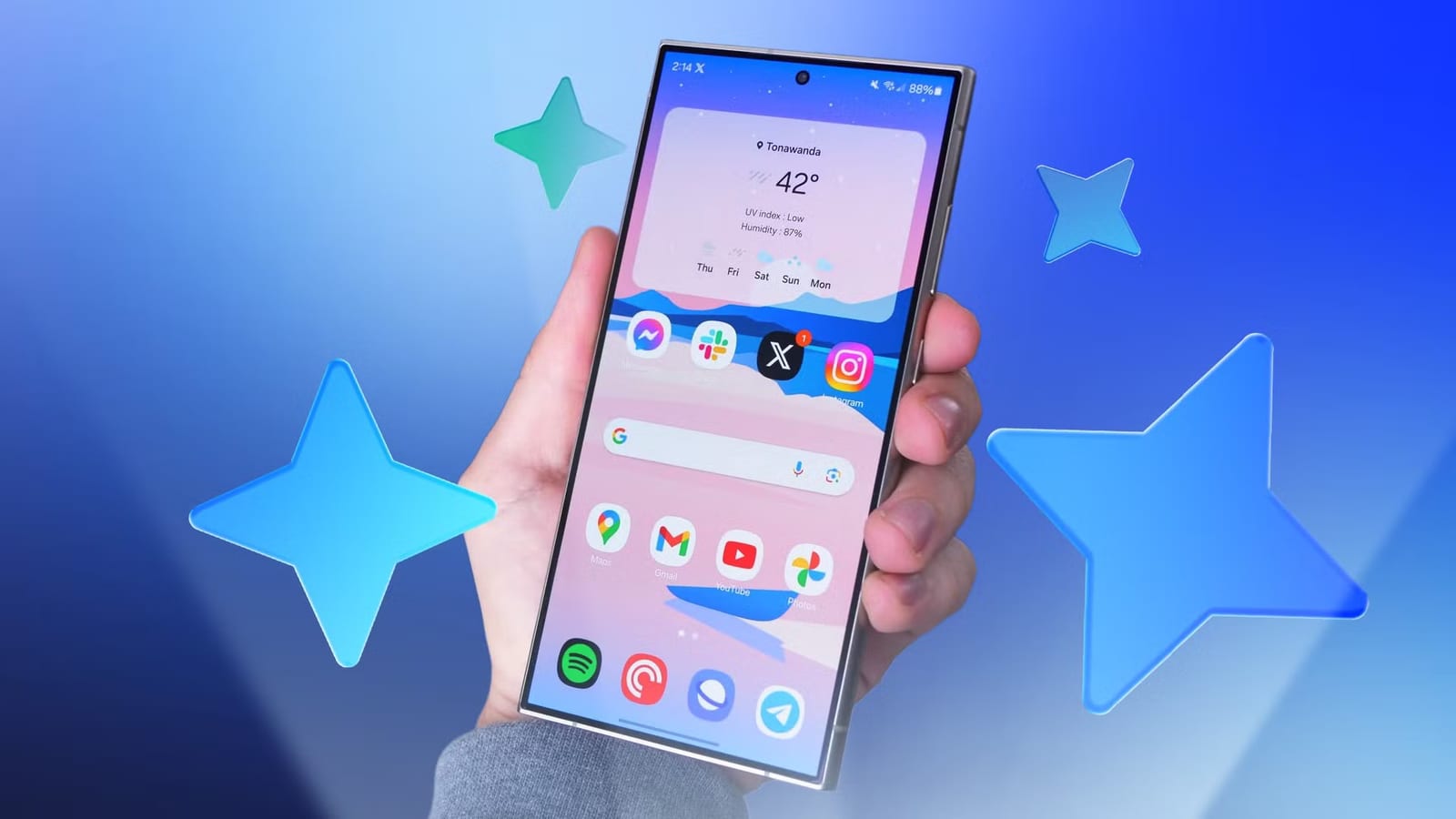
Samsung's phones have a long list of AI tools, and most people only use the one or two they happen to find. An Android Police reviewer tried every Galaxy AI tool on a Galaxy S24 Ultra running One UI 9. His verdict: more keepers than you might expect, plus a few tools that are mostly filler.
How the test worked
Each tool got an everyday job, such as a messy note, a quick recording, a long article or an imperfect photo. Then it got one of three labels: saves time, double-check the results, or gimmick.
The tools that saved time
- Meeting notes in Samsung Notes sorted a messy note into participants, topics, decisions and action items, all correctly.
- The Summarize tool in Notes and in Samsung Browser kept key details, including numbers and who was doing what.
- In Gallery, AI eraser removed an orange from a photo with no smudge. Create swapped it for an apple and repainted four phones in different colors.
- Circle to Search lets you circle anything on screen to look it up, or copy and translate text. It is a Google feature that Samsung includes.
The reviewer said Circle to Search is the Galaxy AI tool he uses most without thinking about it.
The tools to double-check
Voice Recorder was the weak spot. In a quiet room, the transcript turned "opens at 10 instead of nine" into "opens@ten instead of name." When he spoke slowly and carefully, it still heard "expense reports" as "experience reports."
The summary tool in Voice Recorder was less reliable than the one in Notes. Even with a near-perfect transcript, it left out key details and added a vague line he never said. Translations also build on the transcript, so mistakes carry over. A missing full stop merged two sentences in the French version. The one-tap calendar buttons under a summary did work well for his short test.
Gallery's photo suggestions were hit or miss. Erase reflections only appeared in a staged setup with a flashlight, and it dimmed the screen without removing the light spots. Erase shadows took several tries to show up, then cleaned a shadow off a handwritten page.
The tools that were filler
Headers and bullets in Notes just chopped text into bullet points without organizing anything. Move in Gallery shifted a phone across the photo but stretched it and added two camera lenses. Drawing assist turned a wobbly house sketch into a polished pencil drawing. It is fun, but the reviewer could not think of a reason to use it twice.
What to do
If you own a recent Samsung phone, try Meeting notes, AI eraser and Circle to Search first. For voice recordings, speak clearly and keep the phone close. Read the transcript and summary before you send or act on them.
The takeawayA few Galaxy AI tools save real time, but check voice transcripts, summaries and translations before you rely on them.