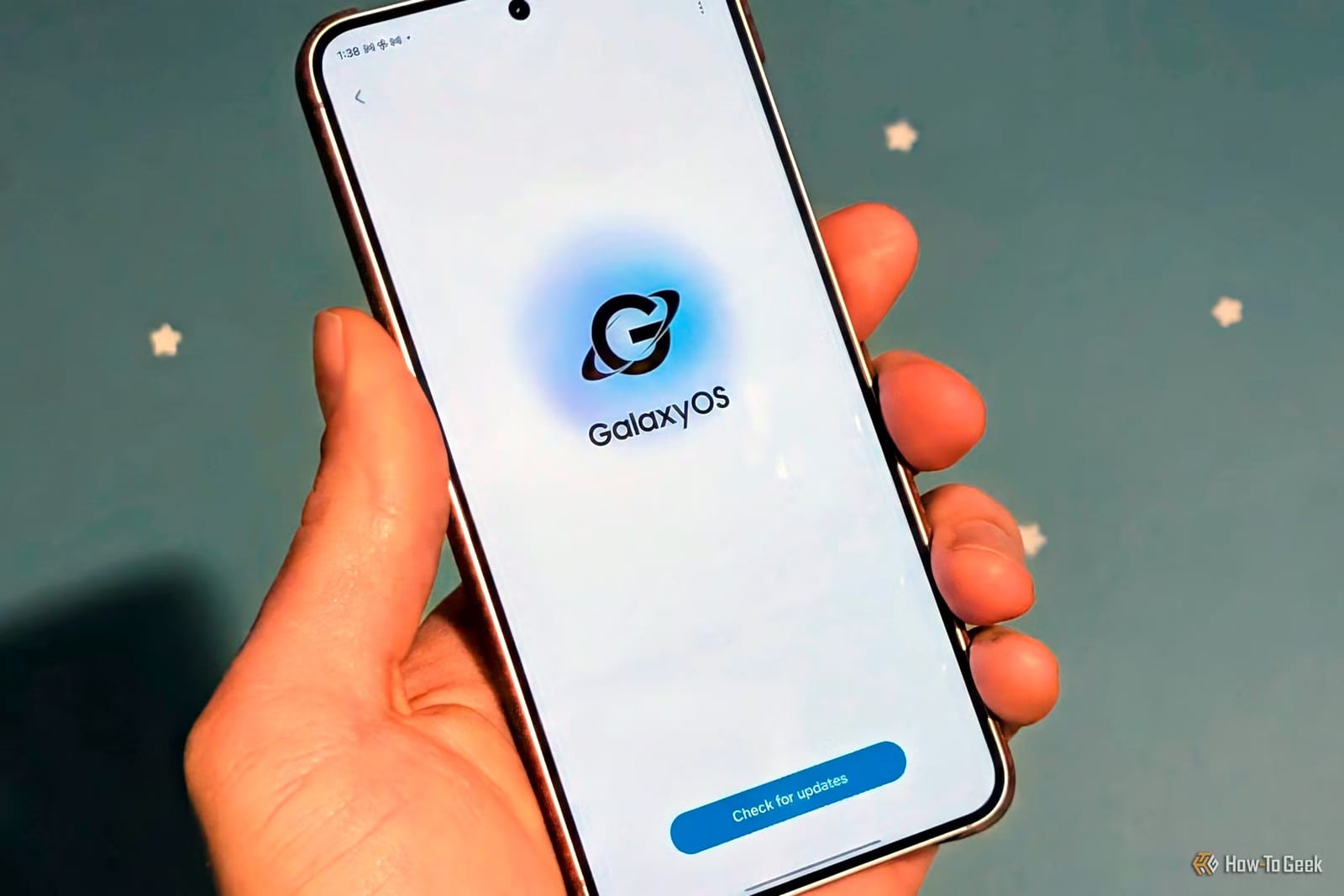
Samsung may rename the software on its Galaxy phones to Galaxy OS, according to rumors. A writer at How-To Geek says a new name is not enough. He lists five things Samsung should fix before it puts a fresh label on the same experience.
What is being rumored
The software that runs Galaxy phones is currently called One UI. The next version is One UI 10, and that is the one that might get the Galaxy OS name. Samsung has renamed it before. It was TouchWiz from 2008 to 2017, then Samsung Experience for about a year, then One UI starting in 2018. The rumors are described as thin.
The five fixes
Writer Joe Fedewa argues these are the areas where Samsung's choices get in the way:
- Bixby: it still opens when you long-press the power button, though Samsung brands its AI features as Galaxy AI.
- Notifications: they and Quick Settings are split into two panels, like on the iPhone.
- Search: in some Samsung apps the search box sits at the bottom, in others at the top.
- Notification settings: Samsung turns off Notification Channels by default, and Conversations is broken.
- App drawer: it does not sort A to Z by default.
Why these quirks matter
Some of these are small, but they affect daily use. Notification Channels lets you silence one type of alert from an app without muting the whole app. Conversations shows a contact's photo in the status bar when that person texts you, so important messages stand out. The writer says both are useful and that Samsung changes them for no clear reason.
On the split panels, he notes that you swipe down on the left side for notifications and the right side for Quick Settings. He says a two-finger swipe already expands Quick Settings in one move on Android. He also says Samsung's push to make phones easier to reach with one hand is applied unevenly, and most apps on a Galaxy phone are not made by Samsung anyway.
What to do
If you own a Galaxy phone, none of this requires waiting for an update. The writer says he switches the app drawer to alphabetical order right away. Notification Channels is described as off by default, which suggests it can be turned on. The article does not say where to find that setting.
What is not known yet
Samsung has not confirmed a new name, and nothing in the article says the five fixes are planned. The list is one writer's wish list, not a Samsung announcement. The article gives no release date for One UI 10 or Galaxy OS.
The takeawayGalaxy OS is only a rumor, but you can already sort your app drawer A to Z on a Galaxy phone and look at your notification settings.