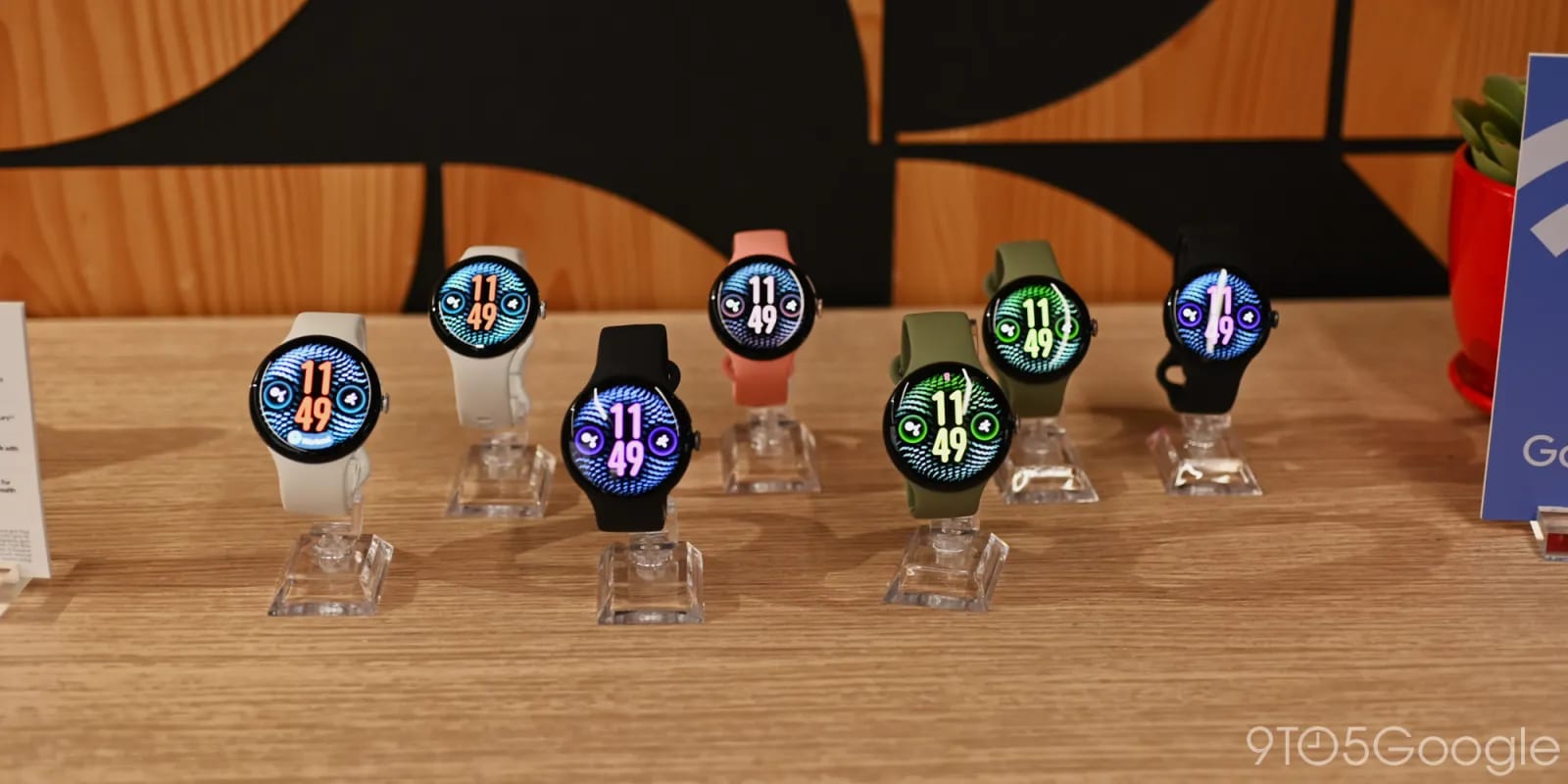
Google is adding a batch of features to recent Pixel Watches. One lets your phone unlock the watch, so you skip typing a PIN or pattern on a tiny screen. Only step-by-step workouts arrive today. The other four are expected in the next few weeks.
What is coming
- Step-by-step workouts: today, Pixel Watch 3 and newer. You can log reps and weights.
- Phone-to-watch unlock: Pixel Watch 3 and newer. The watch must be on your wrist.
- Notification summaries with Wear OS 7.1: Pixel Watch 3 and newer, with a paired Pixel 9 or newer (not A-Series).
- Create My Widget: custom info displays on Pixel Watch 4 and newer.
- Gemini Call Screen: replaces Manual Call Screen on the Pixel Watch 5.
How it works
For unlock, you first unlock your phone. A prompt reading "Unlocking your watch" then appears at the top of the screen, with a Cancel button. A short-range wireless technology called UWB plays a role.
The summaries turn long piles of alerts and multi-message chats into short overviews. Gemini Call Screen filters incoming calls on demand and generates key details in US English.
What to check
For the workout feature, the watch needs Wear OS 7 or newer and Google Health 4.12 or newer. The Android phone needs version 5.12 or newer. Pricing and exact release dates for the four upcoming features were not given.
The takeawayIf you own a Pixel Watch 3 or newer, update the apps now for workouts, and expect phone unlock and alert summaries within weeks.