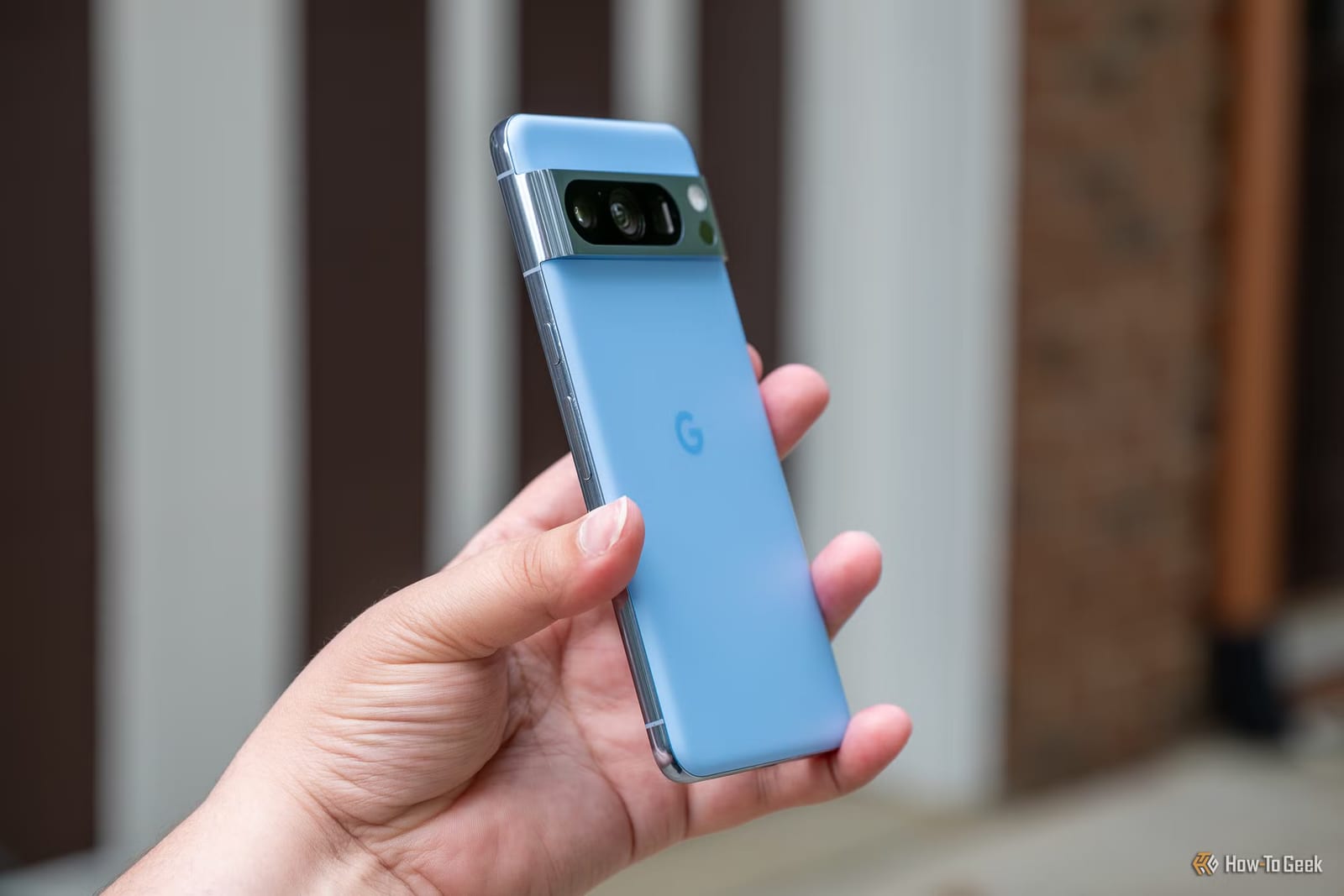
Before buying a new Pixel, you may be able to borrow some of its best tricks. How-To Geek lists four apps that copy newer Pixel features on older Pixel phones. Some also work on other Android phones. One of them is unofficial, has known bugs and must be installed by hand.
Voice typing and weather
The Pixel 11 has a new voice typing tool called Rambler, built into Google's keyboard app, Gboard. It uses a mix of AI on the phone and in the cloud. It makes fewer mistakes, cuts out "uhs" and "ums," and can rewrite text as you speak.
Wispr Flow is the easiest way to get something similar on an older Pixel. It is an AI voice-to-text tool that runs alongside whatever keyboard you already use.
For weather, Pixel 8 and later phones have a version of the Pixel Weather app with AI summaries. They save you from reading hourly charts. WeatherMaster copies that on other Android phones. Some weather sources need a free API key, which is a code that lets the app pull data.
Camera and local AI
The Pixel Camera app differs from model to model. Manual controls are limited to Pro models, and Camera Looks works only on the latest phones. A project called Pixel-Camera unlocks these on any Pixel. It will not add features that need special hardware, such as the Periscope Lens.
The fourth app is Google AI Edge Gallery. It runs Gemma AI models on the phone itself, with no cloud needed. It can chat, transcribe audio offline, search images and translate languages. It runs well even on a Pixel 8a, but it can push the phone hard. These models are also weaker than the big cloud-based ones.
What to watch out for
The riskiest option is a modified version of Gboard that adds Rambler to any Android phone. The article advises against it. Modified Google apps break Google's terms of service. Rambler also uses cloud AI, which costs Google money, so the risk of being punished may be higher.
Pixel-Camera is also unofficial. You install it by sideloading, which means installing the app file yourself. It has plenty of known bugs. Its GitHub page lists the latest file, supported features and devices, and the bugs.
What to do
- Try Wispr Flow if you want smarter voice typing.
- Try WeatherMaster for AI weather summaries, and be ready to get a free API key.
- Read the Pixel-Camera bug list before installing it.
- Skip the modified Gboard.
None of this will make a slow or cluttered phone feel new. The article suggests speeding up animations, clearing out old apps and turning on app archiving.
The takeawayTry the safer apps first, and read the bug list before installing the unofficial Pixel-Camera app.