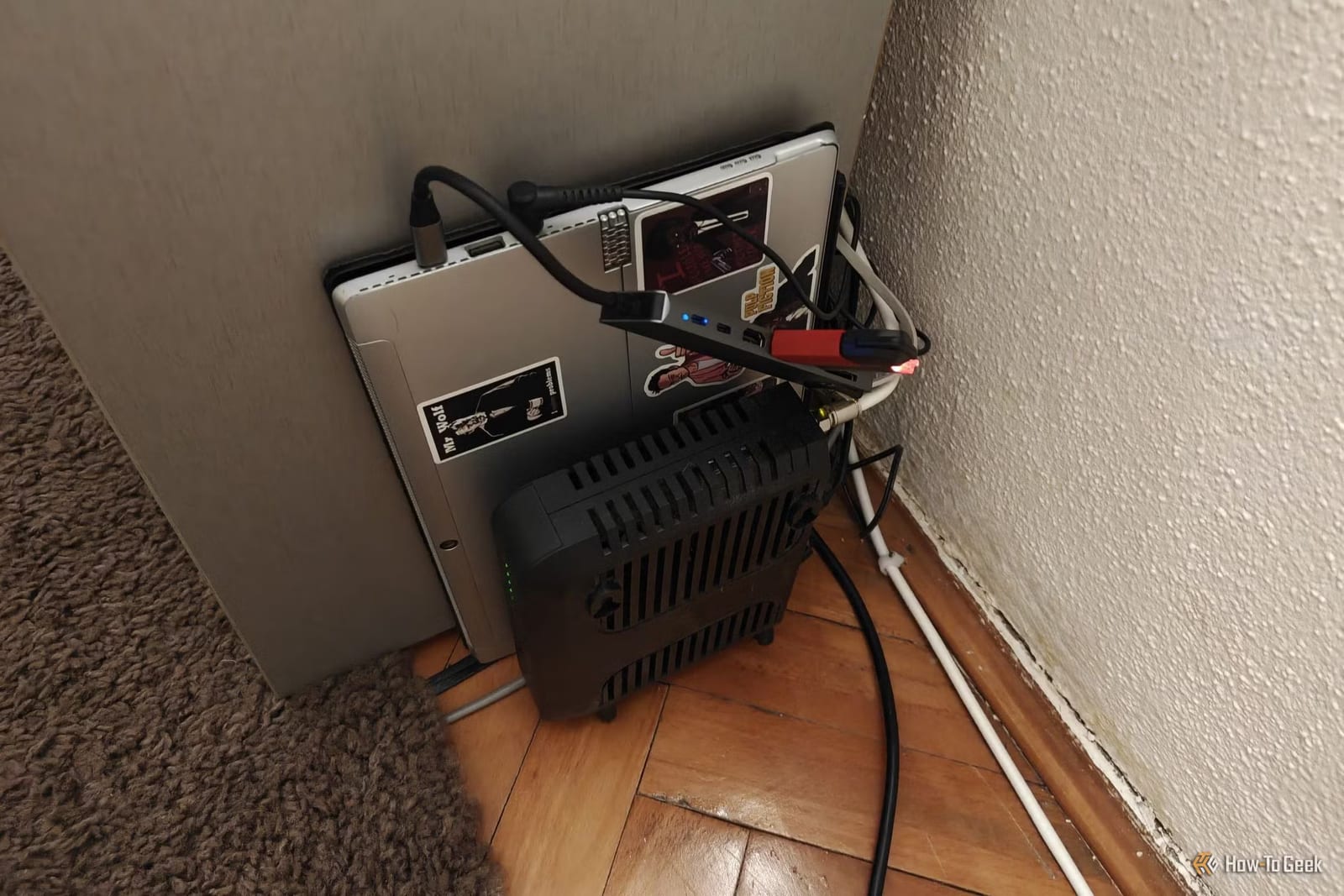
Thinking of turning an old laptop into a home server for photos, movies or backups? A How-To Geek writer says it is a good way to learn, but a poor base for anything you rely on every day. The problems tend to show up later, and often at bad moments.
What a homelab is
A homelab is a small computer at home that runs services for you, such as a movie library or file storage. Many people start with hardware they already own, like an old laptop, desktop or mini PC. The writer says that works well for tinkering. It gets risky when the setup becomes something you need daily.
Where laptops fall short
A laptop looks handy. It has its own screen, keyboard and battery. But the article lists several catches.
- Many have only one or two storage slots, so a growing media library ends up on USB drives.
- Many made in the past 10 years have memory soldered in, so it cannot be upgraded.
- The battery is no true backup. Staying at 100% charge wears it out, and heat makes it worse.
- A laptop will not turn itself back on after a power outage. A desktop or mini PC will.
Cooling is another issue. Old laptops run hot, especially with the lid closed, and the thermal paste (the material that moves heat away from the chip) often dries out. The paste can be replaced. Weak cooling is harder to fix, since most laptops cannot use aftermarket cooling parts.
Old mini PCs have limits too
The writer would still pick an old mini PC over an old laptop. But age matters. Hardware support for the HEVC video format only began with 6th or 7th generation Intel chips. Support for AV1, a newer format that saves space, arrived around the 11th generation, and only for playback. Even the newer Intel N100 and N150 chips cannot create AV1 video.
This matters because many modern phones record in HEVC by default. Without the right hardware, apps like Plex, Jellyfin and Emby make the main processor convert the video. That creates more heat, more fan noise and more stutter.
A real-world example
The writer runs a 10-year-old storage box (a NAS) at a church. One of its hard drives failed this morning. The system still works, but backing it up over a VPN, a private connection between locations, tops out near 30MB/s. Both sites have symmetrical gigabit fiber. The old processor cannot keep up with the encryption that Tailscale requires. It will be replaced.
What to do
Start on old gear if it is free, because it is a fine way to learn. Before the setup holds family photos, media or backups you need, move it to something sturdier. A mini PC or desktop that restarts on its own after a power cut is a safer choice than a laptop.
The takeawayLearn on old hardware for free, but move to a sturdier mini PC or desktop before a home server holds anything you depend on.