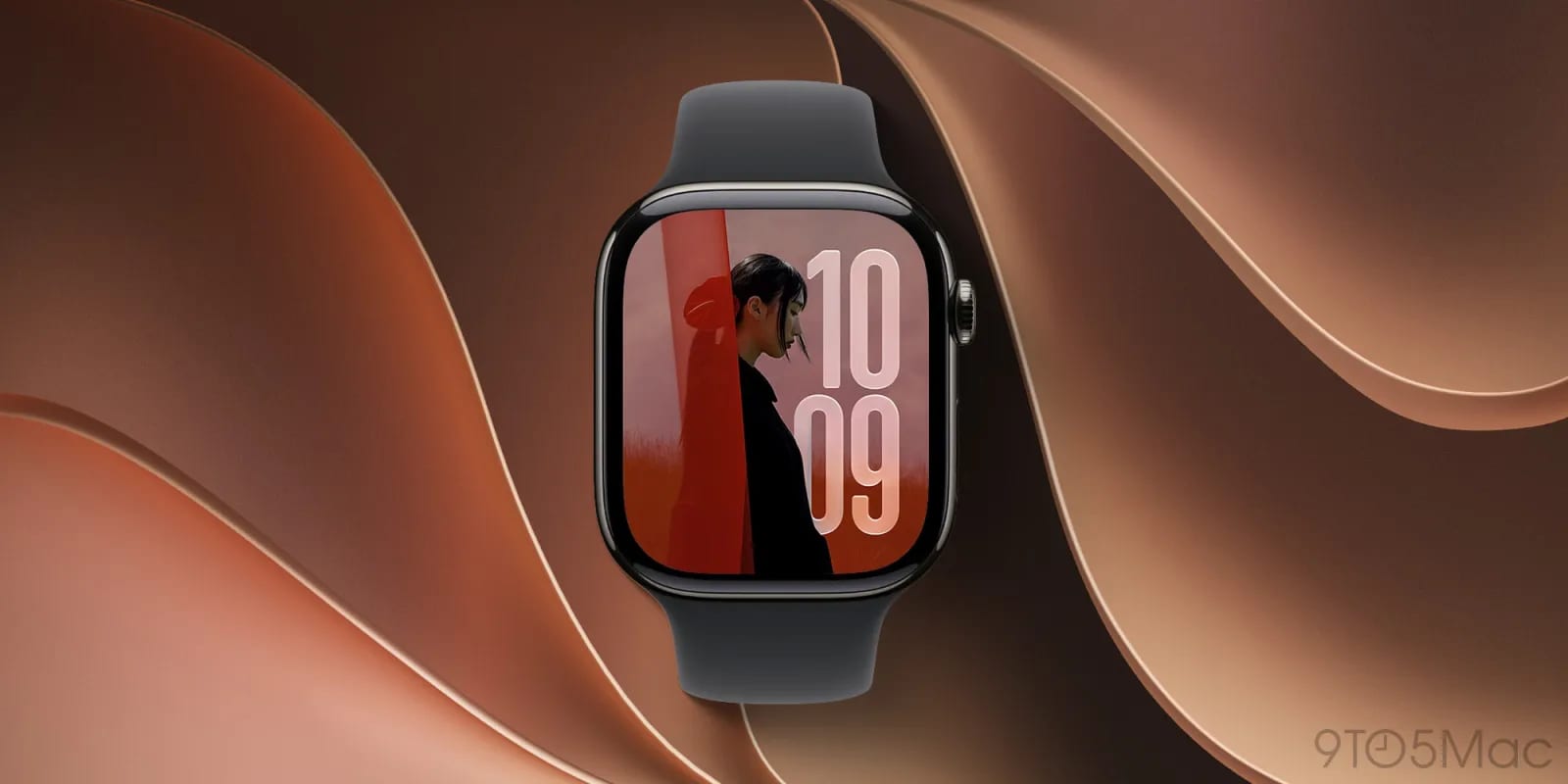
Apple has released a beta of watchOS 27.3 with a feature called Siri Recap. It takes notes on your conversations during the day and turns them into short summaries. It is for owners of the Apple Watch Series 12 and Apple Watch Ultra 4. Apple's own description says it helps you stay present in the moment while still remembering what was said.
What it does
Siri Recap ambiently takes notes on your conversations and uses Apple Intelligence to write high-level summaries. You read them later in the Siri app. Recaps can delete themselves after up to 7 days unless you choose to save them. A second new feature, Live Rewind, arrives in the same beta. The material does not explain what Live Rewind does. Apple groups both under the name Audio Intelligence and announced them at its September keynote.
What one early tester found
Ryan Christoffel of 9to5Mac turned it on after installing the iOS and watchOS 27.3 betas on a Tuesday. The next day, he found a detailed record of his afternoon and evening. After a family shopping trip, the recap listed the size of a table runner they had looked at. He did not remember anyone mentioning it. A recap also saved the songs his son played on a HomePod at breakfast.
He said he saw nothing in his recaps that he would call too sensitive. That is one person's early experience with a beta, not a broad test.
The privacy side
The feature has drawn controversy, because once it is on, the watch is effectively always listening. Apple points to these protections:
- It is opt-in, so nothing happens until you turn it on.
- No audio is stored or recorded.
- There is no speaker attribution, and sensitive details like financial data, authentication data or personal identifiers are not logged.
- You can set times or places where it stays off.
What to do
Owners of a Series 12 or Ultra 4 who join the beta should look at the privacy settings before enabling Siri Recap. Choose the auto-delete period and decide where and when it should stay off. Everyone else has no action to take.
What is not known yet
The feature is still in beta, and the material gives no release date for the final version. It also does not say whether older watches will get it. Details on Live Rewind are missing too.
The takeawayIf you own a Series 12 or Ultra 4, set the auto-delete period and off-times for Siri Recap before you switch it on.