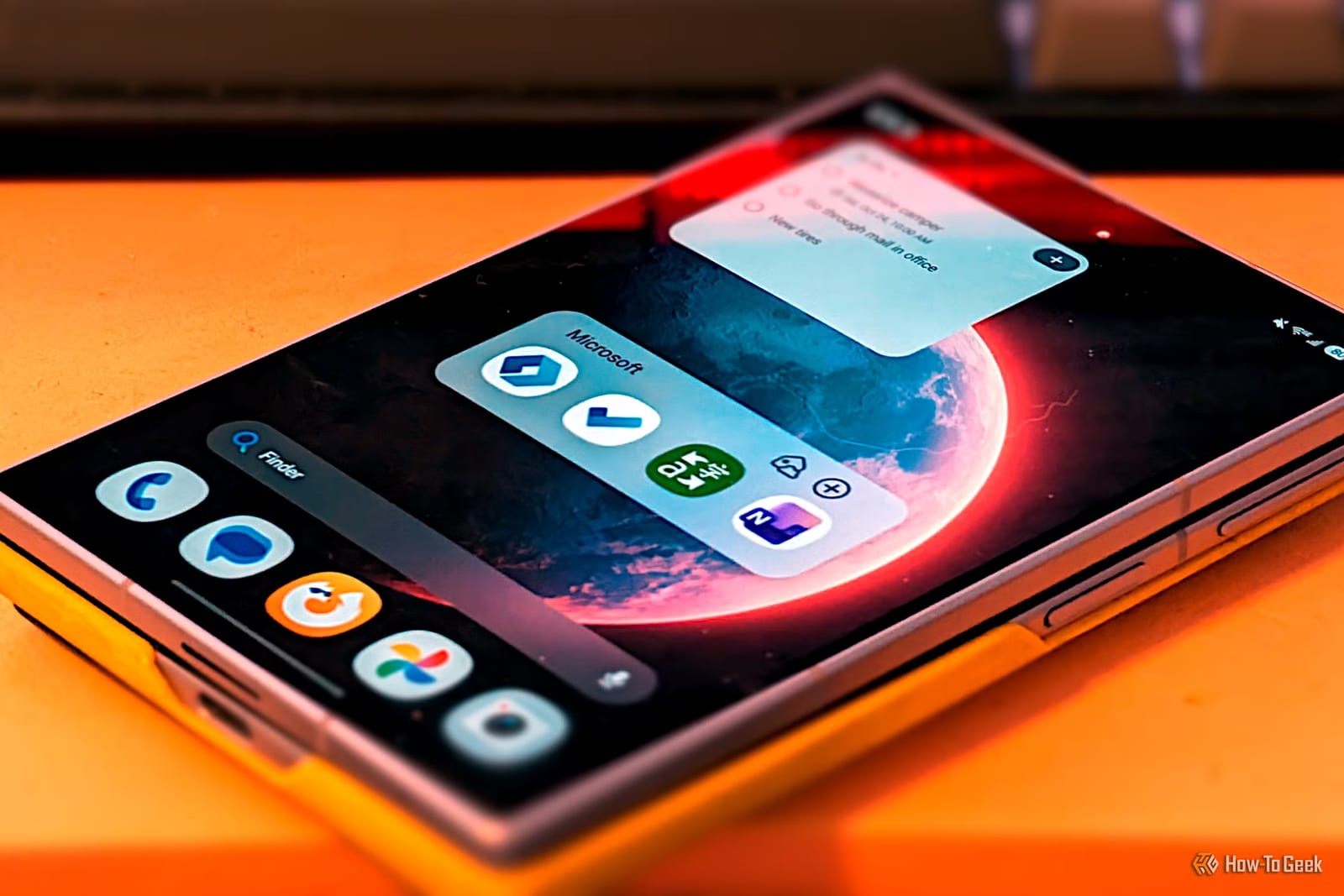
Microsoft makes several Android apps that have nothing to do with Word or Excel, and a How-To Geek writer says they are the ones most people will actually find useful. The list covers a home screen app, a task list, a translator and a note-taking app. One former favorite, a document scanner, is gone.
A home screen without the clutter
Microsoft Launcher replaces the home screen on an Android phone. It began in 2015 as a beta called Arrow Launcher. The writer says it still avoids pushing Microsoft services. It offers a grid of icons, a dock and an app drawer that can have multiple rows, with some rows hidden until you swipe up.
Its best feature is called Your Feed. Think of Google Discover, but filled only with your own things. It works with the phone's calendar and to-do list, and you can add any Android widget.
Tasks and notes
Microsoft To Do is a plain task list. Lists can be color coded, labeled with an emoji and sorted into groups. You can star items to pin them to the top, add collaborators, assign tasks, set due dates and create recurring reminders. A My Day view shows everything due today, and a Planned view shows what is coming.
OneNote is technically part of Microsoft Office, but the writer argues it is not one of the big three of Word, Excel and PowerPoint. It works like a set of digital notebooks. You can type or draw, add images and audio, make checklists, save web clippings and organize with tags. Sticky Notes handles quick capture, the camera can scan documents, and everything is searchable. It is the most complex app on the list.
A simple translator
Microsoft Translator is described as what Google Translate used to be. It has a two-way conversation mode that takes text or voice, and it can show a translation upside down so someone across from you can read it. It also translates text in photos and includes a Phrasebook of common phrases. Microsoft's Copilot AI has not been added to it yet.
The one that is gone
Microsoft Lens, a document scanner, was retired this year. It left the Play Store in February, and even a copy still on a phone can no longer perform new scans. The writer called it his preferred way to scan and said its loss stings more now that Google Lens has been scaled back a bit. Scanning still works in OneNote and OneDrive, though with less simplicity.
Who this suits
The pitch is for Android users who want an alternative to Google's apps but do not want to move to a small indie developer. In the writer's view, Microsoft is probably the best choice for that. The article is one writer's opinion, not a test of every option.
The takeawayAndroid users curious about alternatives to Google's apps can try Microsoft's Launcher, To Do, Translator or OneNote, but Microsoft Lens no longer works.