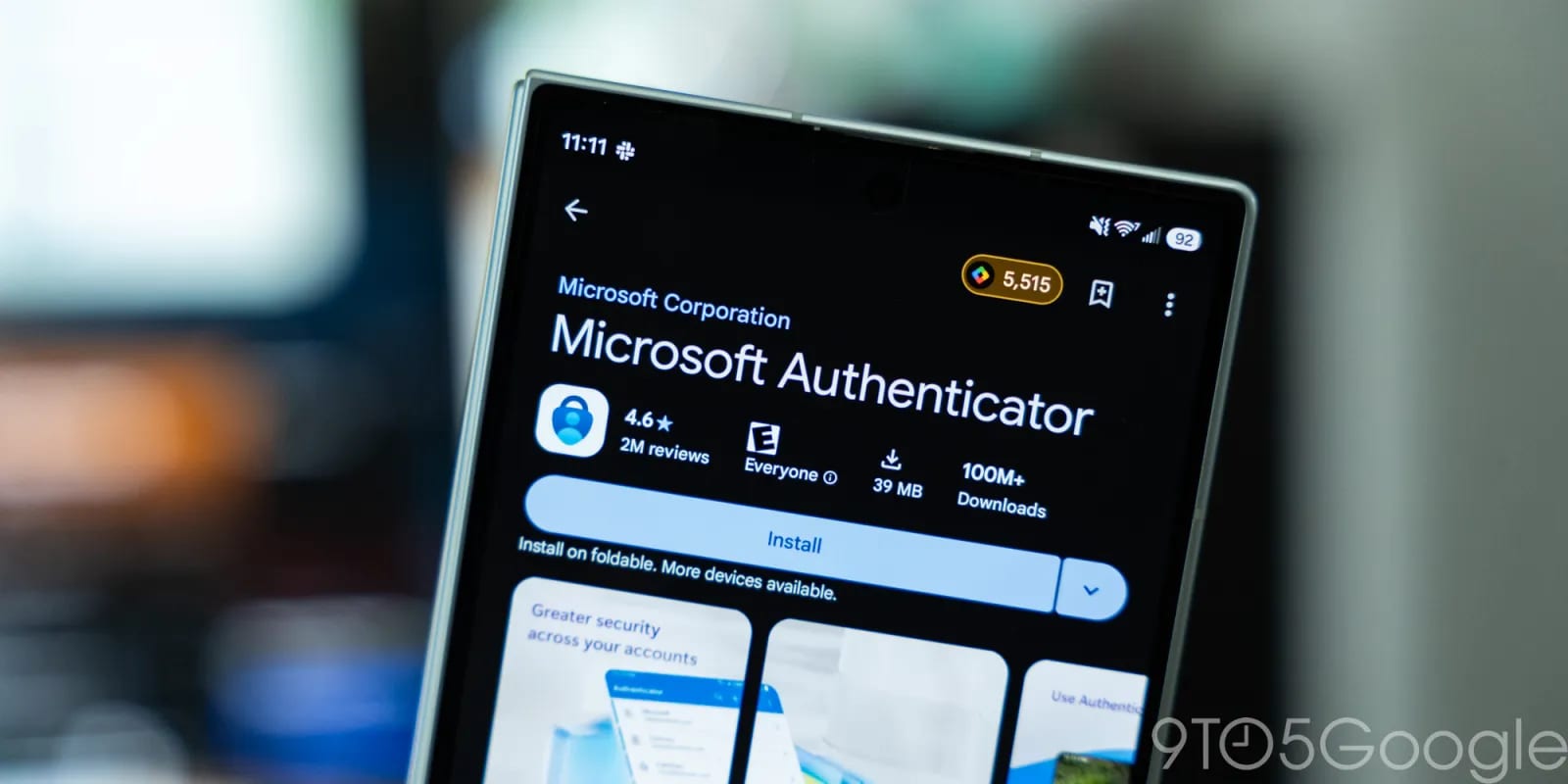
Microsoft Authenticator on Android is changing how it saves your login codes. Starting in January 2027, backup will run through Google One instead of a Microsoft personal account. That is only weeks away from when 9to5Google reported the news.
What changed
Microsoft Authenticator is an app that gives you one-time codes for logging into online accounts. It works much like Google Authenticator. Until now, Android users could back up those codes with a Microsoft account. Microsoft explained the change on a support page. Backup on Android will now go through Google One backup.
What you will need to do
You will no longer use your Microsoft personal account to turn on backup. Instead, you need to switch on "Microsoft Authenticator" inside the backup settings of Google One on your phone.
- Open the Google One backup settings on your Android phone.
- Find Microsoft Authenticator in the list.
- Turn it on so your codes are included in the backup.
Why it matters
A backup is what lets you keep your login codes if you lose your phone or replace it. Without one, getting back into accounts can be a hassle. Anyone who uses the app on Android should check these settings soon rather than wait for the change to land.
Not a first
This is not a new approach for Microsoft. On iPhones, the app already relies on iCloud Backup to save one-time passwords and accounts. Android is now moving to the same kind of setup, using Google's own backup service.
What is not clear yet
The report does not give an exact date in January. It also does not say what happens to backups already stored with a Microsoft account. Microsoft's support page is the place to look for those details.
The takeawayIf you use Microsoft Authenticator on Android, turn it on in Google One backup settings before January 2027 so your codes stay saved.