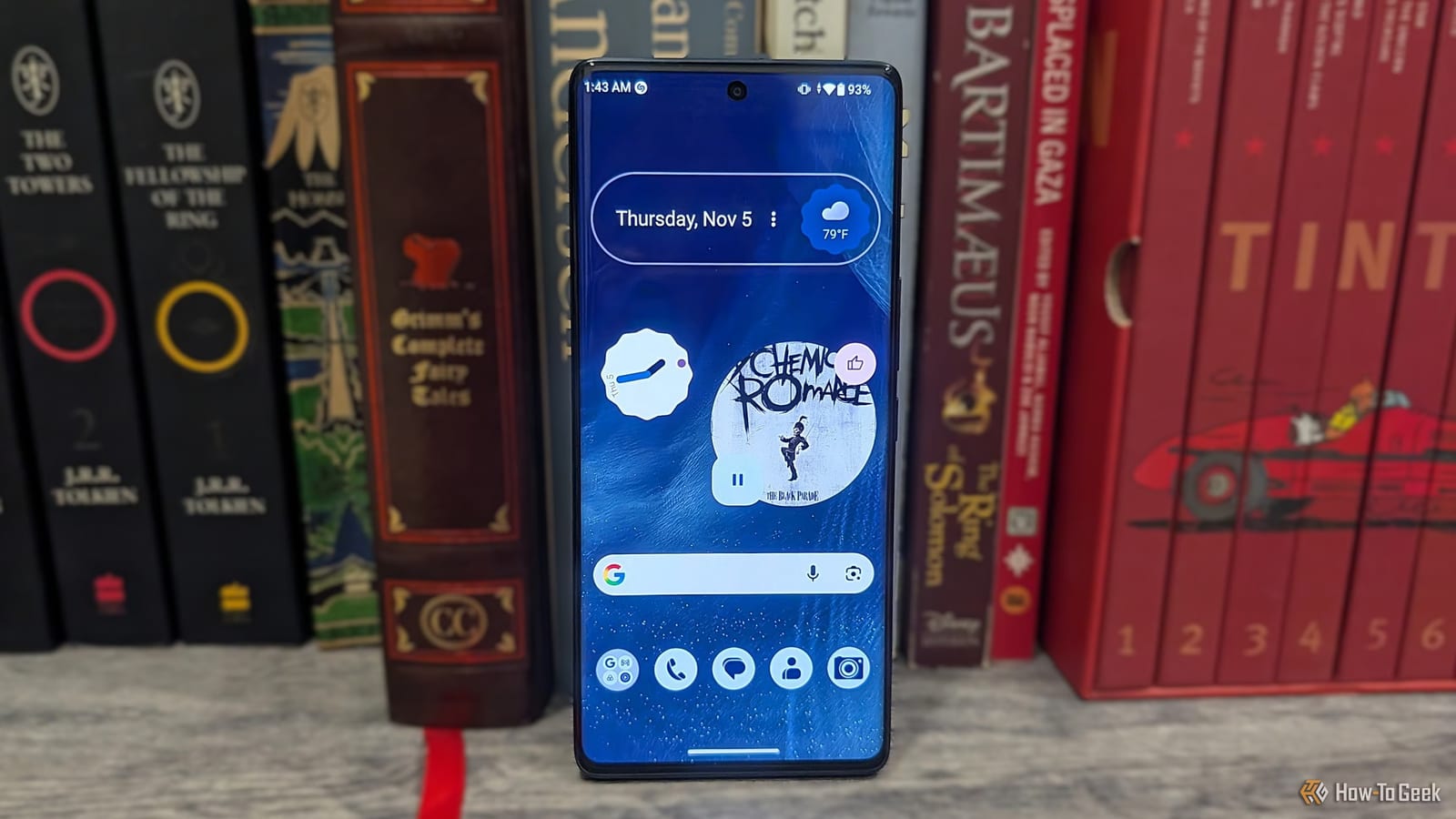
You can make a non-Pixel Android phone look a lot like a Google Pixel without paying for new hardware and without installing a new launcher (the app that controls your home screen). How-To Geek writer Namerah Saud Fatmi laid out the steps. The look works on phones running Android 14 or newer.
What it takes
The test phone was a NUU B40 5G running Android 15. It uses a clean version of Android with little extra software. Other phones may need you to switch off preinstalled apps by hand to get the same tidy result. The makeover will not change the cameras or the update promise. It copies the feel of a Pixel, not the hardware.
The two apps
Now Playing is the Pixel feature many people want most. It names songs playing around you. Google has made it a standalone app, but it still works only on Pixel phones. Shazam is the suggested stand-in.
- Shazam can sit in the Quick Settings menu, the panel you pull down from the top of the screen.
- It offers a basic song tile and an Auto Shazam tile that stays on once tapped, much like Now Playing.
- There is no lock screen widget, but it can still name songs when the screen is locked, though it looks less neat.
Pix Wallpapers gathers Google's stock Pixel wallpapers in one place. It is free on the Google Play Store and shows ads. A paid version exists, but no purchase is needed to use the wallpapers. Searching for the word Pixel shows wallpapers from various Pixel launches. Apple and Samsung wallpapers are in there too. You can apply a wallpaper to your home and lock screens from inside the app.
The settings that matter
On Android 14 or higher, a design system called Material 3 Expressive is built in. It matches your colors automatically, as on a Pixel. To turn on themed icons, open the wallpaper and style settings, pick the home screen tab and switch on the themed icons toggle. This option is still in beta, but it works pretty well. The same menu lets you pick a color scheme. The lock screen tab lets you choose the clock color and size.
Google apps and widgets
Most modern Android phones already include Google's app suite. The article suggests having Google Photos, Drive, Calendar, Keep, Home, TV, Chrome, Gmail, Contacts, Messages, Find Hub, Maps, Meet, Gemini, YouTube and YouTube Music.
Google's widgets look the same as on a Pixel on Android 14 or higher. That includes the At a Glance widget, though it offers fewer functions than on a Pixel. The playful Pixel clock widgets are open to all Android users, and you can change their color, style and size.
The takeawayIf your phone runs Android 14 or newer, a few settings, Shazam and Pix Wallpapers can give it a Pixel look for free.