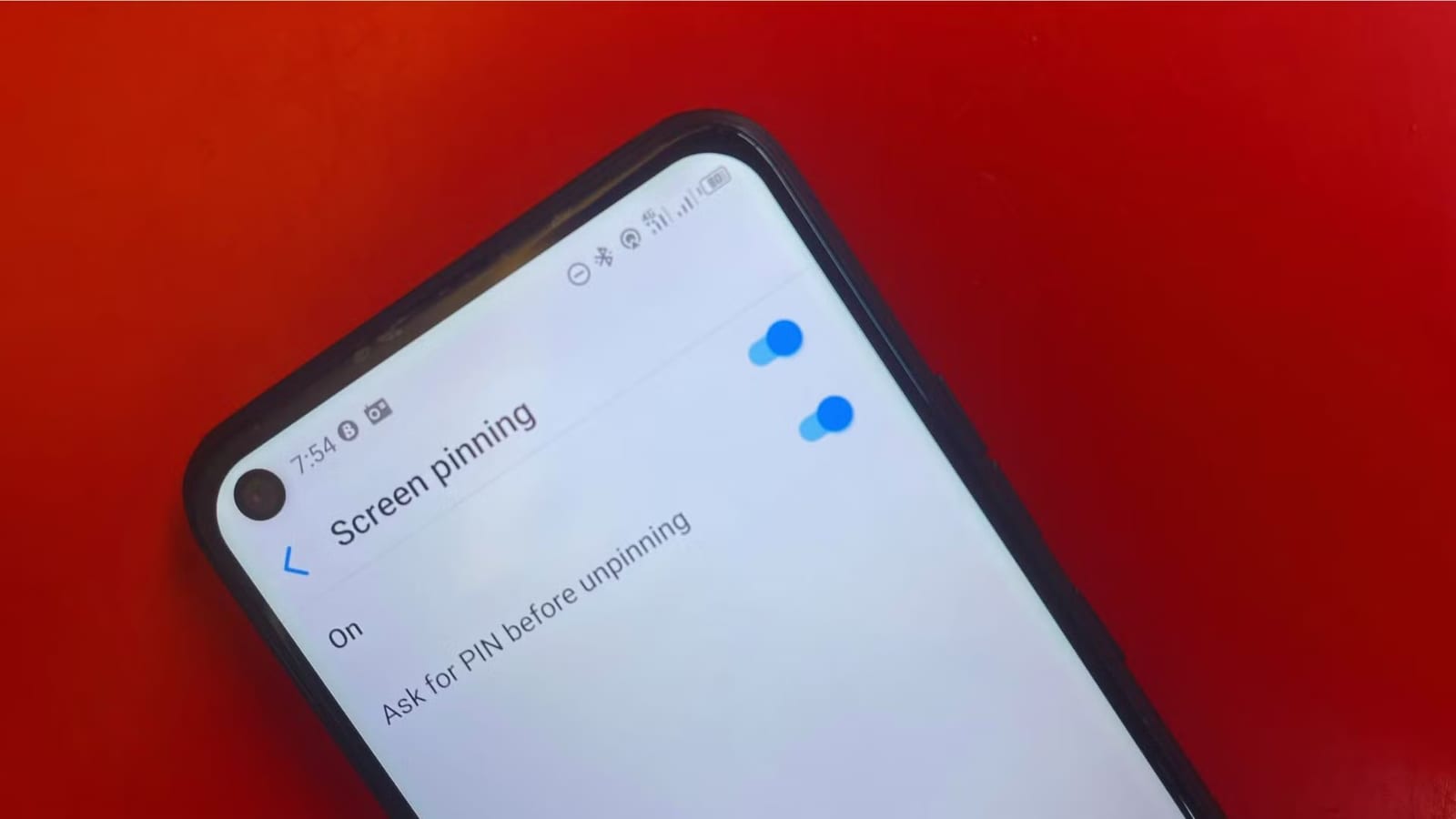
Android phones can be locked to a single app before you hand them to someone else. The feature is called screen pinning, or app pinning, and it is already built into Android. Android Police writer Victor Opata described using it so a borrower can view one app but cannot wander through the rest of the phone.
What screen pinning does
Pinning an app locks it to the screen. If Gallery is pinned, a person can look at photos, but they cannot go to the home screen or open the menu to launch other apps. They cannot leave until you unlock it. No extra app is needed.
Notifications are also blocked. The notification drop-down is not available, so a borrower cannot see a new message or a private alert arrive.
How to set it up
On most Android phones, the setting sits under Settings, then Security, then Screen pinning. Brands lay out menus differently. It may be under Security and privacy or a similar heading. If you cannot find it, search the Settings app for "screen pinning" or "app pinning."
Turn on the option called "Ask for PIN before unpinning." Without it, someone could leave the pinned app without entering your screen lock credentials.
How to pin and unpin
- Open the app you want to share, then tap the Recent Apps button.
- Tap the app's icon above its preview and choose Pin.
- To unpin, touch and hold the Return and Recent Apps buttons together.
- With gesture navigation, swipe up from the bottom of the screen and hold.
If you turned on the PIN option, your PIN is required before the app is released. The exact steps can vary by phone and Android version.
What it does not do
Screen pinning limits which apps a person can reach. It does not hide what is inside the pinned app. If Chrome is pinned, the borrower can still see your open tabs and use the browser's features. The same goes for anything else in the app you hand over.
Opata treats it as an extra layer, not a replacement for your normal phone security and privacy settings. It suits quick favors, such as showing a gallery, playing a YouTube video or running a quick web search. It is not something most people would use every day, but it is handy when someone asks to borrow your phone.
The takeawayBefore lending your Android phone, pin the one app they need and switch on the PIN requirement so they cannot leave it.