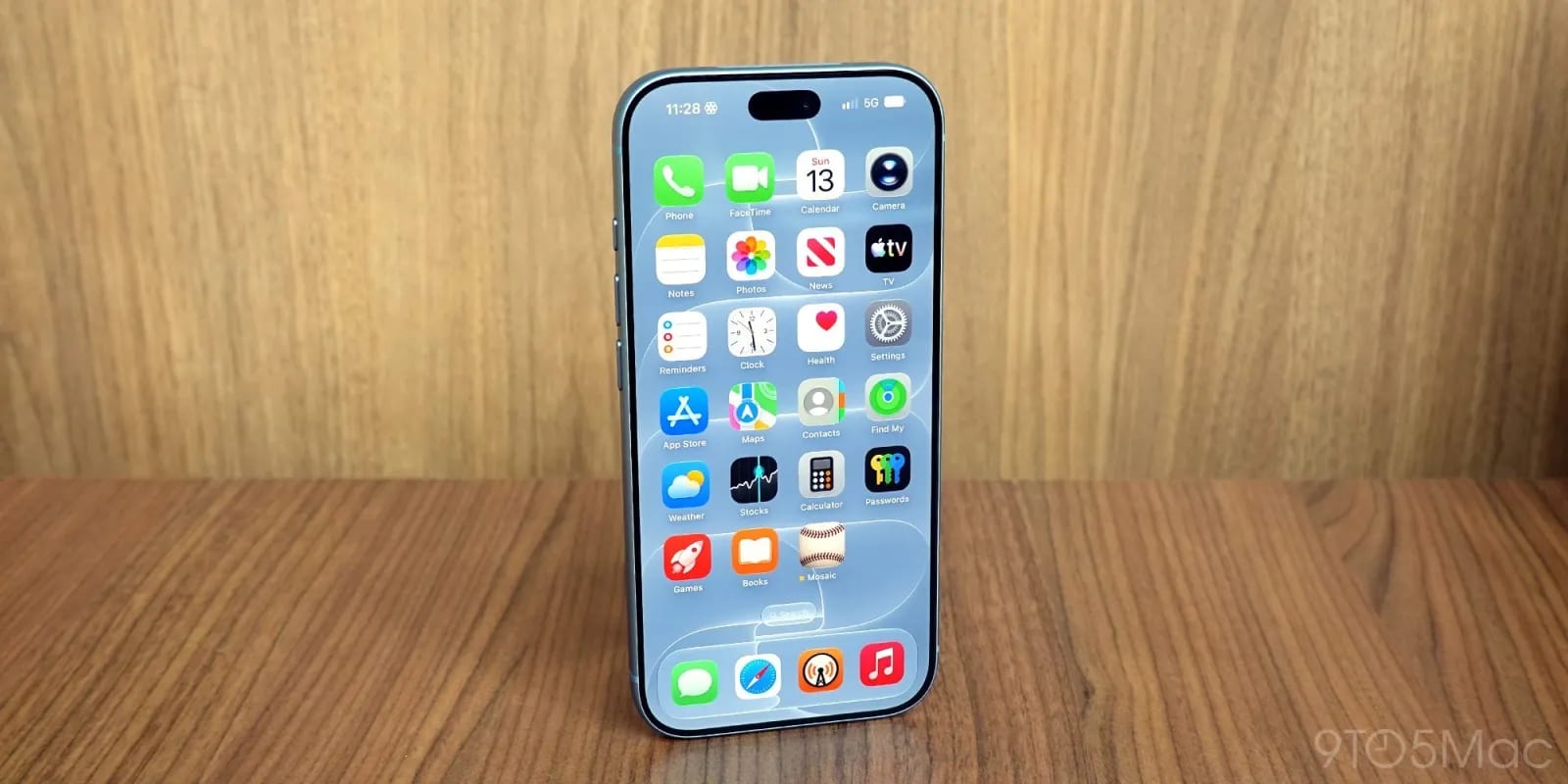
Apple's iOS 27.2 update, which launched last week, adds three ways to tailor your iPhone. You can now block certain apps from Siri, choose which suggestions appear in Messages, and set up separate Apple TV profiles on your phone. 9to5Mac highlighted the changes in a roundup of the update's personalization options.
What changed
In Settings, under Siri, there is a new Excluded Apps list. Apps you add are kept out of Siri, Search and suggestions. That helps if you want an app off-limits for privacy reasons. It also helps if two apps have similar names and Siri keeps picking the wrong one.
Messages now shows Suggestions under a message when it spots something useful. If a friend asks you for a favor, you might see an "Add to Reminders" button below it. There are five categories on by default. To switch any off, go to Settings, then Apps, then Messages, then Suggested Actions.
Apple TV profiles, long limited to the Apple TV box software, now work on iPhone. Each profile gets its own recommendations and its own Continue Watching list, so one person's shows don't crowd out another's. A child's profile can have content restrictions.
What is not clear
The source does not name the five Suggestion categories. It also does not say which iPhone models get the update or whether every feature works on all of them. Check the Settings paths above on your own phone to see what is available to you.
The takeawayAfter updating to iOS 27.2, check Settings for Excluded Apps, Suggested Actions in Messages, and Apple TV profiles to fit the phone to your household.