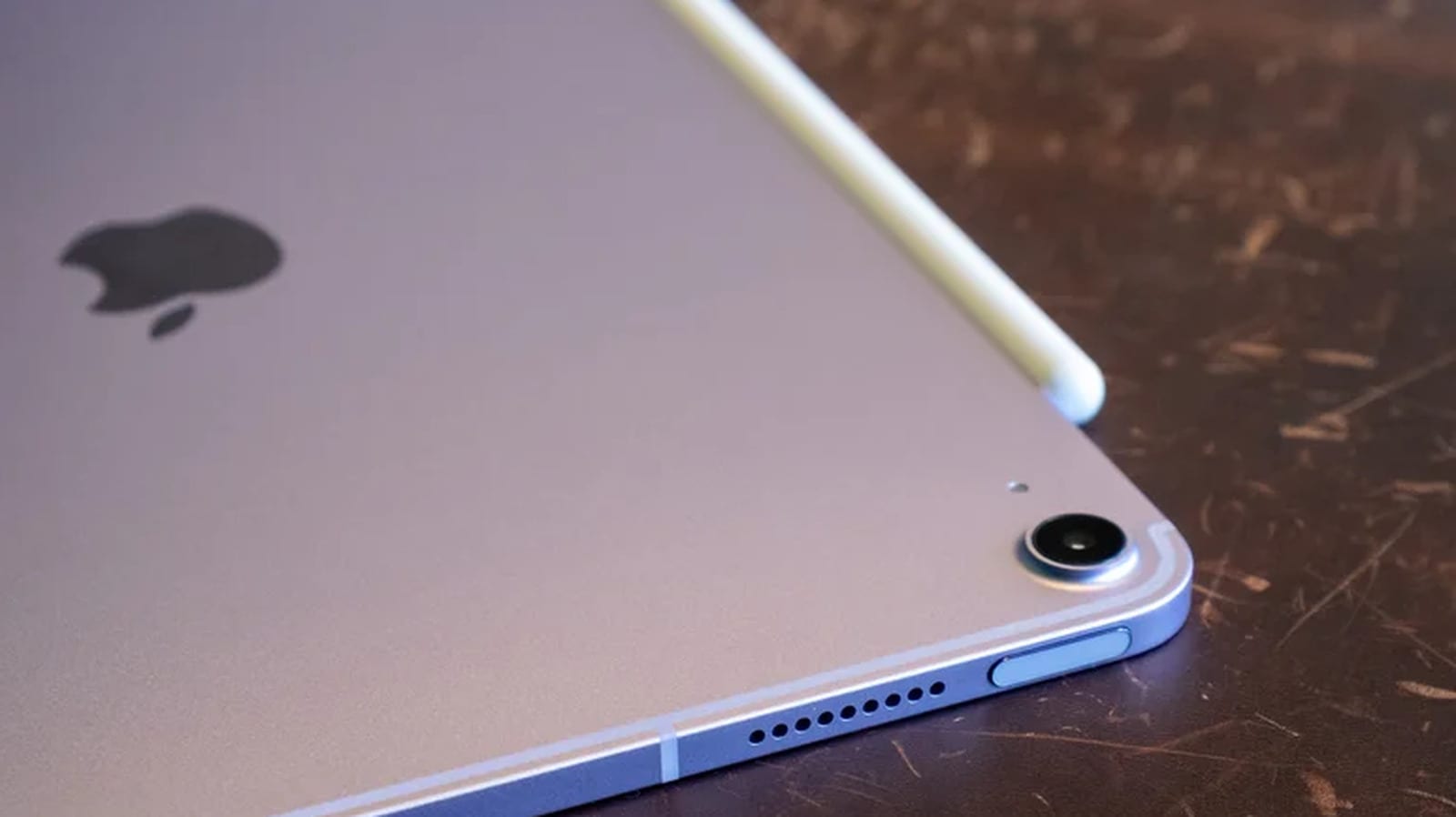
Apple is adding a Siri tab to the Camera app on supported iPads. Point the camera at something, and you can ask Siri AI about it. The feature arrives with iPadOS 27.3. Apple released a first test version in early November, and the public release is expected in December.
What changed
The new tab sits in the viewfinder next to photo, video and portrait modes. Swipe through the options until you reach Siri. It brings Visual Intelligence, Apple's tool for asking questions about what a camera sees, into the Camera app. Apple showed Siri AI at its Worldwide Developers Conference in June. A similar Siri mode is already in the camera app on supported iPhones.
Visual Intelligence is not new to iPads. Today, you start it by long-pressing the Camera Control button. You can also press the Action button if you have set it up for this and your iPad has one. The tab simply adds an easier route.
The Apple Pencil twist
One thing sets the iPad version apart from the iPhone. Visual Intelligence on iPad works with Apple Pencil. Take a photo, draw a circle around an item with the Pencil, and Siri AI can tell you more about it. Engadget compares this to Google's Circle to Search feature.
Which iPads work
Visual Intelligence runs on these tablets:
- iPad Pro with the M1 chip or newer
- iPad Air with the M1 chip or newer
- iPad mini with the A17 Pro or A20 Pro chip
Try it now or wait
To get the beta, open Settings, then General, then Software Update. Tap Beta Updates and choose iPadOS 27 Public Beta. Go back to Software Update, and the iPadOS 27.3 beta should appear for install.
Beta software is unfinished, so bugs and errors are more likely. Make a full backup first, using iCloud, a Mac or a Windows PC. If that sounds like too much, waiting is fine. The public version is likely coming soon, and the Siri tab will be in the Camera app then.
The takeawayIf your iPad is supported, back it up before trying the iPadOS 27.3 beta, or wait for the public release expected in December.